
August 5, 2026
10 min read
Guide

What Is AI Video Generation? A Beginner's Guide

AI video generation is the automated process of producing motion video from text prompts or still photos using machine learning models. Learning what is AI video generation helps you turn simple ideas and visual assets into moving scenes without dedicated filming gear.

By Reviewed by Jonah WellerHow we review

What is AI video generation and how does it start?

What is AI video generation in everyday terms? It is the process of using artificial intelligence models to produce moving footage from a text prompt or a still image. The technology analyzes your written words or source images to synthesize frames that flow naturally together as a finished AI video.

When exploring the AI video meaning, you quickly realize it is different from traditional camera work or standard editing. Instead of filming actors on a physical set or cutting existing footage on a complex timeline, you type what you want to see. The software then generates fresh visuals, camera pans, and motion directly on your screen.

Most modern platforms let you start from your phone or browser within moments. You do not need expensive software or prior animation experience to see results. A single sentence can produce a crisp clip ready to watch and share with your friends.

How AI video generation works behind the scenes

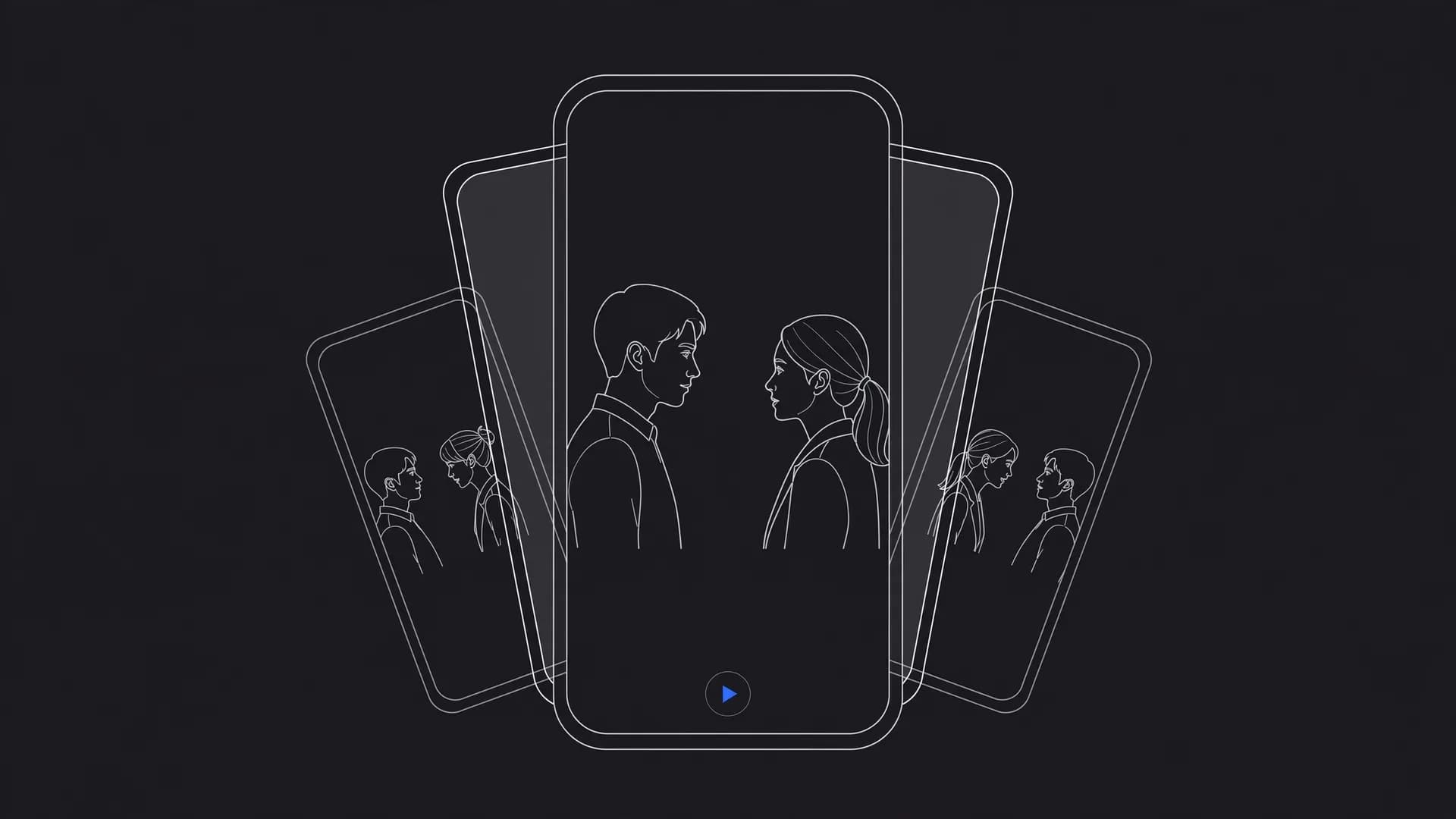
Understanding how AI video generation works helps you write clearer prompts and get better results. At its core, the system pairs a language model with a video diffusion model. The language model reads your description to grasp the scene, lighting, and subjects you want.

The diffusion model then begins with a field of visual noise and gradually sculpts it into sharp video frames. It calculates how objects should move across consecutive seconds so the motion stays smooth. This process explains how AI video works without requiring physical cameras or three-dimensional animation rigs.

Once the frames are generated, the system sequences them into a standard video file. Platforms like OnVid assemble these frames quickly into downloadable files up to 1080p resolution. You can then preview the final motion immediately without waiting for heavy desktop rendering.
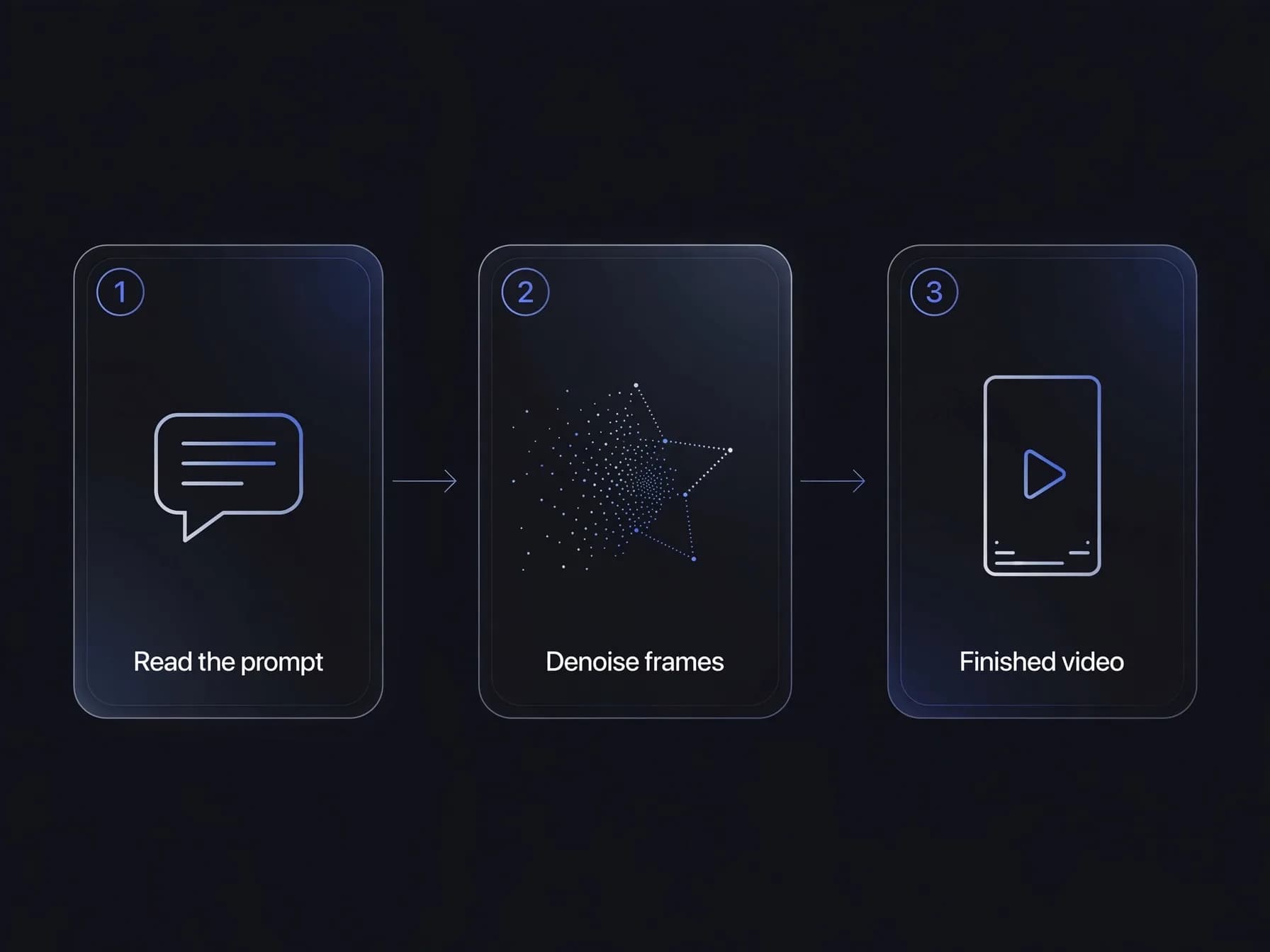
How AI video generation works: the model reads the prompt, denoises frames, and outputs a video

The main ways to produce an AI video today

Creators generally use three primary methods when building moving scenes with artificial intelligence. The first method is text to video, where you type a scene description and receive a finished clip. This approach is ideal when you want to explore a fresh concept from scratch without existing media.

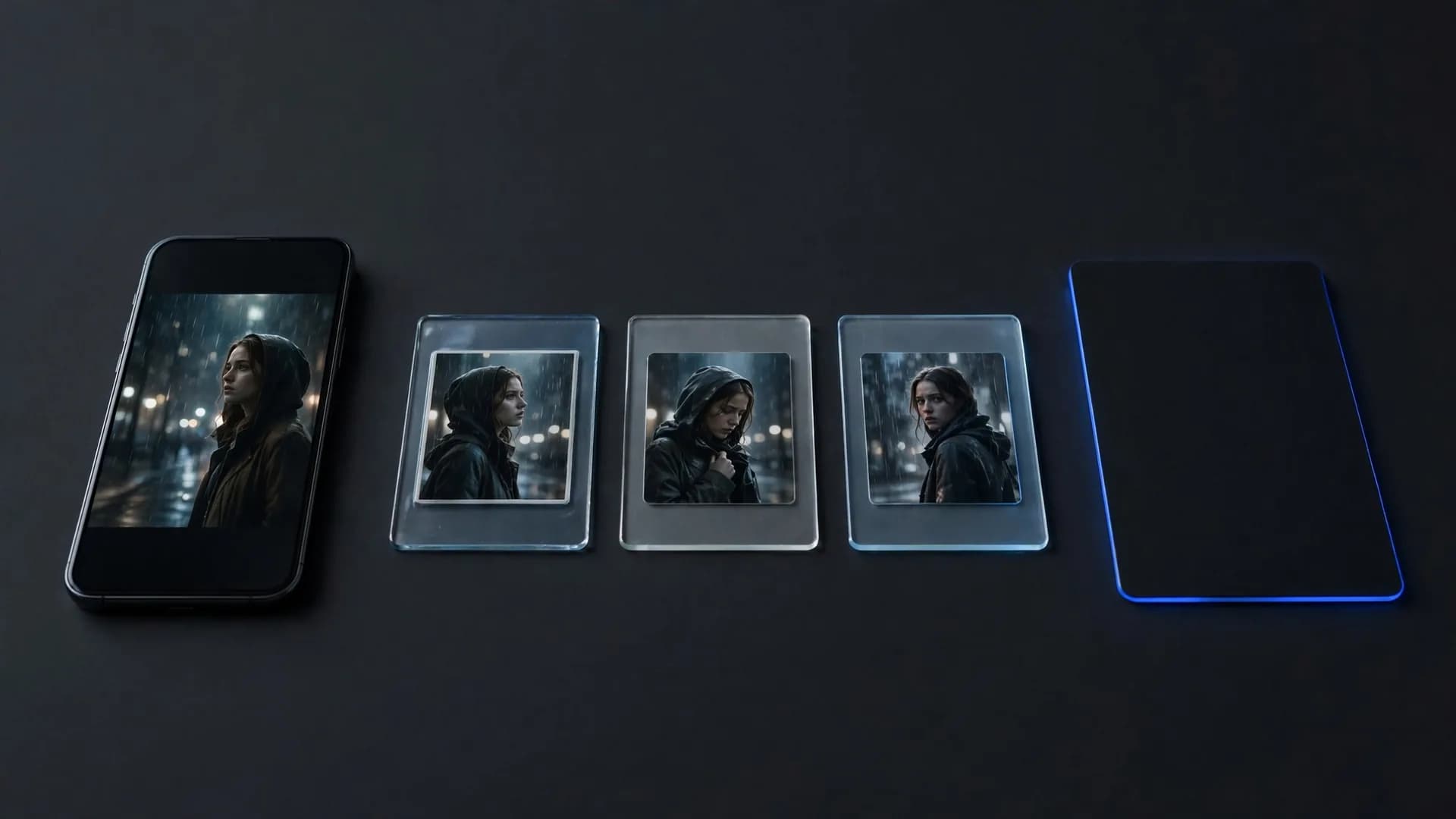
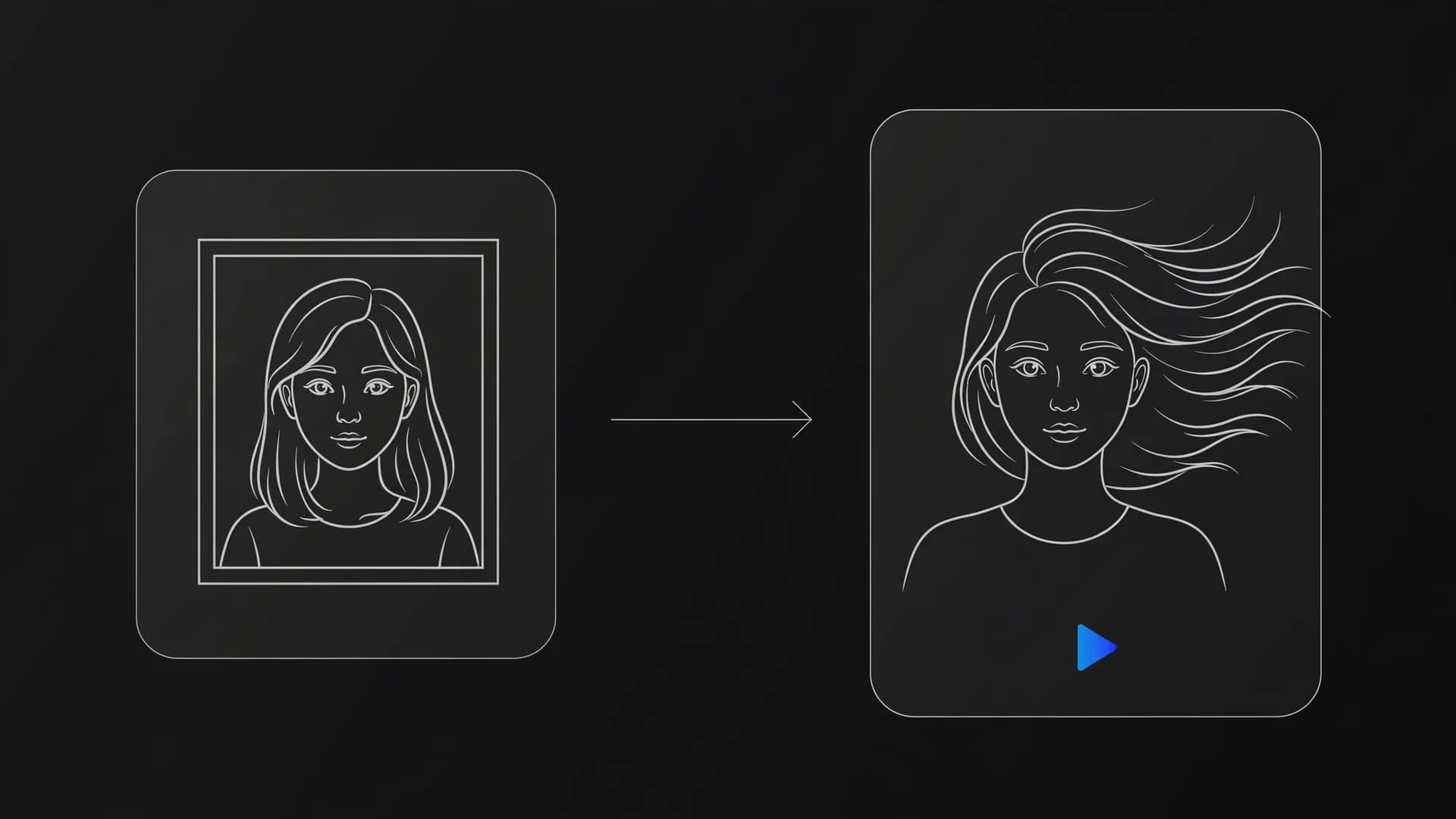
The second method is image to video, which takes an existing photo and adds natural motion to it. You upload a portrait, landscape, or product picture and specify camera movement like a pan or zoom. Many people also rely on video to video, uploading a short reference clip to restyle characters or environments.

Advanced creators often connect these methods into a complete AI video workflow for larger projects. OnVid's AI video generator offers both text and image modes so you can test prompts or bring your favorite still pictures to life. Each path gives you flexible controls over pacing and visual direction.

Everyday AI video applications across the web

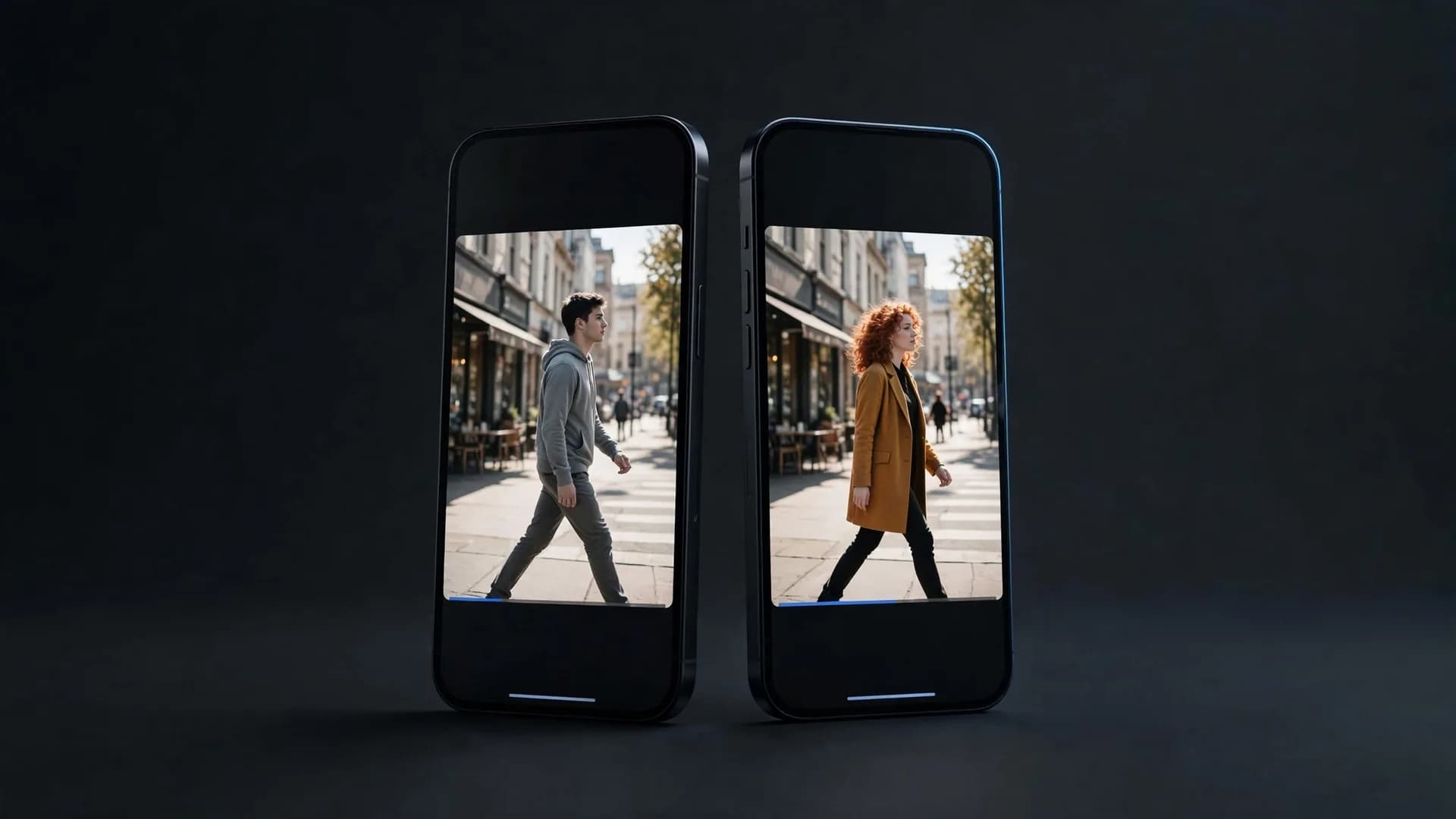
Practical uses for synthetic video now extend across social media, creative storytelling, and quick marketing tests. Casual creators use automated tools to build entertaining clips for TikTok, Instagram Reels, and YouTube Shorts. You can turn a funny thought or fictional scenario into a shareable clip quickly. Serialized formats like AI short drama are one of the fastest-growing uses.

Small business owners also rely on AI video creation to create product teasers and eye-catching visual ads. Instead of spending thousands of dollars on a commercial shoot, they animate product photos or generate mood footage from text. This makes testing multiple creative angles fast and inexpensive.

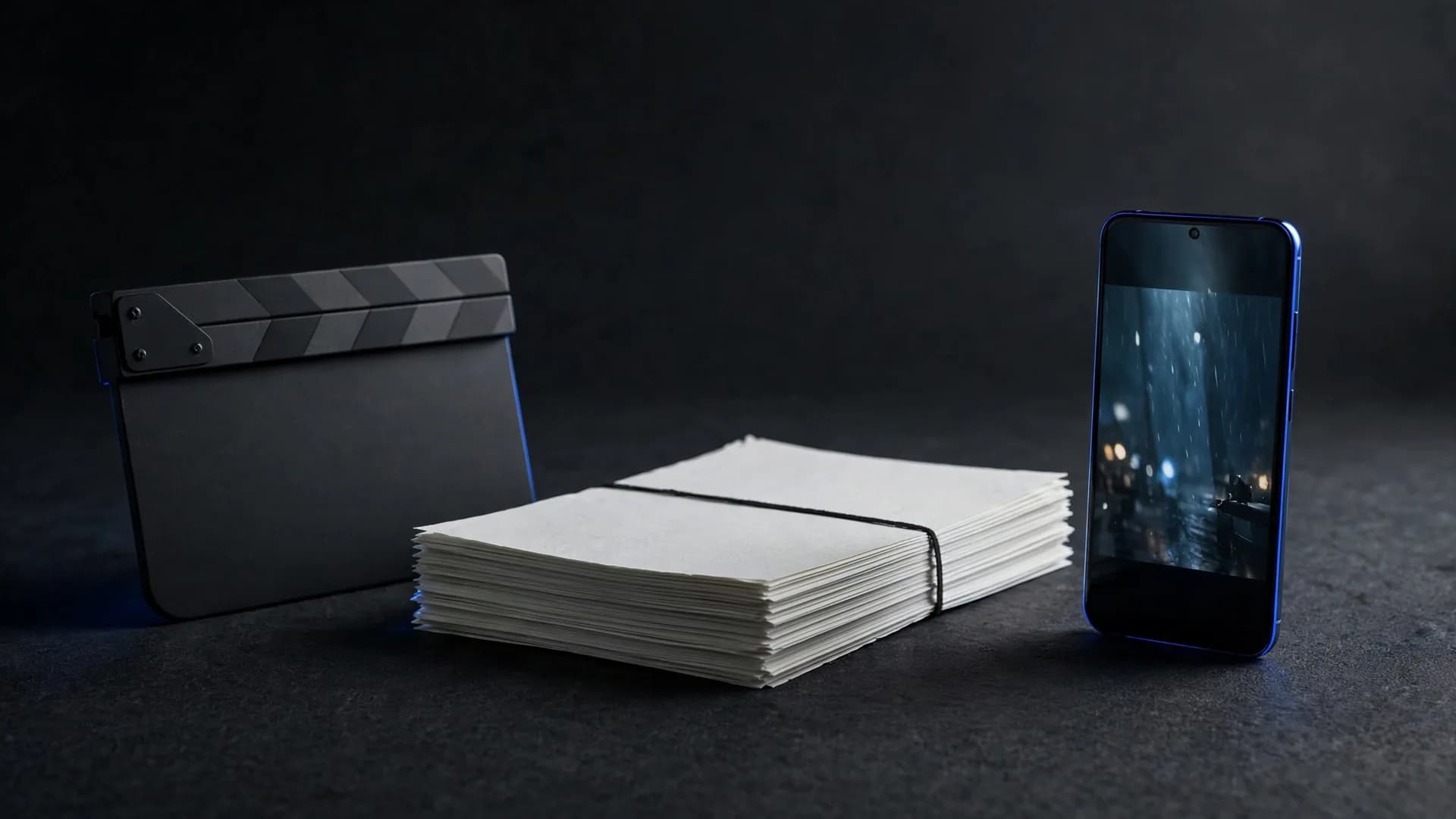
Independent writers and hobbyists use these clips to visualize characters and pitch concept trailers. You can produce quick storyboards or mood boards that help collaborators see your vision clearly. As detailed in our AI video report, the barrier to producing expressive motion pictures has never been lower for everyday storytellers.
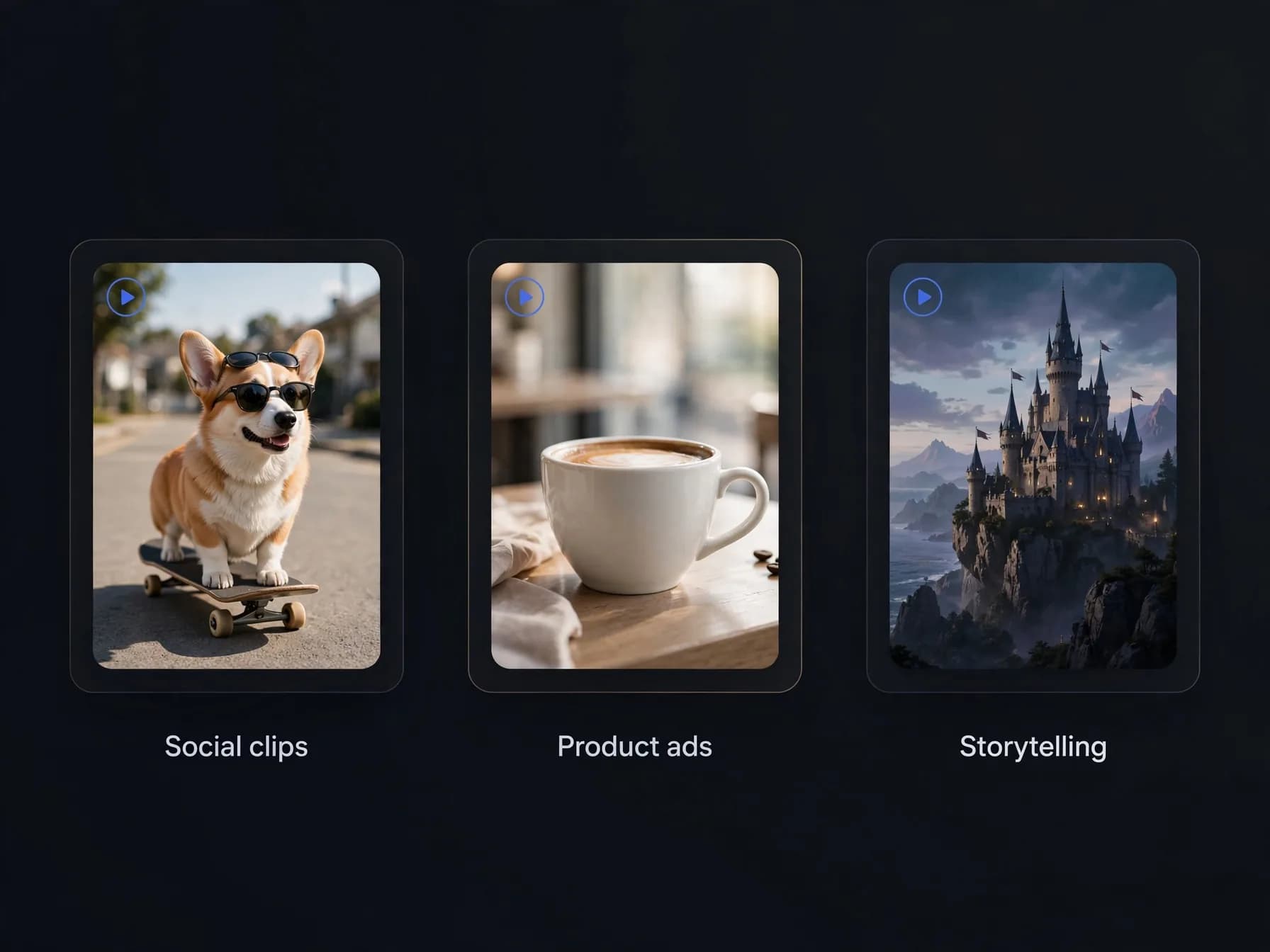
Everyday uses for AI video: a funny social clip, a coffee product ad and a fantasy story scene

What AI video tools do best today

Recognizing where these tools shine will save you time and set clear expectations. The technology shines at short narrative vignettes, surreal visual concepts, and dynamic background loops. It lets solo creators produce visually stunning moments that would normally require a full production crew.

Current systems excel at generating clips ranging from five to sixty seconds depending on your chosen plan. For instance, OnVid supports videos up to thirty seconds on Pro and sixty seconds on Max. While feature-length cinema still requires human direction, short scenes and social clips render smoothly.

The technology is less suited for frame-perfect technical blueprints or ultra-precise physical measurements. For creative storytelling, atmospheric clips, and social updates, however, it delivers reliable visual quality. Knowing these strengths helps you pick the right projects to tackle first.

Simple habits to produce a better AI video

Getting great results begins with how you frame your written prompt or source photo. Start by describing the primary subject clearly before adding details about lighting, background action, and camera motion. Specific camera cues like slow zoom in or cinematic tracking shot help the model interpret your vision. You can also consult our Sora 2 prompt guide for practical tips on structuring your descriptions.

Keep your scenes focused on one or two key actions rather than crowding too many events into a single clip. When using image to video, choose high-resolution photos with good contrast and sharp subjects. Clear source materials give the diffusion model a much stronger foundation for natural movement.

Finally, experiment with different styles and pacing to find what matches your personal taste. You can review our AI video model leaderboard to see how different generative engines handle motion and detail. Testing short iterations will quickly teach you how to achieve your desired look.
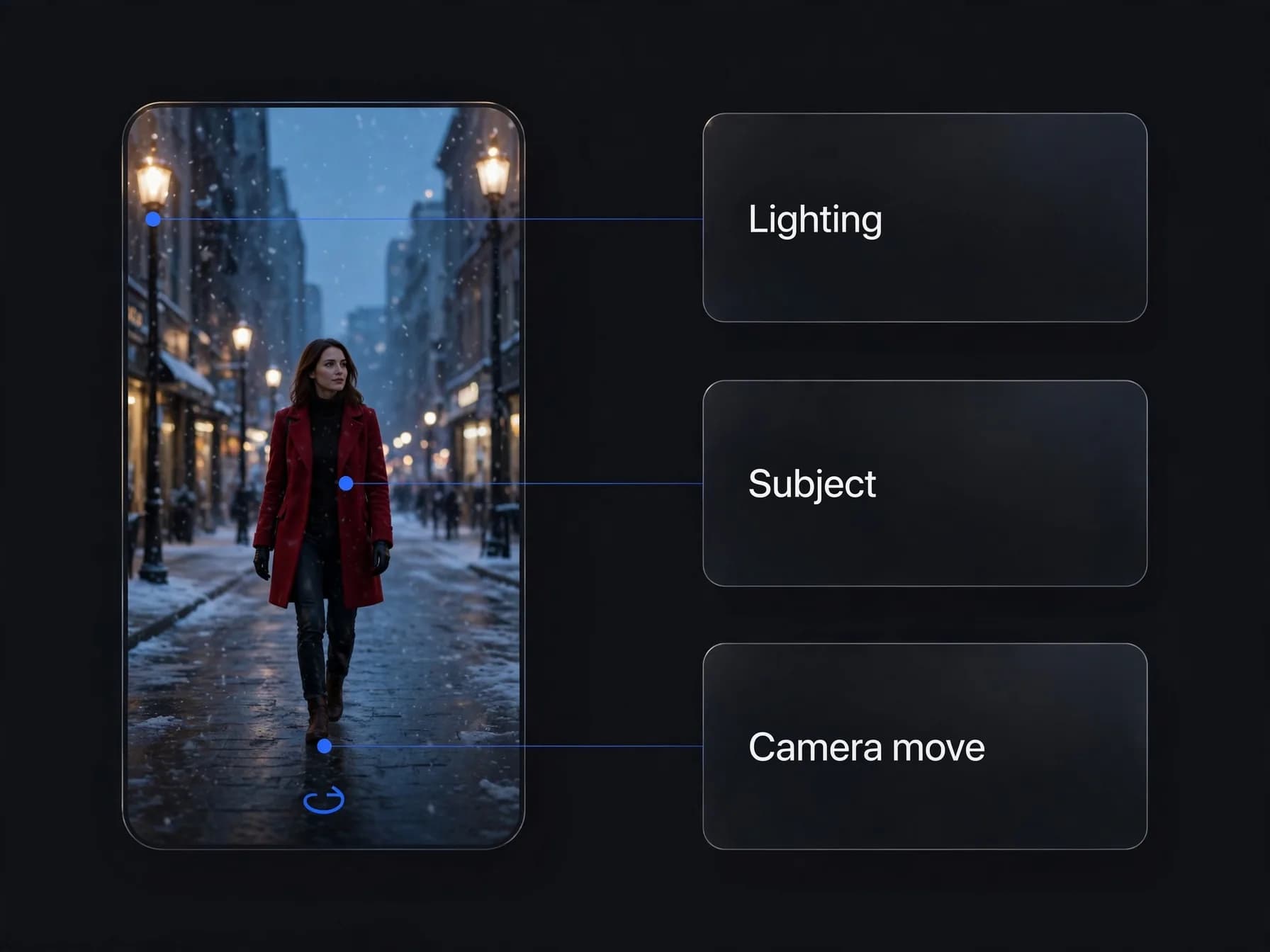
Annotated video frame marking the lighting, the subject and the camera move a good prompt should name

The bottom line on AI video generation

Understanding what is AI video generation comes down to seeing how neural networks translate natural language prompts and still photos into cohesive motion sequences.

Modern diffusion models handle visual physics and camera trajectories smoothly without requiring filming gear or advanced editing software. Starting with descriptive prompts and clear reference images gives you immediate control over your finished clips as the technology continues to advance.

Common questions about what is AI video generation

Find straightforward answers to practical queries about what is AI video generation, from diffusion model mechanics to output formats and plan credits.

What is AI video generation in simple terms?

What is AI video generation? At its core, it is the process of using artificial intelligence models to synthesize moving visual scenes directly from text prompts, photos, or reference footage. Instead of recording real-world light through a physical camera lens, generative software calculates motion and pixels frame by frame to produce a cohesive video clip.

How does the text to video generation process work?

The text to video generation process turns descriptive words into math, then calculates realistic motion across visual frames. Dedicated tools like OnVid turn those prompts into finished 5 to 10 second clips or extended scenes up to 60 seconds on Max.

How are AI video diffusion models explained for beginners?

When AI video diffusion models explained in plain language are evaluated, they work by gradually removing visual noise to uncover coherent moving pictures. The network starts with pure static and predicts what changes need to occur across consecutive frames based on your text prompt. Over dozens of refinement steps, that static resolves into fluid motion, lighting shifts, and realistic physical action.

What is image to video generation?

Image to video generation turns a still photo into a moving scene by predicting realistic motion paths. OnVid's image-to-video tools bring portraits and landscapes to life with natural camera movement.

Is AI video generation free to use online?

AI video generation tools typically operate on metered computing resources rather than open access. Creating an OnVid account is free, but generating video needs a plan: Pro starts at $7.99 a week and Max at $14.99 a week, with clips up to 30 or 60 seconds.

How does understanding what is AI video generation help everyday creators?

Learning what is AI video generation allows casual creators to turn rough concepts into polished clips without buying cameras, hiring actors, or mastering complex timeline software. You can experiment with artistic styles, visualize scenes for an AI micro drama guide project, or animate personal memories directly from text or photos. This workflow shortens the gap between a visual idea and a finished clip you can share.

How do you tell if a video is AI-generated?

You can usually spot an AI video by inspecting subtle visual anomalies in complex details such as hands, teeth, or rapid motion transitions. Looking closely at background consistency, unnatural physics, or flickering textures often reveals synthetic origins. As foundation models improve, these artifacts become less noticeable, though watermarks and provenance metadata still help identify them.

What are common AI video generation applications today?

Practical AI video generation applications range from social media content creation and product mockups to cinematic storytelling and rapid prototyping for filmmakers. Teams also use these tools to build animated backgrounds, test storyboards, or produce educational snippets without scheduling studio shoots. Many creators combine multiple generated shots into longer stories following a structured AI video workflow.

Does a tool require expensive computer hardware?

No, because cloud servers handle the heavy model calculations instead of your local graphics card. You only need a standard web browser and an internet connection to submit prompts and download finished clips.

What are the main limitations of current AI video tools?

Current generation systems still struggle with precise fine-motor interactions, multi-step cause-and-effect physics, and persistent character identity across numerous cuts. Additionally, clips are not unlimited in length, with OnVid capping individual projects at 30 seconds on Pro and 60 seconds on Max. Highly specific physical gestures can sometimes require multiple prompt adjustments to achieve exact results.

Can I legally use AI-generated videos for commercial projects?

Commercial use depends on the model that made the video; check the OnVid Terms of Service and the model's terms before commercial use.

How long does it take to generate an AI video clip?

Most text or image conversions take between 30 seconds and under two minutes depending on server traffic and output resolution. Models producing short 5-second previews generally finish faster than deep multi-image or 1080p high-fidelity renders. If a generation attempt fails due to a network glitch, OnVid automatically refunds the spent plan credits back to your balance.

What is the difference between text-to-video and video-to-video generation?

Text-to-video creates completely fresh visual frames purely from written instructions, giving the model broad freedom over composition and staging. Video-to-video, by contrast, takes an existing reference video under 30 seconds and restyles the movement, characters, or environment using new prompts or photos. This makes video-to-video helpful when you already have specific camera motion that you want to adapt.

Can tool create synchronized sound effects and dialogue?

Yes, select models on OnVid create native synchronized audio alongside video clips, while talking photo models sync spoken voiceovers to portrait shots.

What makes a text prompt effective when generating AI videos?

An effective prompt clearly specifies the main subject, setting, lighting conditions, and exact camera motion such as a slow pan or tracking shot. Avoiding vague buzzwords and focusing on concrete physical actions gives the underlying model clearer direction. Experimenting with different framing terms helps maintain clean spatial continuity from the first frame to the last.

How do credits work when making videos with OnVid?

OnVid meters usage through a credit system where generations are charged per second of video and vary by model. For instance, choosing standard 5-second clips consumes fewer credits than high-tier models rendering extended sequences. Credits come with the Pro and Max plans; a free account alone cannot generate clips.

See similar blogs

More from the blog