Clear AI video prompts work by defining the core subject, physical action, camera movement, and lighting environment in plain detail. Learning how to write AI video prompts properly helps you produce stable motion and coherent visuals across any modern video generator.
Why learning how to write AI video prompts changes your output
An AI video prompt structure guide helps you avoid distorted clips by organizing every detail before the generator starts running. When you write clear descriptions instead of generic keywords, generative video models understand exactly what to place in the frame and how it should move.
Most weak clips happen because the creator types broad phrases like sunset city or cinematic car chase without specifying the subject or camera angle. Adding specific details about motion, perspective, and lighting guides the model toward predictable results that look intentional.
Taking thirty seconds to organize your thoughts before typing saves plan credits and cuts down on frustrating retries. Clear phrasing is the most reliable way to get high quality video clips on your first attempt.
How to write AI video prompts step by step
Step 1: Define your core subject and specific setting with concrete nouns
Name the person, animal, or object clearly and describe the immediate environment, such as a cyclist on an asphalt mountain road surrounded by pine trees.
Step 2: State the primary action and camera movement using active verbs
Direct the subject to pedal forward while instructing the camera to hold a low angle tracking shot moving alongside the bike wheel.
Step 3: Specify the visual atmosphere, lighting, and color palette
Finish by detailing golden hour sunlight filtering through dust particles, then generate a test clip so you can fine-tune text to video prompts before expanding your scene.
Prompt built in three steps: cyclist and setting, then action and camera, then light and style
Which camera angles and lighting work best for AI videos?
Camera direction tells the AI model how to navigate three-dimensional space during the generation. Specifying camera positions such as eye-level shot, slow drone pull-back, or gentle panning shot keeps the background from warping unpredictably. For ready-made cinematic examples, see our Sora 2 prompt guide.
Lighting descriptions provide essential contrast cues that prevent murky or flat generations. Clear terms like soft window light, overcast morning illumination, or vibrant neon rim light tell the model how highlights and shadows fall across your subject.
Combining a distinct camera path with one specific lighting source produces the cleanest motion. Testing these visual parameters in short clips helps you find the visual tone you want without complicating the underlying prompt.
How to maintain character consistency in AI video scenes
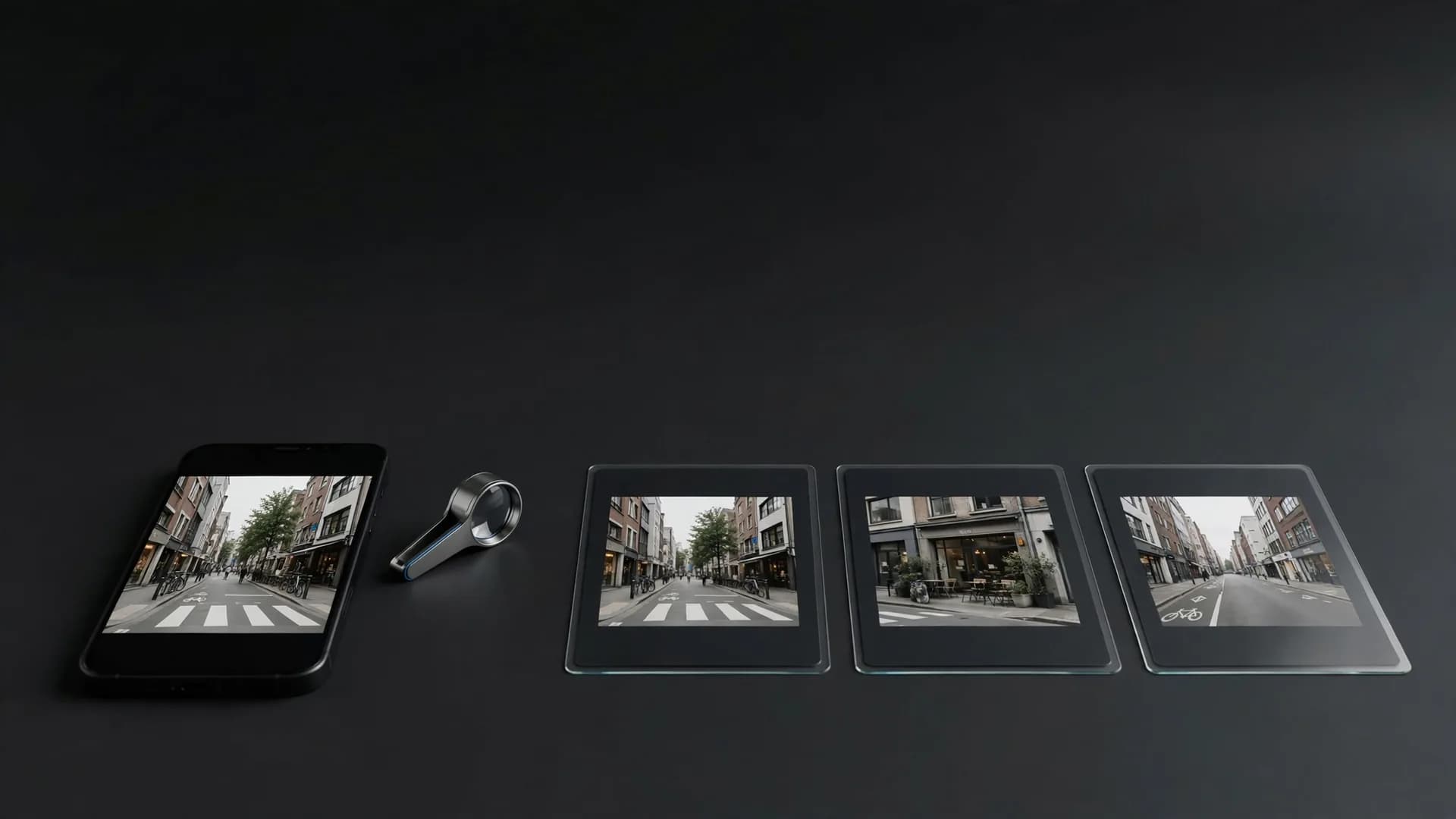
Maintaining character consistency in AI video requires using precise descriptive anchors across every generation. If your character wears a faded olive jacket and round brass spectacles, repeat those exact descriptive markers in every subsequent prompt. Starting from a photo instead? Image to video keeps the subject locked from the first frame.
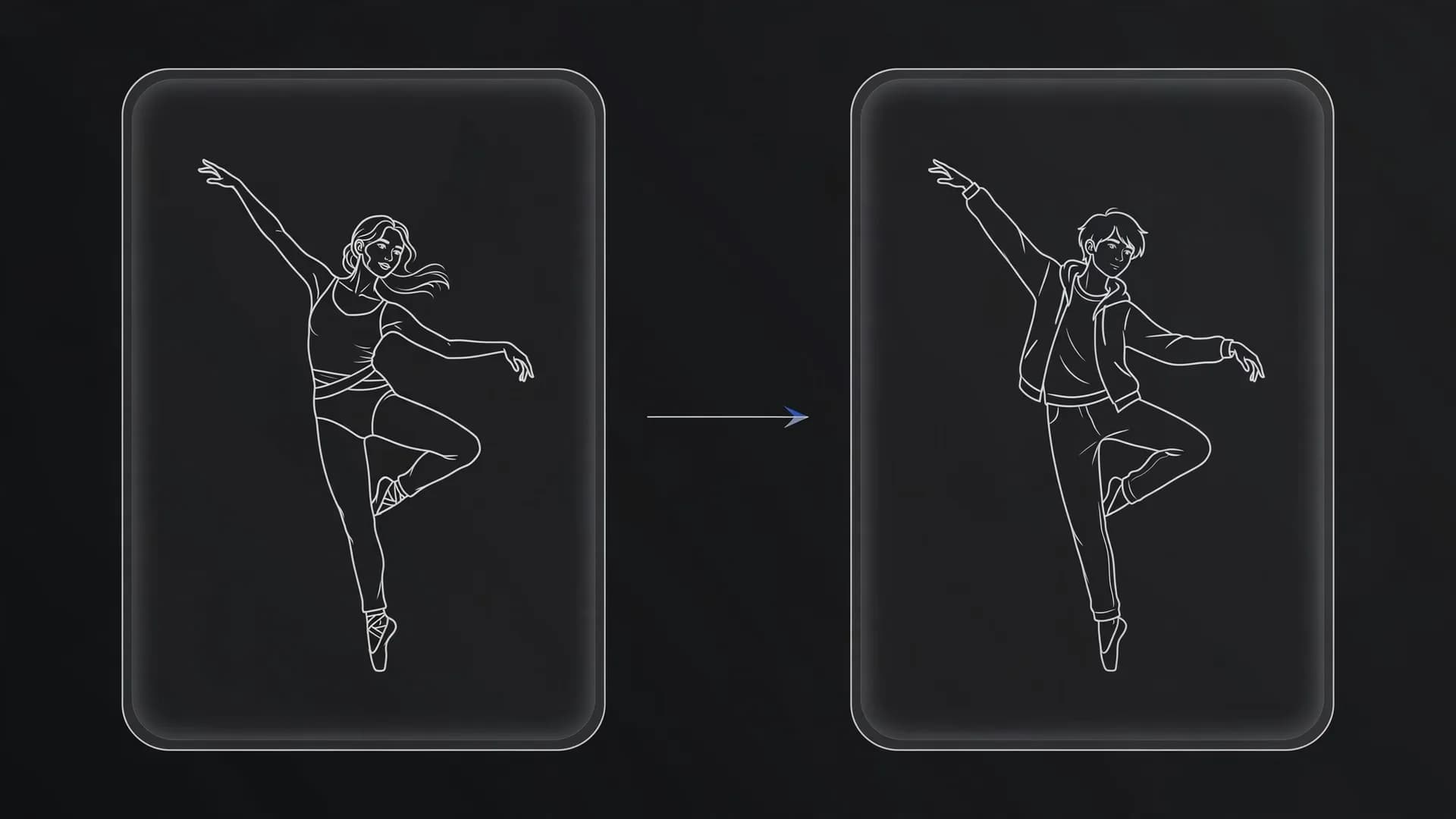
Avoid generic labels like young man or business woman across connected shots because the model will generate a new face each time. OnVid supports multi-image reference models and video-to-video tools that let you anchor appearance to a source image instead of relying solely on text.
Keeping clothing, hairstyle, and distinctive accessories identical across your prompt sequence gives viewers a steady visual thread. This consistency makes it easy to assemble multiple short clips into a cohesive story.
The same man in an olive jacket and brass spectacles kept consistent across three different scenes
What mistakes ruin AI video prompts most often?
Piling up subjective buzzwords is the most frequent error creators make when writing AI video prompts. Words like hyperrealistic, mindblowing, and masterpiece confuse generation models because they describe opinion rather than tangible physical objects.
Another common mistake is packing too many conflicting actions into a single short clip. If you ask a character to walk into a cafe, order a coffee, sit down, and open a book within five seconds, the model will blend those motions into an unnatural blur.
Focus each generation on a single clear action spanning three to five seconds of screen time. When you need complex storytelling, generate separate sequential clips and edit them together into a complete narrative.
Tip: Keep prompts under sixty words and focus on one primary motion per clip to avoid visual distortion.
How to refine text prompts for longer AI videos
Following a practical AI video prompt guide allows you to chain multiple short generations into extended sequences. Start with an establishing shot, move to a medium action shot, and conclude with a focused close-up to build natural visual pacing.
OnVid lets you produce clips up to 30 seconds on Pro plans and up to 60 seconds on Max plans using advanced models. If a clip fails to generate as intended, OnVid automatically refunds your plan credits so you can adjust your phrasing risk-free.
Sign up for OnVid to test your prompt formulas across leading text-to-video models with native audio and crisp high-definition downloads. Refine your ideas one prompt at a time and watch your written concepts turn into finished AI video.
Shot sequence for a longer video: wide lighthouse establishing shot, medium stair climb and lantern close-up
The bottom line on writing effective AI video prompts
Good prompting comes down to treating the generator like a physical camera crew. When you specify the subject, concrete physical motion, lighting, and camera framing in plain language, the model delivers clean scenes without visual chaos.
Start with simple descriptive sentences, test one adjustment at a time, and rely on structured details rather than poetic modifiers to guide every shot.
Common questions about how to write AI video prompts
Find clear answers to key questions creators ask about prompts that produce predictable motion, clean visuals, and reliable pacing.
How to write AI video prompts for beginners?
To begin, describe the subject, action, environment, lighting, and camera motion in one clear sentence. Focus on tangible physical nouns and active verbs rather than generic hype words. OnVid's AI-video-generator turns these direct details into clean motion without requiring technical filming jargon.
What is the recommended AI video prompt structure guide?
A dependable prompt structure follows a six-part sequence: subject, primary action, setting, lighting, camera movement, and aesthetic style. Structuring your sentence in this exact order helps the model process visual priorities correctly. For instance, establish the main figure before describing background weather or camera angles.
Can ChatGPT make AI video directly from a text description?
ChatGPT generates text prompts, scene ideas, and dialogue scripts, but it cannot render video files on its own. You can use ChatGPT to brainstorm visual descriptions, then paste those text descriptions into an AI-video-generator like OnVid. This workflow lets you turn text concepts into downloadable video clips within seconds.
How do cinematic video prompt examples help achieve realistic lighting?
Studying cinematic video prompt examples teaches you how to name real-world film lighting conditions, such as golden hour backlight or practical neon rim lighting. Pinpointing exact illumination sources prevents the model from generating flat, washed-out scenes. Clear camera descriptors like slow dolly push or low-angle tracking shot also give the clip natural cinematic weight.
How do you keep characters consistent in AI video?
Maintaining character consistency in AI video requires locking in specific anchor traits, such as distinct clothing, hairstyle, age, and recognizable accessories across every generation. On OnVid, you can also use image-to-video or multi-image reference models like Seedance-2.5 and Kling O1 to preserve facial geometry across different shots. Keeping text descriptors identical from scene to scene prevents the model from altering key facial features.
What are good AI video prompts for dynamic action scenes?
Good action prompts focus on a single continuous motion rather than multiple complex events happening at once. Specify the direction of movement, velocity, and how the camera tracks the subject, such as a runner sprinting through rain with a side-tracking camera. Overloading a single clip with too many separate actions often causes visual warping or confusing morphs.
How does OnVid's tool interpret camera angles and focal lengths?
OnVid's AI-video-generator recognizes standard cinematic language including wide-angle establishing shots, close-ups, drone flyovers, and shallow depth of field. Using precise film terms helps the underlying video models calculate perspective and lens blur accurately. Stating where the camera stands relative to the subject yields far more predictable framing.
How long should an AI video prompt typically be?
Most leading video diffusion models perform best with prompts between 25 and 60 words. Extremely short prompts leave too many details to algorithmic guesswork, while overly long prompts can trigger prompt bleed where the model ignores later sentences. Striking a balance with two concise, descriptive sentences produces the highest fidelity clips.
How do I create an AI video prompt from a still photo?
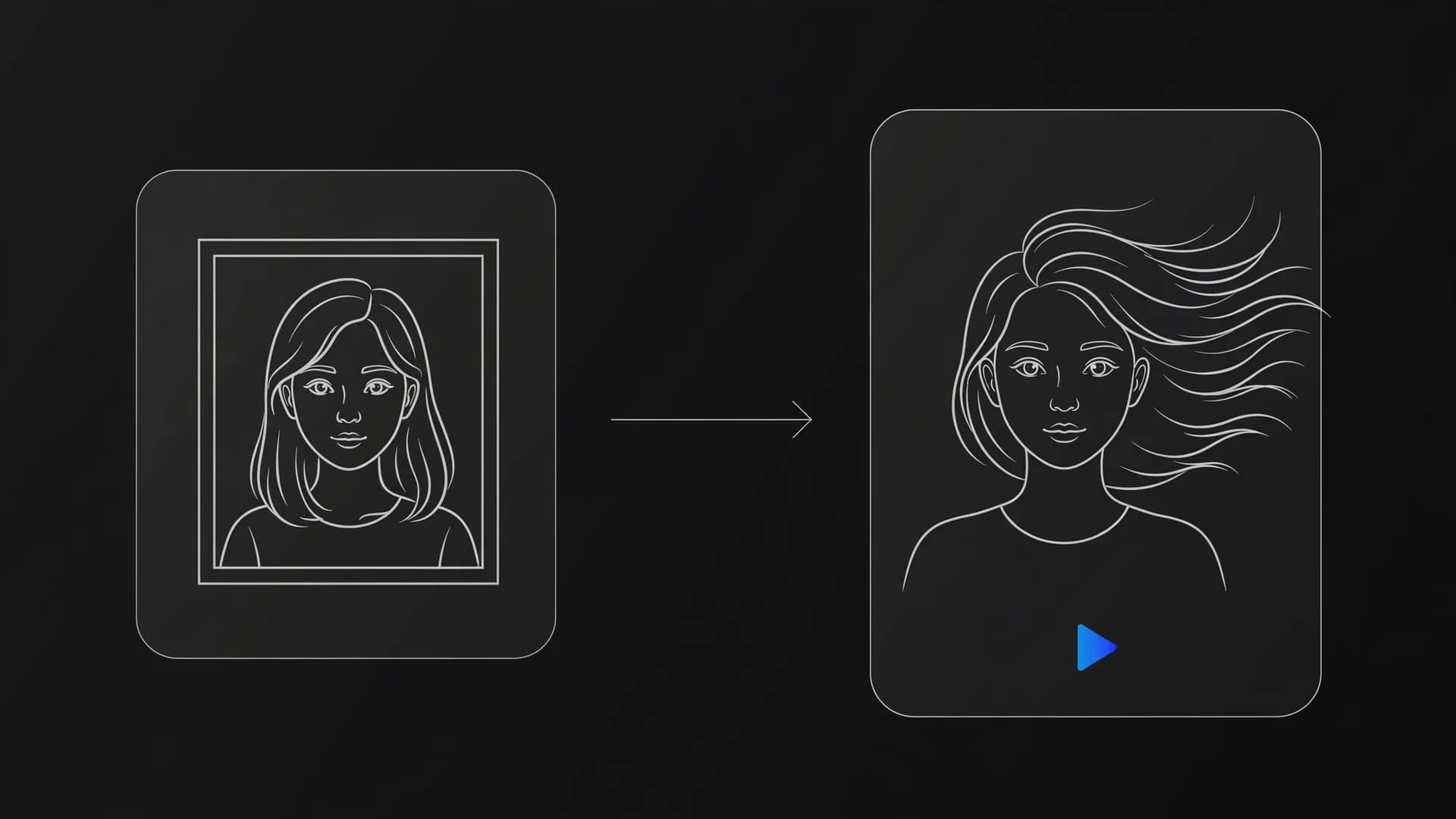
When using image-to-video tools, your prompt should describe only the desired motion and camera behavior rather than re-describing the image contents. Tell the model what moves, such as hair blowing in the wind or the camera gently zooming inward. Because the starting frame is already established, focusing purely on movement prevents conflicting visual instructions.
What common mistakes should I avoid when writing prompts?
The most frequent prompting mistake is stacking contradictory modifiers or requesting sequential actions within a brief clip. Another pitfall is using subjective quality words like hyper-detailed instead of naming tangible textures like damp wool or polished granite. Keeping instructions physical and bounded to a single moment ensures stable results.
How many words should a video script be for AI voiceover and video generation?
A standard conversational voiceover runs at roughly 130 to 150 words per minute, meaning a 60-second video script needs about 140 words. If you plan to generate multi-scene AI videos, break your script into short five-second visual beats with matching prompts for each segment. This modular approach aligns spoken timing with visual scene transitions cleanly.
Can I use commercial branding or trademarked characters prompts?
Prompts should avoid copyrighted characters, protected brand logos, and proprietary intellectual property to prevent generation errors and policy violations. For legitimate commercial projects, describe original archetypes, neutral outfits, and original set designs instead. If you intend to use your exports for marketing, review model restrictions prior to publishing.
Can I use videos created with OnVid commercially?
Commercial use depends on the model that made the video; check the OnVid Terms-of-Service and the model's terms before commercial use. Certain base models permit commercial deployment while others retain specific restrictions or attribution rules. Always verify licensing requirements before incorporating generated assets into client campaigns or commercial releases.
What is the maximum video length I can create from a text prompt on OnVid?
OnVid supports video generations up to 30 seconds on the Pro plan and up to 60 seconds on the Max plan. Standard individual generation clips on models like Seedance run in 5 or 10-second increments to maximize visual stability and coherence. You can generate multiple sequential clips using consistent prompting to assemble longer storyboards.
How do negative prompts work?
Negative prompts instruct the video generator on visual elements, styles, or defects you want excluded from the output. Common negative entries include distortion, jerky camera, blurry background, cartoon rendering, or extra limbs. Adding clear negative parameters prevents common diffusion artifacts and keeps human anatomy looking natural.
What should I do if an AI video generation fails or renders unnatural motion?
If a video generation fails on OnVid, your spent credits are automatically refunded to your plan balance. When motion appears unnatural, simplify the prompt by reducing the number of moving objects and specifying a slower, more deliberate camera movement. Switching to higher-tier models such as Seedance-2.5 or Kling 2.5 Turbo can also dramatically improve physics rendering.