
October 26, 2026
9 min read
Guide

How to Make AI Fruit Videos

This guide shows how to make AI fruit videos, starting with designing an expressive character and animating its movements with dedicated motion models. It covers the full workflow from writing dramatic food scripts to producing shareable vertical clips.

By Reviewed by Jonah WellerHow we review

Why AI fruit videos took over short-form feeds

Viral social feeds are full of AI fruit videos that turn simple produce into expressive, talking characters. Creators place hyper-realistic apples, blueberries, or strawberries into intense fictional situations to hook viewers instantly. The unexpected contrast between cute anthropomorphic fruit and serious emotional conflict drives massive comment sections and high completion rates.

Most audiences stop scrolling because the character visual looks tangible yet impossible. An expressive strawberry arguing with a jealous blueberry feels humorous, absurd, and easy to watch without context. Creators discover that short-form platforms heavily reward this high-retention premise.

This format lets you tap into this social media format without expensive cameras or physical props. If you want a refresher on the basics, learning how to make AI videos gives you a solid foundation before diving into character design. A single descriptive text prompt or still image can launch an entire multi-part narrative.

Info: High contrast between cute fruit characters and serious dramatic plots helps hook viewers and make your video stand out.

How do you turn short-drama tropes into AI fruit drama parodies?

Every memorable AI fruit drama relies on high stakes, exaggerated emotional dialogue, and sharp visual contrast. Give your fruit distinct personalities, such as an anxious lemon, a heartbroken banana, or a villainous dragon fruit. Ground their dialogue in relatable melodrama like betrayal, gossip, or unexpected breakups to keep viewers glued to the screen.

Keep your video scripts between fifteen and thirty seconds to maintain tight pacing and maximize replay value. Open immediately with a striking visual action or an ongoing argument rather than lengthy introductions. Write expressive stage directions that describe facial close-ups, trembling eyes, or sudden tears.

The fastest-growing version of the trend is the parody: creators take the storylines of vertical short dramas and recast them with fruit. The jilted bride who marries a mafia boss, the secret billionaire who returns for revenge, the cheating partner exposed at the wedding all work as fruit stories, because viewers already know the beats and enjoy seeing them played by a sobbing strawberry. Keep the original drama's structure (betrayal, confrontation, twist, cliffhanger) and swap the cast for fruit, but write your own dialogue and characters rather than copying a real show's script, names or footage.

If you want to understand why these short conflicts captivate viewers, exploring what is AI short drama reveals the storytelling formulas behind quick online narratives. When preparing your production, you can explore an AI drama series workflow to map character arcs across episodic clips. Consistent character traits make audiences tune in for sequential story uploads.
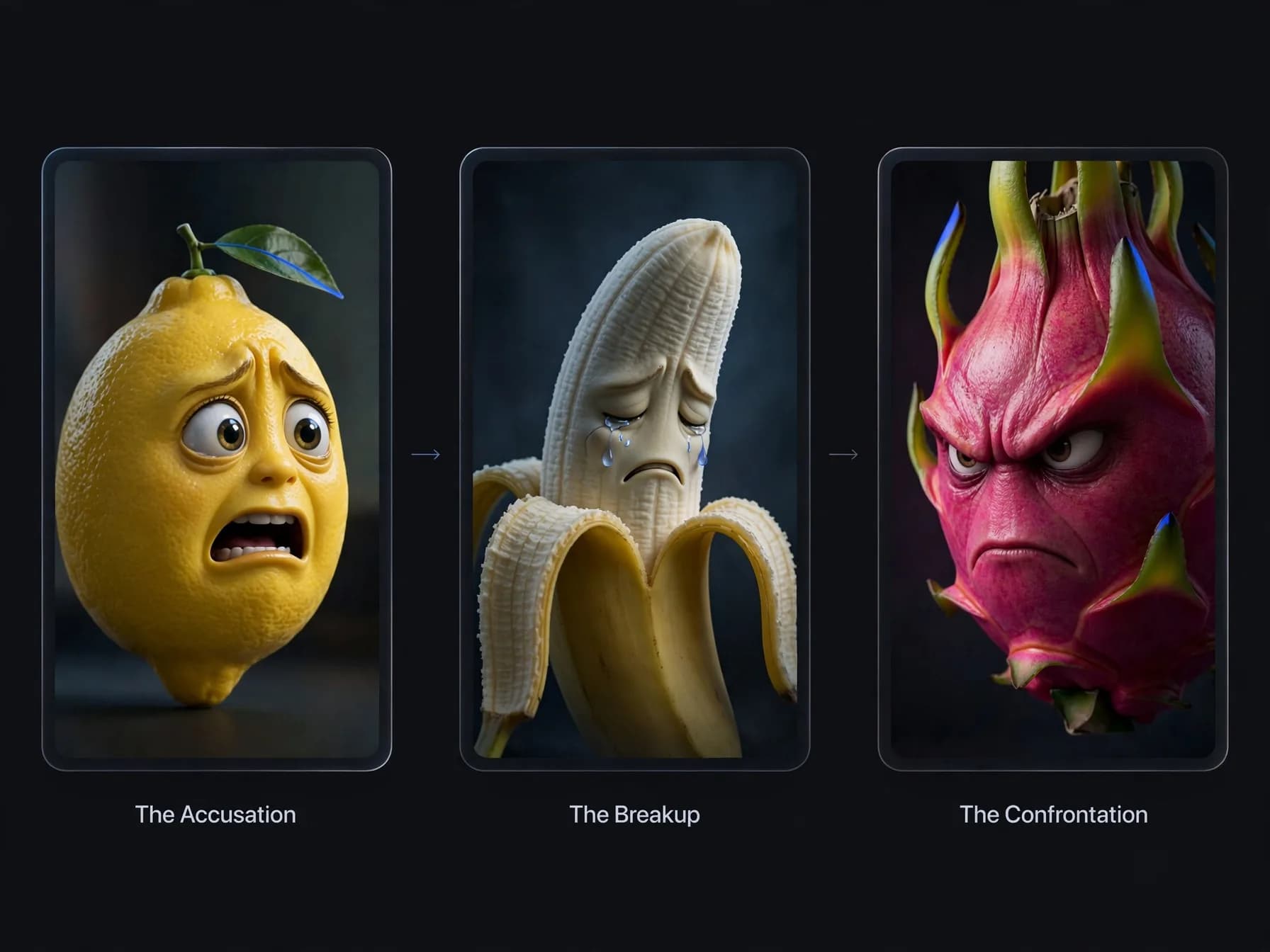
Dramatic anthropomorphic strawberry character speaking with teary eyes in an AI video scene

How to make AI fruit videos in three simple steps

Step 1: Write your scene outline and describe the character design in a detailed prompt

Specify the type of produce, anthropomorphic facial features, emotional expressions, lighting, and camera movement. Focusing on tactile fruit textures like glossy berries or fuzzy peaches ensures the resulting visual pops on mobile screens.

Step 2: Generate your moving clip using text to video or upload a character concept imag

Step 3: Review the generated result, export in high definition without watermarks on pai

Staging realistic AI fruit cutting and action moments

Action sequences involving AI fruit cutting introduce immediate jeopardy and visual excitement into character storylines. In these clips, a kitchen knife slowly descends toward a panicked orange or grape character, raising narrative tension. Audiences watch nervously to see if the fruit escapes or negotiates with its culinary captor.

To animate these scenes convincingly, describe the material interaction between steel, cutting board surfaces, and fruit pulp. Mention soft kitchen lighting, micro-splashes of fresh juice, and dramatic slow-motion movement. Keeping the pacing deliberate makes the impending chop feel cinematic rather than cartoony.

Creators who want to turn text into video can test multiple angles of the cutting board before picking the most impactful shot. High visual detail turns an ordinary kitchen setting into a miniature cinematic stage.
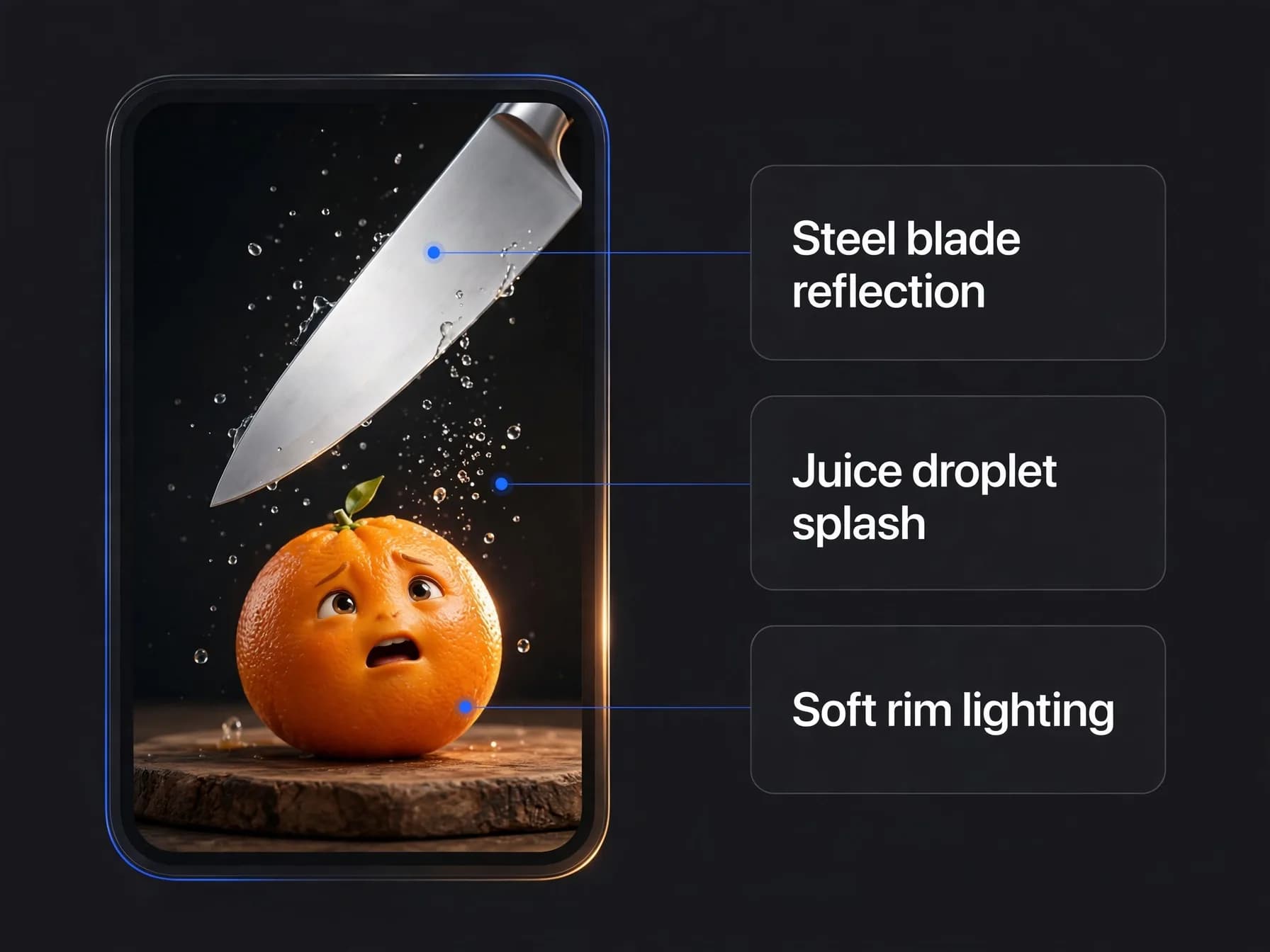
Anthropomorphic lime character reacting nervously on a cutting board beneath a kitchen knife

Keeping fruit characters consistent across AI videos

Maintaining the same fruit character across multiple story episodes requires a disciplined visual reference workflow. When creating animated episodes that follow an ongoing story, small variations in texture or facial proportions can confuse viewers. Keep your core character descriptions identical across every prompt you write.

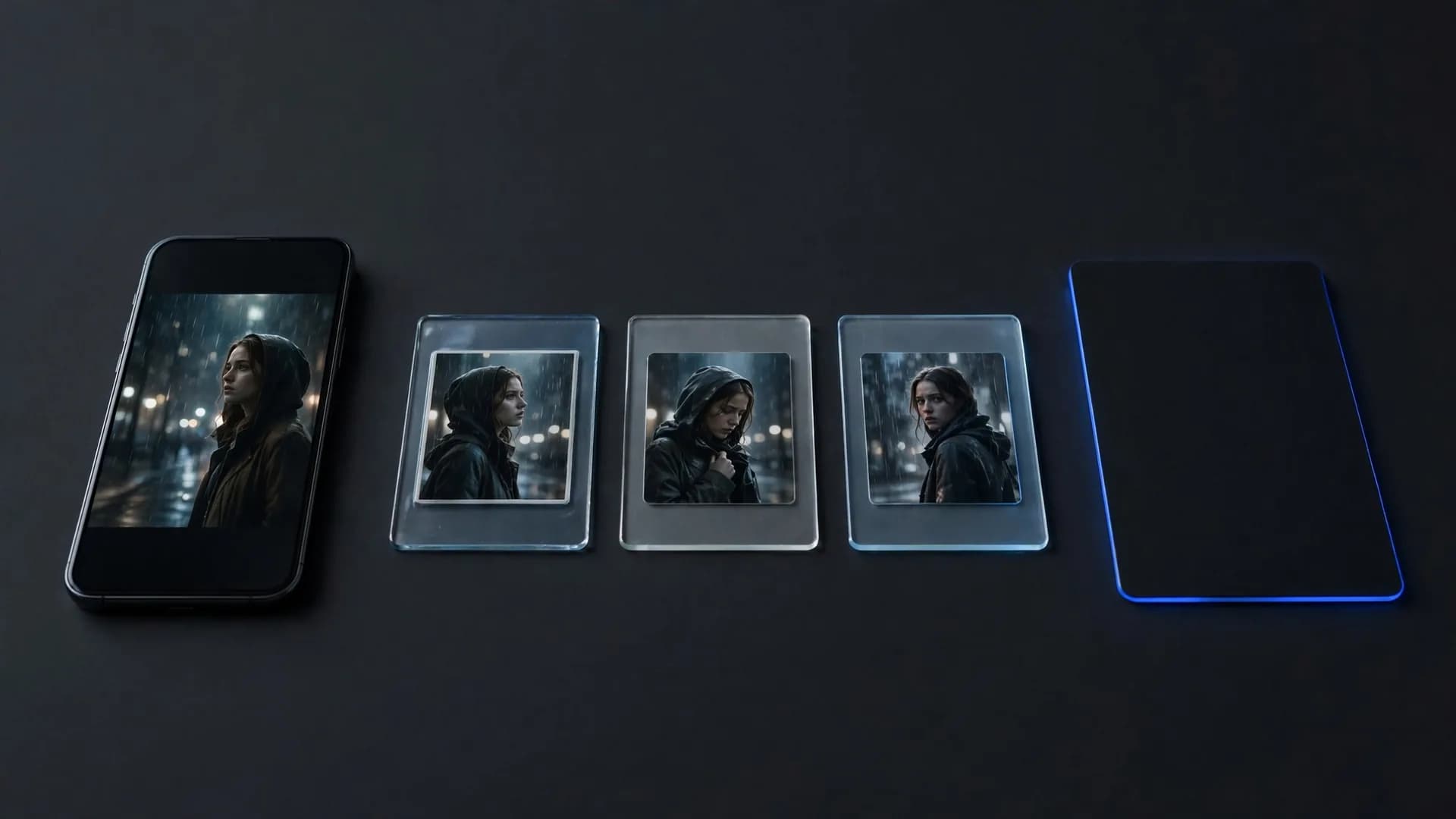
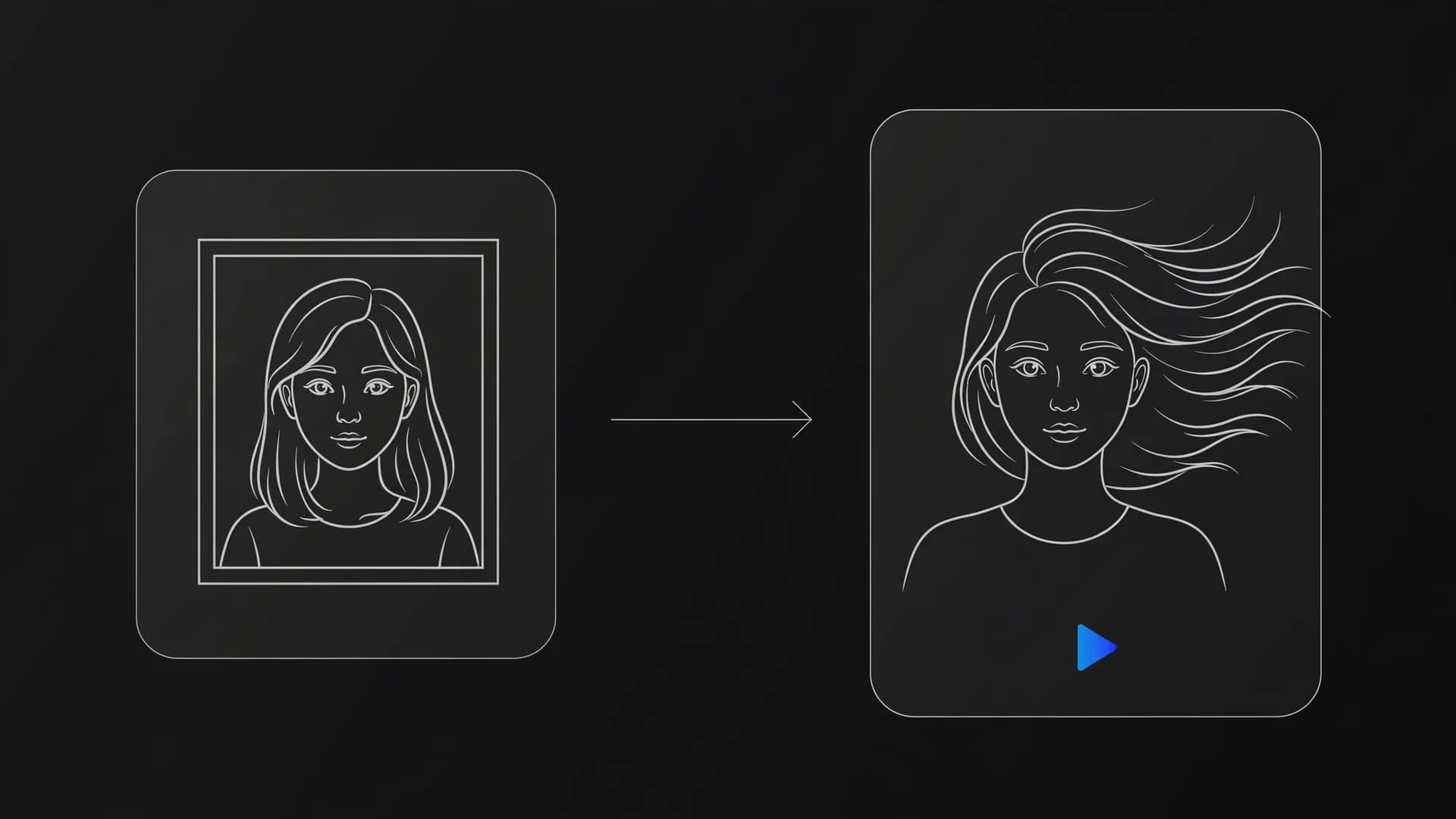
Start by generating a clean base portrait of your fruit lead using image to video generation. Understanding how to animate a photo makes it easy to add breathing, blinks, and subtle camera sweeps to your static reference shots. Use that approved character frame as a recurring reference point so subsequent motion clips retain identical peel textures, eye shapes, and lighting cues. Multi-image reference models help anchor the personality across varying scene backgrounds.

Alternatively, you can test video-to-video methods to transfer existing physical performances onto your custom produce character. Consistent character assets help you build recognizable serialized content that fans eagerly anticipate.

Info: Locking down a reference portrait ensures your fruit protagonist looks identical across multi-part social episodes.

Refining your AI fruit video generator prompts

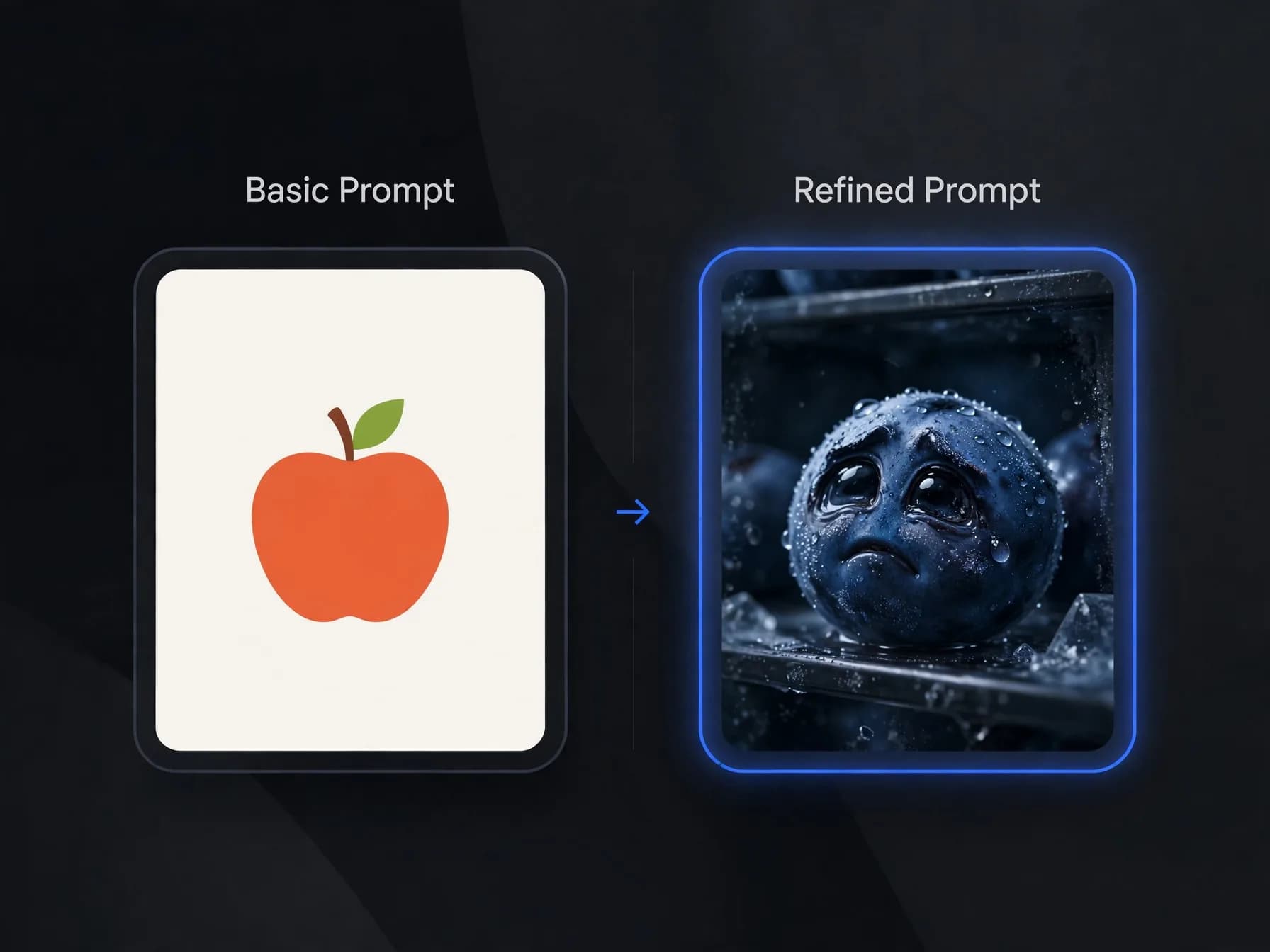
The quality of your output depends heavily on how clearly you direct the AI fruit video generator. Avoid vague instructions like dancing fruit and instead describe exact materials, motion speeds, and studio environments. Phrases like photorealistic wet blueberry with expressive glossy eyes shivering in a dark refrigerator create sharp, atmospheric results.

Pair your visual generations with distinct character voices using voice synthesis tools or your own pitched recordings. Adding subtle sound design such as squishing steps, miniature gasps, or soft thuds elevates the illusion of life. Layering these sound cues behind punchy subtitle text keeps viewers watching even on mute.

Once your sound design and pacing are dialed in, you have a complete system to produce short entertaining episodes. Test different fruit protagonists and storylines to see which personalities resonate strongest with your audience.
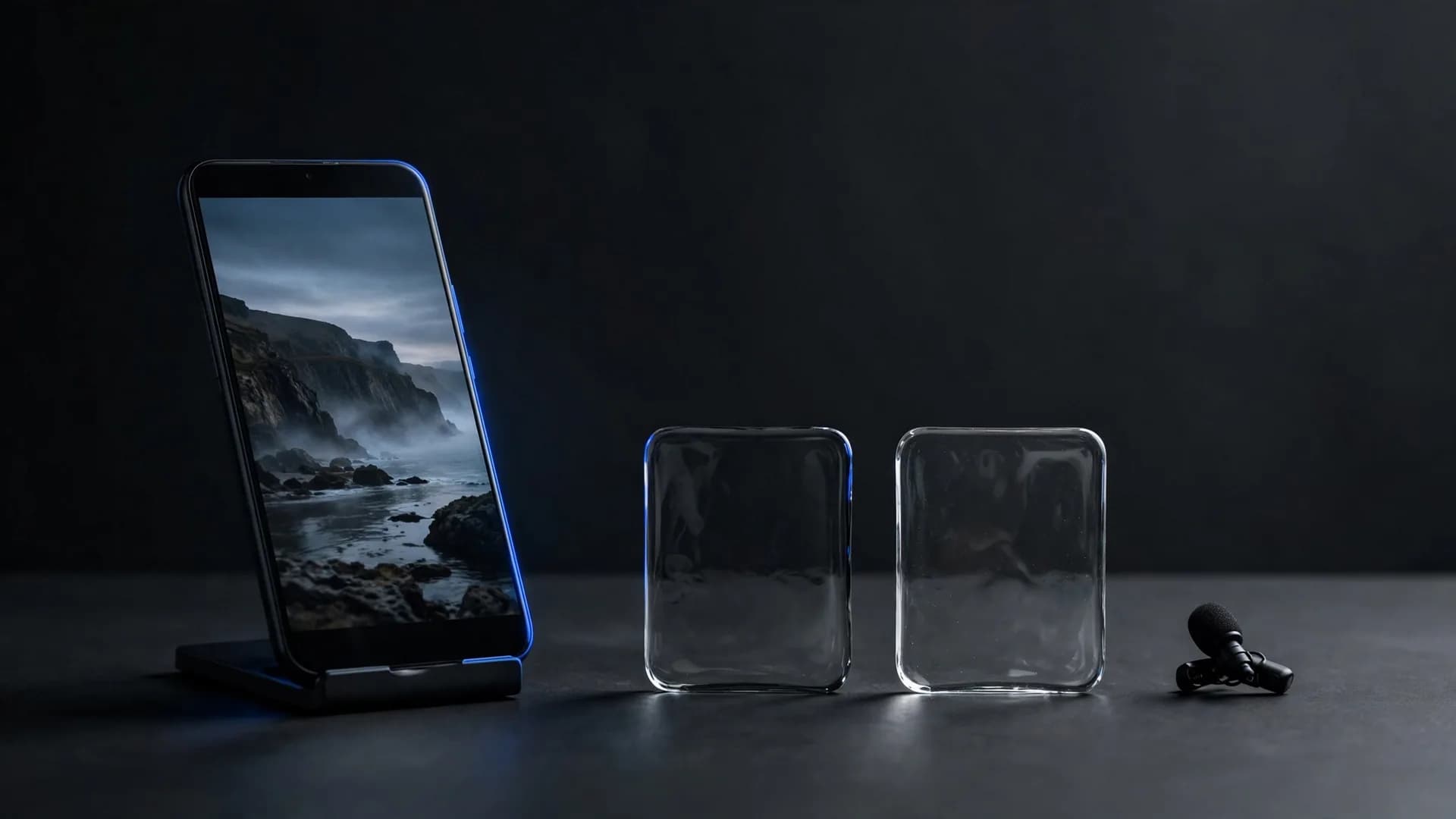
Mobile editing interface displaying video timeline and audio sync for short-form video creation

Key takeaways for AI fruit video drama projects

Learning how to make AI fruit videos comes down to pairing expressive character designs with sharp, dramatic scene prompts. Once your character portraits are established, modern image-to-video tools let you animate realistic motion and emotional reactions across sequential clips. Finishing your story with punchy captions and tight audio pacing turns those simple fruit characters into entertaining, shareable short videos.

Answers to common questions about how to make AI fruit videos

Find practical answers covering character styling, animation workflows, and how to make AI fruit videos that stay consistent from scene to scene.

How to make AI fruit videos from scratch?

Start by generating your character images using a descriptive prompt, then animating them with motion models. You can upload the character into OnVid's AI video generator using image-to-video tools like Seedance 2.5 or Kling 2.5 Turbo to produce short expressive clips, then add dramatic background music or voiceovers.

What app do you use to make AI fruit videos?

Creators use an AI video generator like OnVid alongside image creation tools to produce these viral clips. OnVid lets you turn character stills into moving scenes with realistic physics, lip movements, and camera angles across models like Seedance 2.0, Veo 3.1, or Wan 2.7.

Which AI fruit video generator is best for beginners?

A dedicated AI fruit video generator workflow works best when you use image-to-video features that accept character portraits and motion prompts. OnVid provides access to multiple generation models under one roof, letting you test different animation styles on Pro or Max plans.

How do you create a talking fruit AI video with realistic lip sync?

Upload a front-facing image of your fruit character with clear eyes and a mouth to a talking photo model, then add the dialogue audio. On OnVid's AI talking photo generator, OmniHuman and Kling AI Avatar v2 sync the lines to the mouth movements.

How do people make those AI food videos that go viral on TikTok?

Creators design quirky anthropomorphic food items in an image generator, write short comedic or dramatic scripts, and animate each shot using video generation models. They then assemble the clips in an editor with trending audio, exaggerated sound effects, and auto-generated captions.

What is an AI fruit drama and why is it so popular?

An AI fruit drama is a short serialized video featuring emotional or theatrical conflicts between anthropomorphic fruit characters like dramatic blueberries, jealous strawberries, or betrayed bananas. Audiences love the surreal contrast between ordinary grocery produce and soap-opera level relationship betrayals.

How do you make an AI fruit parody of a short drama?

Pick a familiar short-drama storyline, such as a betrayed bride or a secret billionaire's revenge, and cast each role as a fruit with a clear personality. Keep the drama's beats (betrayal, confrontation, twist, cliffhanger), write your own lines, and generate each beat as a separate 5 to 10 second vertical clip.

How to create AI fruits with expressive faces and consistent looks?

To create AI fruits with consistent features, use descriptive prompts detailing facial structure, lighting, and textures, or employ multi-image reference models. Tools like Seedance 2.5 or Kling O1 on OnVid allow you to reference existing character shots so your fruit maintains the same face across scenes.

Can you create realistic AI fruit cutting scenes with AI tools?

Simulating an AI fruit cutting sequence requires precise motion prompting that describes a knife slicing through realistic, juicy pulp with cross-section details. Video models like Seedance 2.5 and Veo 3.1 can render juicy textures and clean cuts convincingly when prompted with macro camera angles.

How do creators build an engaging AI fruit story across multiple episodes?

Building a recurring AI fruit story involves establishing distinct character personalities, recurring catchphrases, and cliffhangers at the end of every vertical clip. For longer narrative arcs, see the guide on the AI drama series guide to structure multi-part plot twists effectively.

How to make AI vegetable videos using the same techniques?

Making vegetable videos follows the exact same workflow as fruit animations: generate characters like crying onions, angry broccoli, or scheming carrots, then animate them with camera pans and facial expressions. The same prompting principles apply whether you animate citrus fruits or root vegetables.

Is there a free AI food video maker available?

Most AI video tools limit free use with watermarks, low resolution or daily caps. On OnVid, creating an account is free, but generating fruit clips needs the Pro plan ($7.99 a week or $14.99 a month) or the Max plan, which also give you HD downloads with no watermark. Credits are charged per second of video, and failed videos refund their credits.

How do I generate my own AI video featuring custom fruit characters?

You can generate your own clip by entering a descriptive text prompt into OnVid or by uploading a custom character image to animate. The platform processes your request through advanced models and produces HD video files you can download.

How long does it take to learn to make AI fruit videos?

Most beginners get comfortable within an hour or two once they understand the basic text-to-image and image-to-video workflow. Creating the still characters takes a few moments, while animating each scene on OnVid typically completes quickly per generation.

Can I use AI fruit videos for commercial monetization on YouTube or TikTok?

Commercial use depends on the model that made the video; check the OnVid Terms of Service and the model's terms before commercial use.

How do you make seamless loops for fruit meme videos?

To make a seamless loop, ensure the final frame of your animated clip matches the composition and action of the opening shot. Setting up cyclic character motions or continuous background music loops keeps viewers watching repeatedly, boosting short-form social retention.

See similar blogs

More from the blog