
How to make AI videos from simple concepts
Learning how to make AI videos begins with understanding how generative models translate natural language into temporal frames. Modern diffusion architectures analyze descriptive prompts to construct coherent camera movement, lighting, and subject motion across successive frames. Anyone can now transform a basic written idea into a finished scene without traditional filming gear.
Text prompts remove most of the technical barriers. Instead of configuring complex timeline software, you describe the subject, the action and the camera, and the model synthesizes continuous movement from that description.
When you generate AI videos using browser platforms, cloud servers handle heavy compute cycles in seconds. OnVid's AI video generator provides instant access to multiple underlying models, allowing beginners to experiment with various styles, aspect ratios, and durations while learning generative mechanics.
How do you choose among the best AI video tools in 2026?
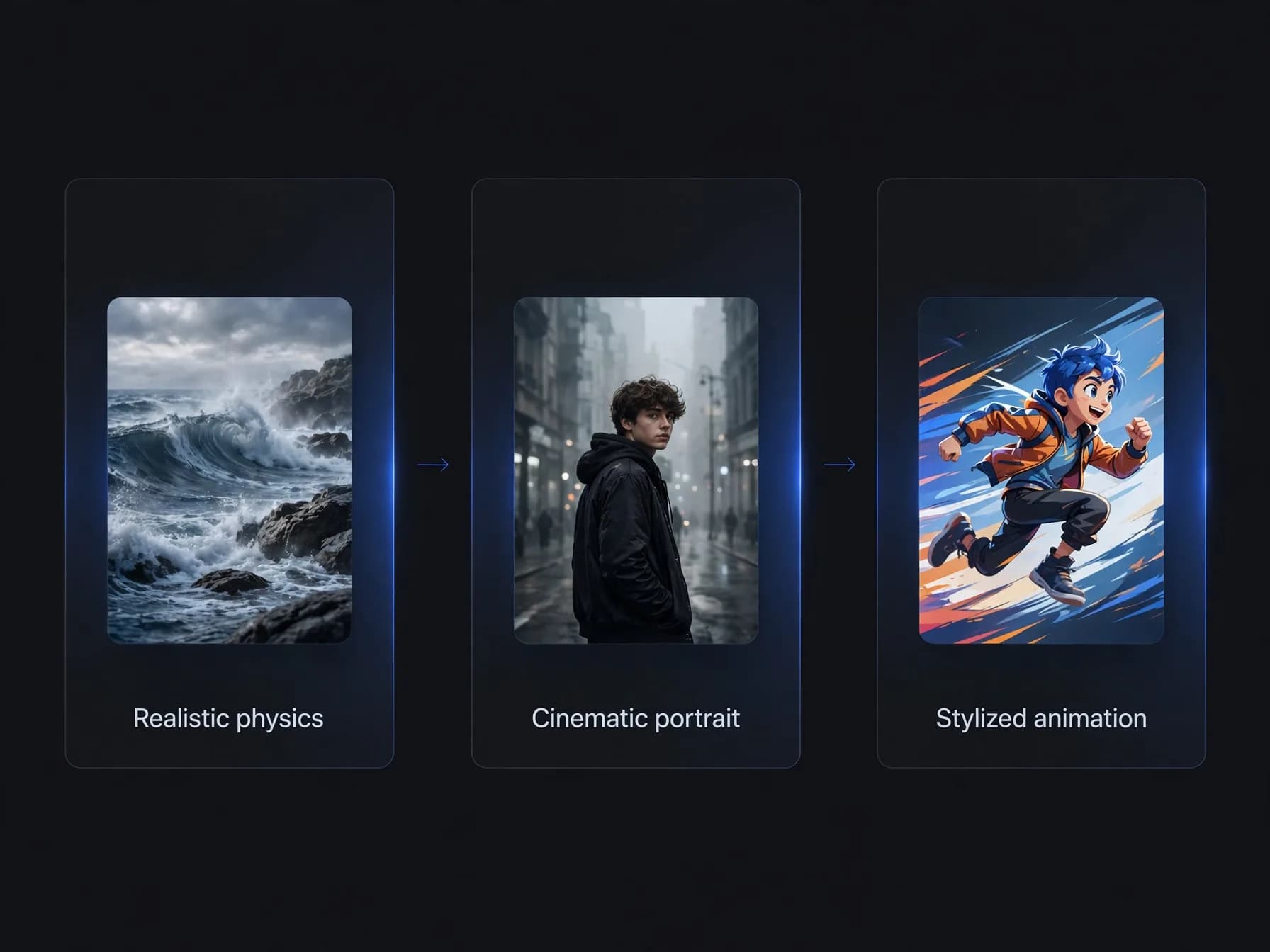
When you compare the best AI video tools 2026 has to offer, match platform strengths with your intended creative project. Leading foundational systems specialize in distinct visual profiles, ranging from hyper-realistic environmental physics to stylized character illustrations. Identifying the right model for your desired aesthetic prevents wasted credits and speeds up production.
Contemporary platforms integrate leading models directly into single interfaces, such as Seedance 2.0, Kling 2.5 Turbo and Veo 3.1 on OnVid. This multi-model approach gives creators flexible rendering capabilities without juggling multiple individual subscriptions.
Tiered credit structures determine your total monthly output across modern creation suites. OnVid features credit-based Pro plans at 7.99 dollars weekly or 14.99 dollars monthly, alongside Max tiers offering longer durations up to 60 seconds. Selecting an adaptable suite ensures you access versatile text to video features as your editing needs expand.
How to make AI videos in four practical steps
Step 1: Define your core visual concept, target subject, and background setting before t
Step 2: Input your descriptive prompt and establish primary generation settings inside t
Step 3: Generate the raw footage and evaluate camera paths, subject consistency, and phy
Step 4: Download your finished high-definition video file for final audio mixing, voiceo
Transforming still assets: make AI video from photo files
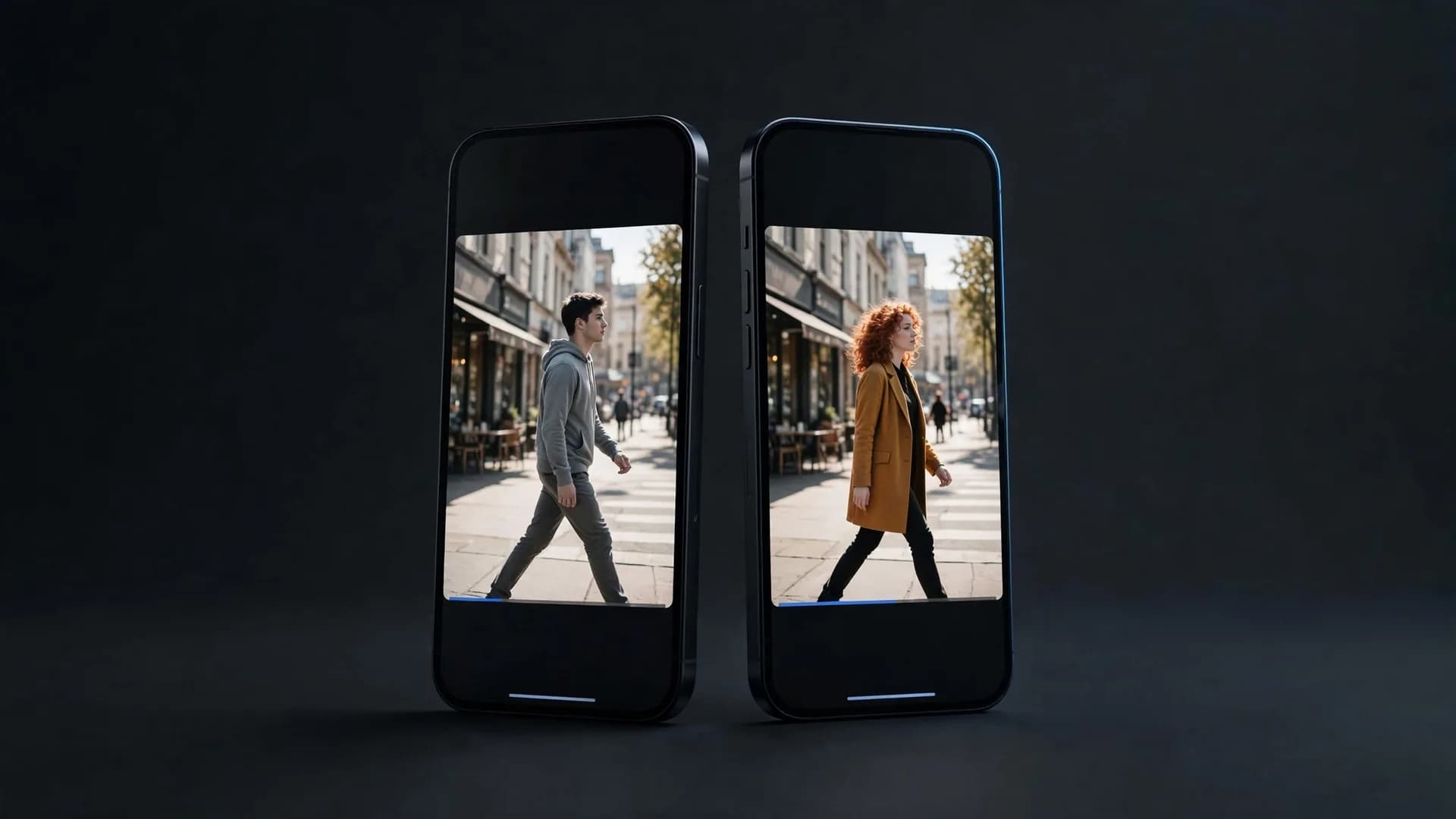
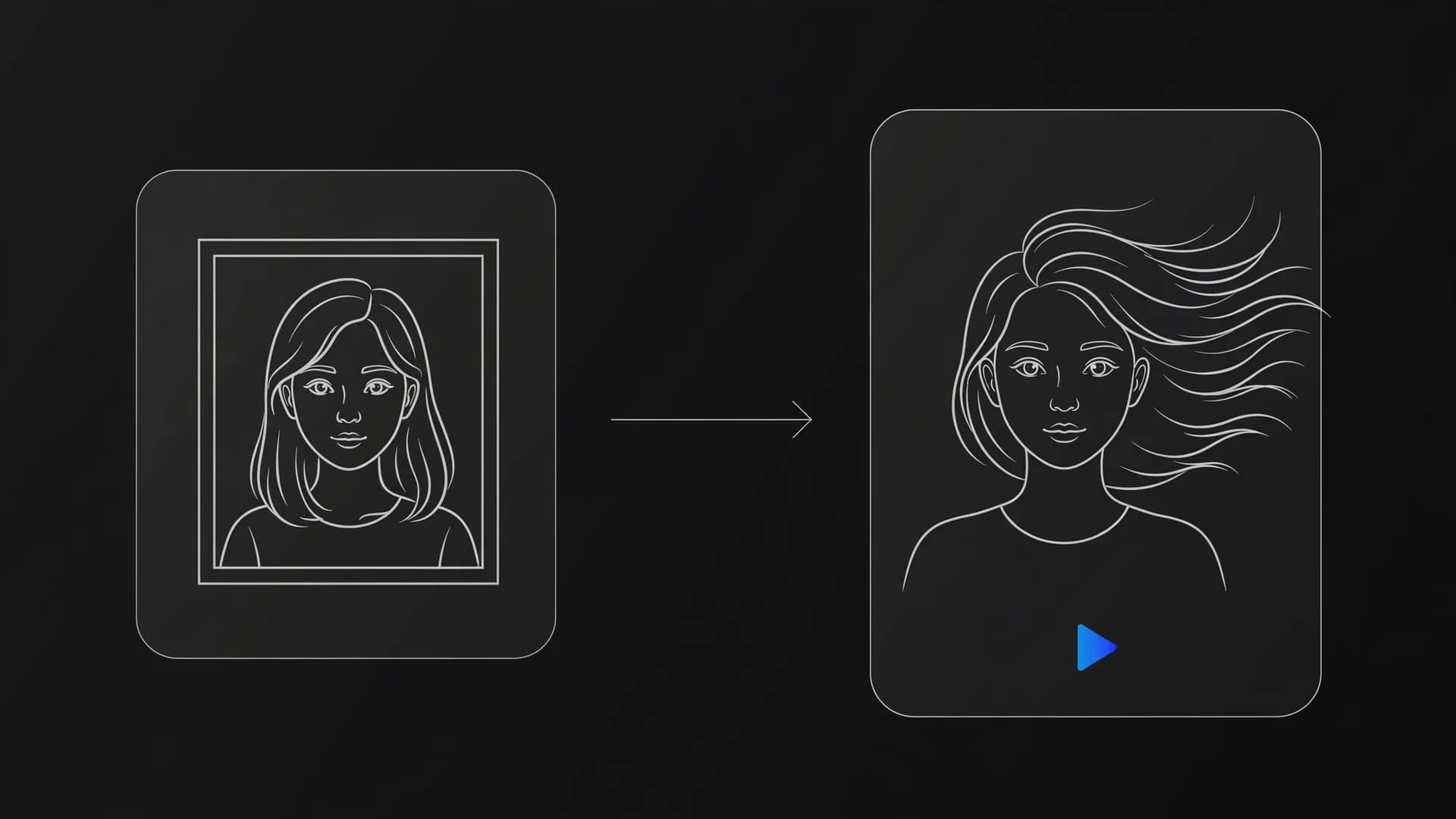
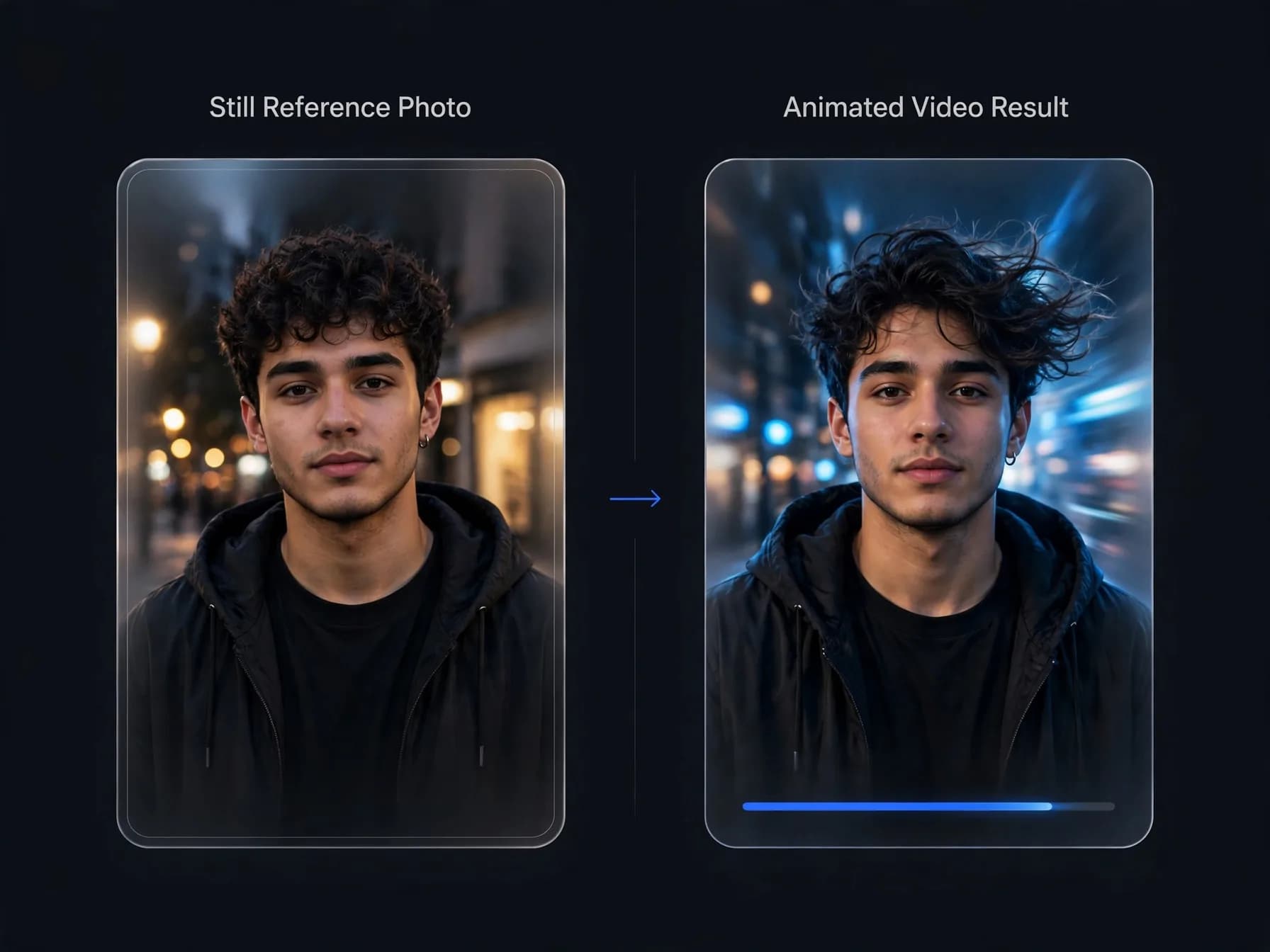
You can easily make AI video from photo sources by uploading high-resolution portraits, landscape photographs, or digital illustrations directly into animation models. Image-to-video algorithms analyze existing visual boundaries and extrapolate realistic forward motion while preserving identity details. This approach guarantees character likeness far more reliably than pure text prompts.
Starting with static reference files lets you anchor key visual traits before introducing kinetic changes. Models such as Seedance 2.5, Kling 2.5 Turbo, and MiniMax H3 interpret prompt instructions to pan cameras, animate facial expressions, or rustle foliage. Uploading clean source pictures eliminates the unpredictable character morphing often seen in pure text generations.
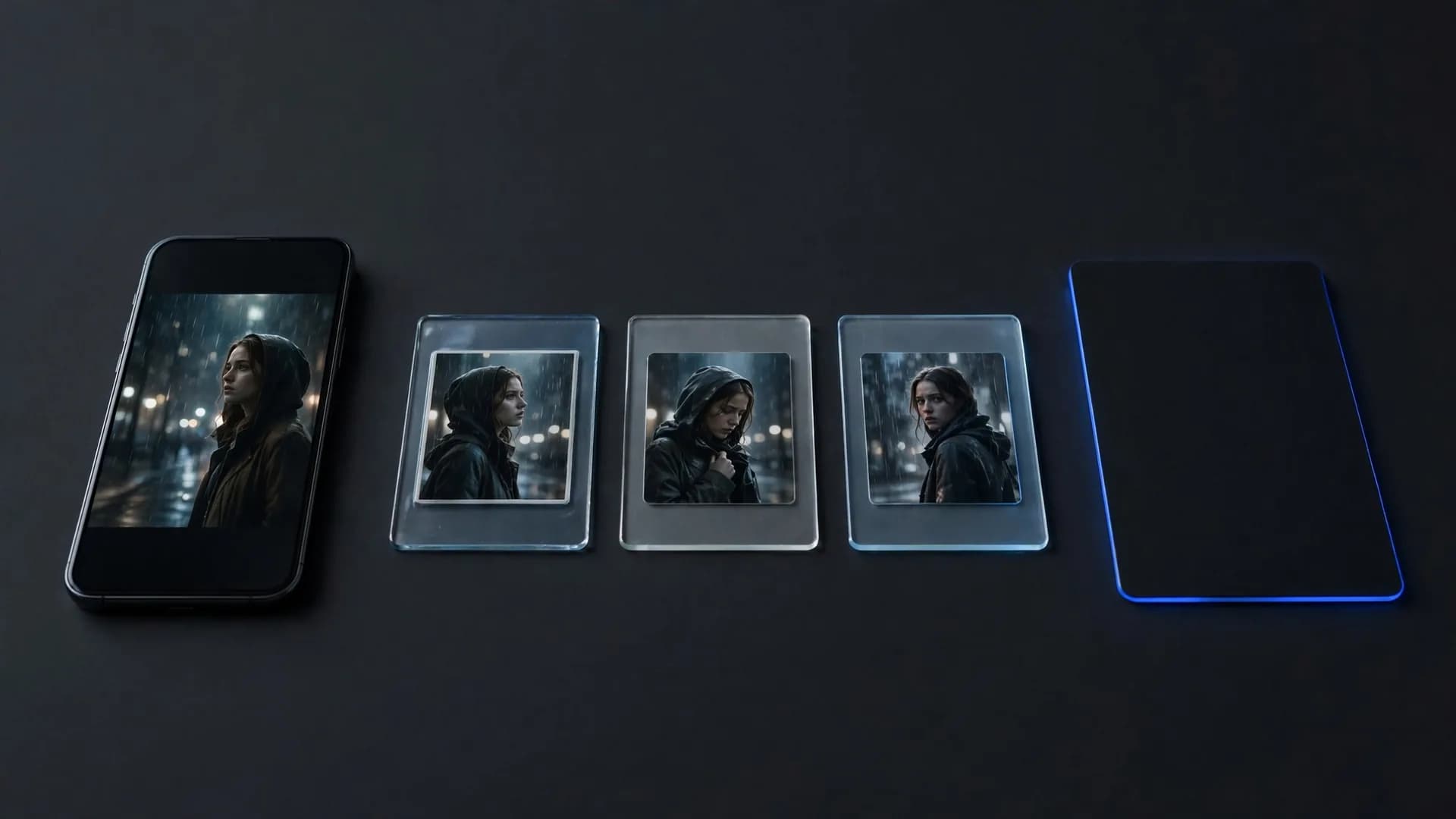
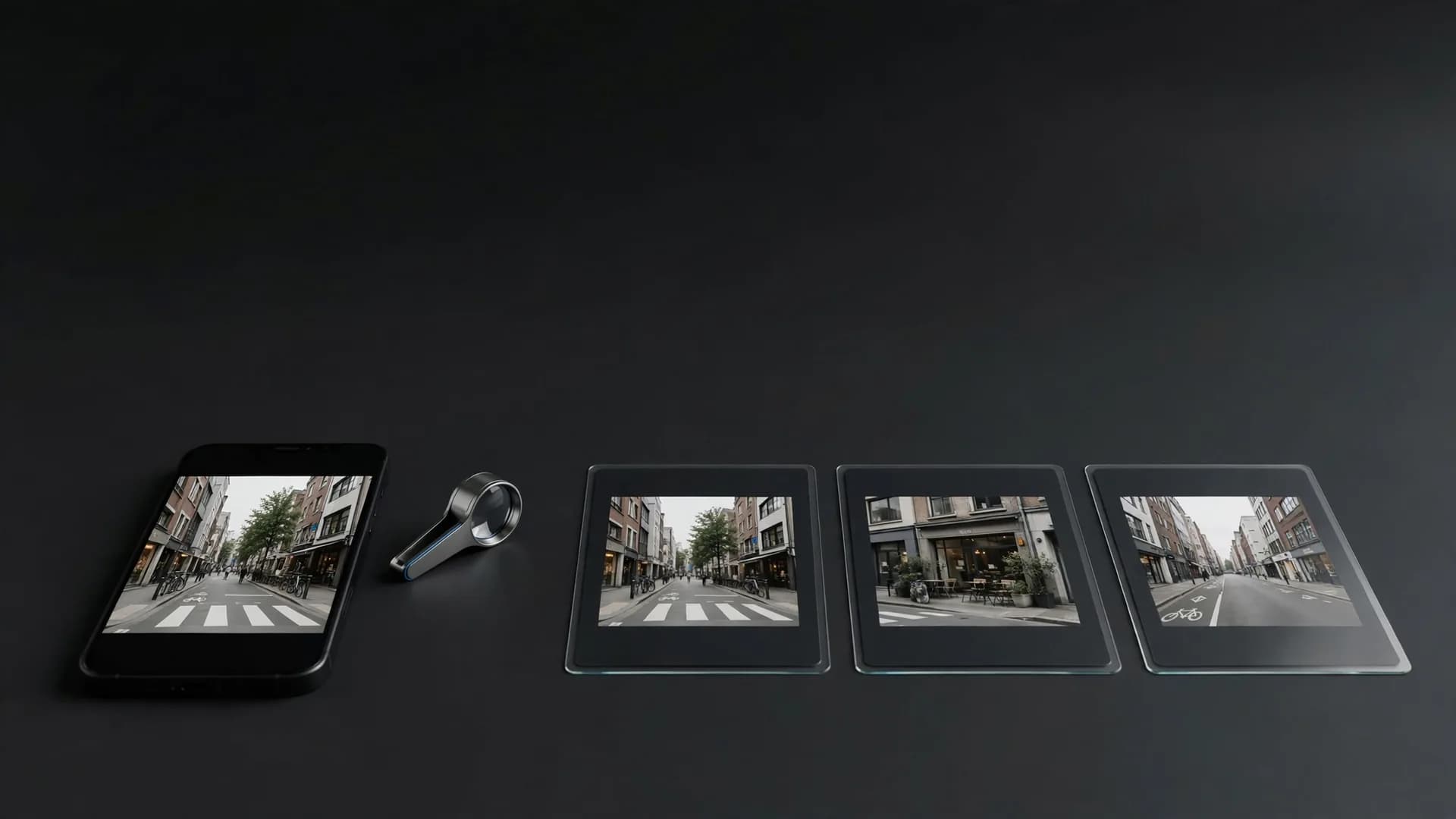
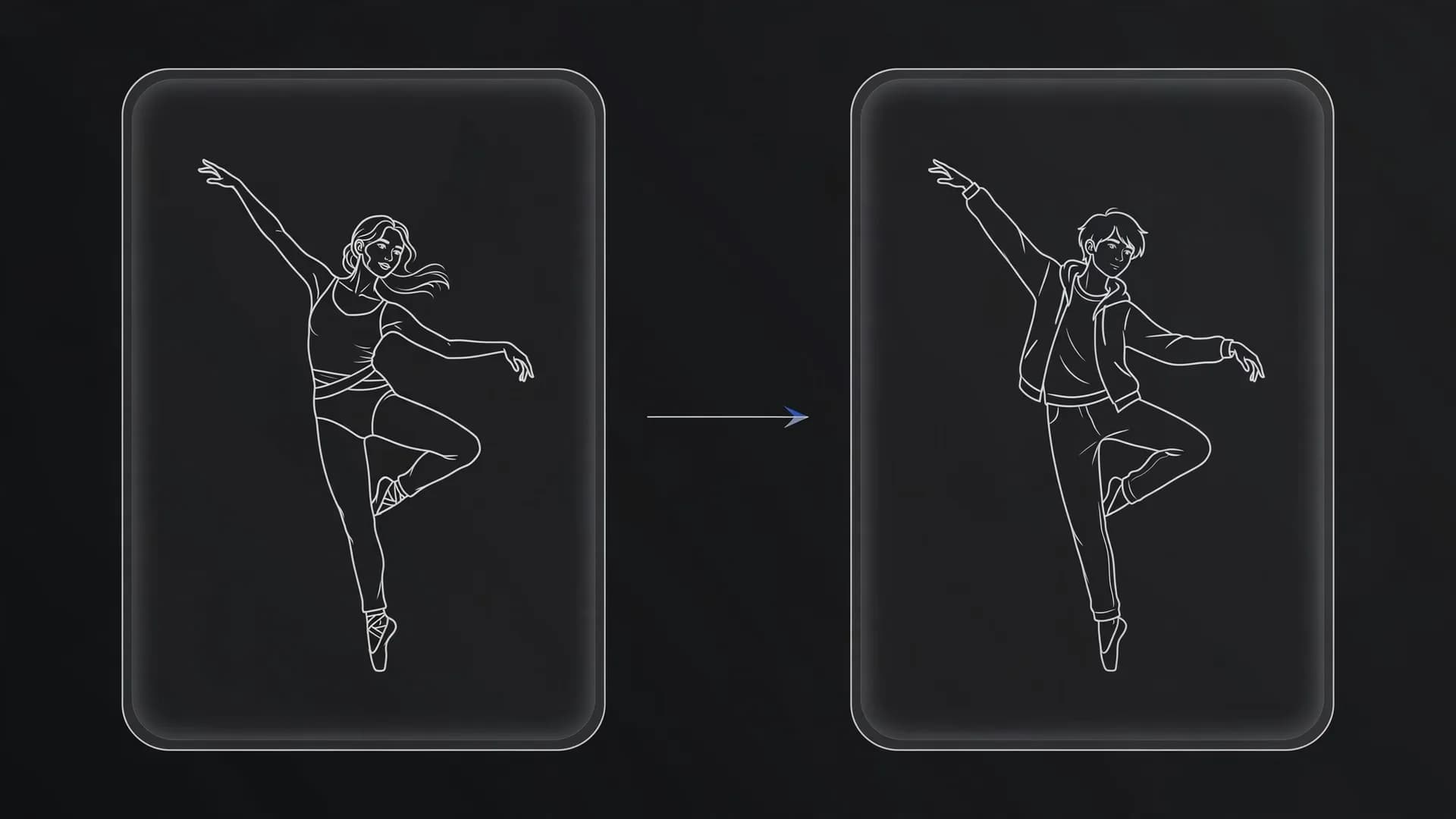
Creators frequently combine multiple reference images to maintain wardrobe and facial continuity across extended sequences. OnVid allows multi-image referencing across models like Kling O1 and Wan 3.0, merging independent shots into continuous scenes. You can also explore video-to-video workflows to restyle existing footage with new characters and aesthetics, or animate a photo to preserve personal memories and animate product catalogs.
How to make AI shorts for modern feeds
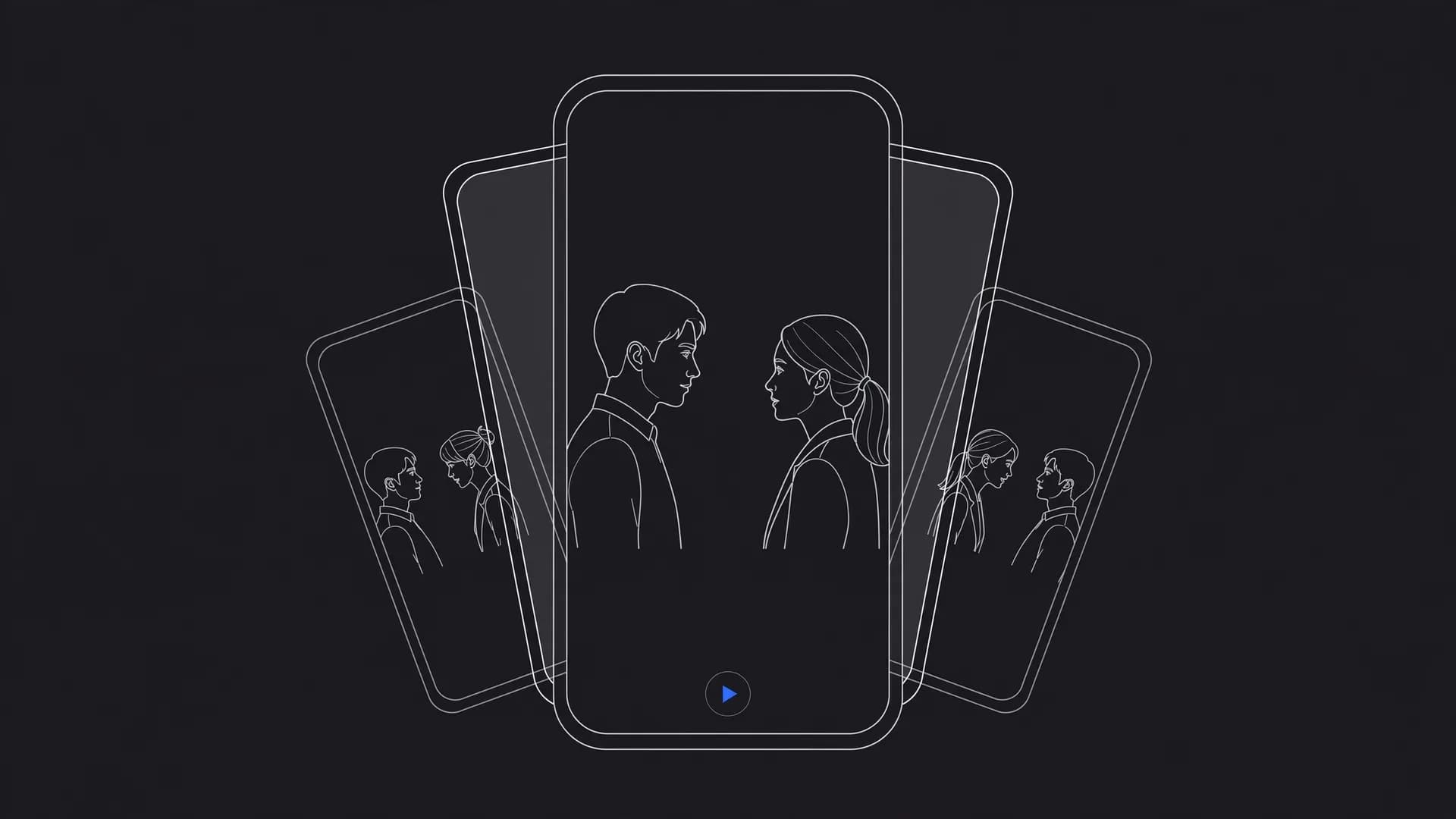
Mastering how to make AI shorts demands strict attention to visual framing, initial pacing, and rapid scene establishment. Vertical 9:16 aspect ratios fill mobile displays completely, maximizing viewer engagement during the critical opening three seconds. Crafting dynamic kinetic motion immediately prevents viewers from scrolling past your content.
Generating snappy 5-second to 10-second scenes provides ideal raw material for vertical social reels.
When you create AI videos for mobile feeds, combine concise visual clips with punchy on-screen captions and synchronized background audio. Producing multiple scene variants allows rapid split-testing to discover which visual hooks resonate with target audiences. On Pro and Max, HD downloads come without a watermark, so your content looks polished across YouTube Shorts, TikTok, and Instagram.
Troubleshooting motion errors when you generate AI videos
Diagnosing unintended motion artifacts is a vital skill whenever you generate AI videos using commercial platforms. Common issues include distorted extremities, melting background scenery, and erratic camera acceleration during multi-second sequences. These imperfections usually occur when prompts overload diffusion models with contradictory physical actions.
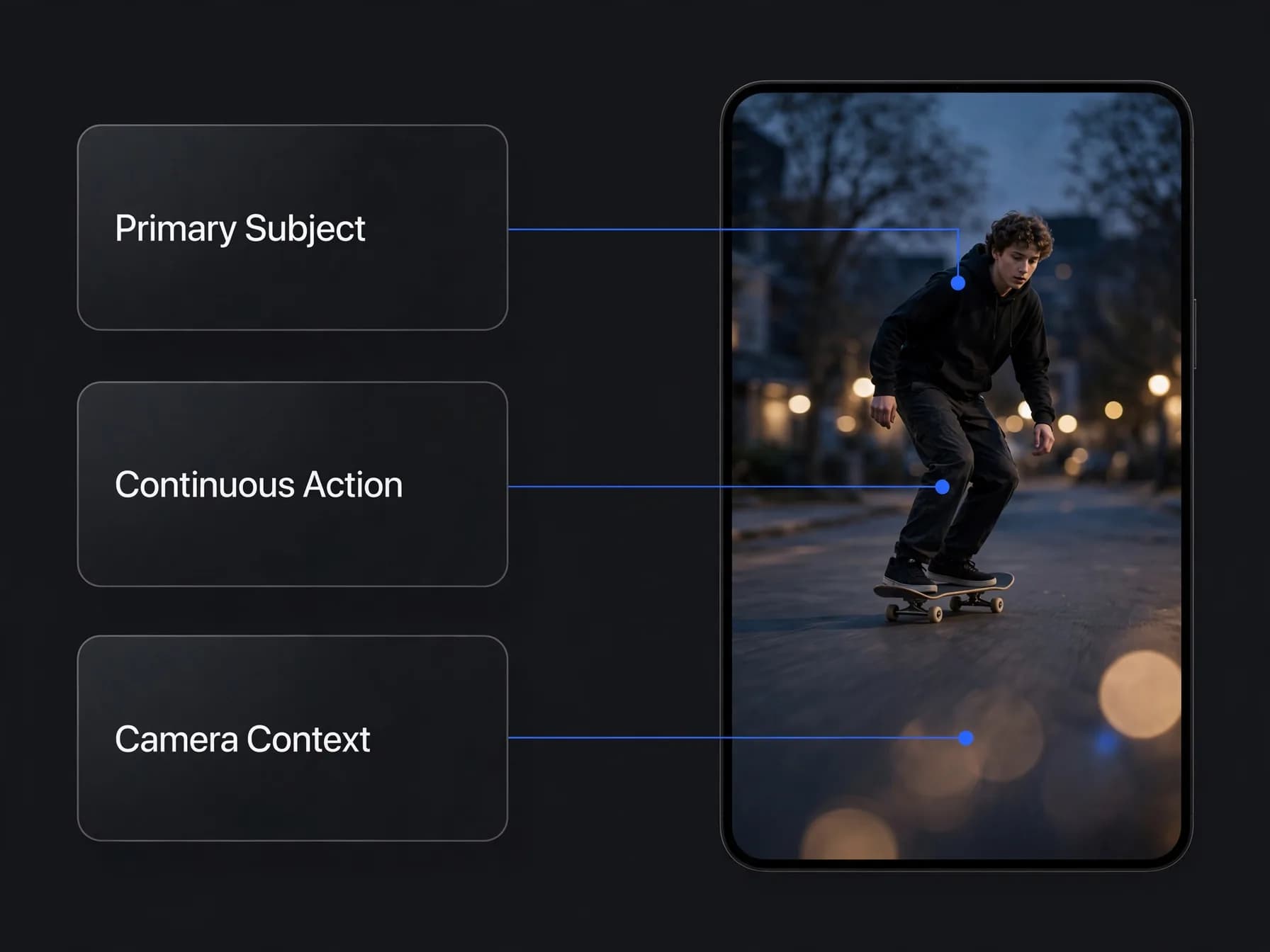
Structuring prompts with the Subject, Action, and Context framework clarifies scene hierarchy and stabilizes generation results. Specify your primary subject first, describe one continuous physical action, and conclude with technical camera parameters like wide-angle lens or 35mm lighting. Separating descriptive clauses with commas helps diffusion algorithms parse spatial relationships cleanly.
Selecting an intuitive AI video maker simplifies iteration by providing instant prompt re-rolls and flexible clip extensions. If a particular frame sequence fails to render correctly, OnVid refunds plan credits automatically, protecting your creative budget. Mastering prompt discipline and model controls turns initial generation attempts into dependable creative workflows.