Learning how to make AI faceless videos requires combining a structured script, synthetic voiceover, and text-to-video scenes without ever stepping in front of a camera. Digital creators use automated production workflows to generate compelling visual stories from simple text prompts.
Producing content without appearing on camera lets you focus entirely on storytelling, pacing, and visual style. Many creators feel uncomfortable on lens or lack studio lighting and expensive filming setups. Choosing to make an AI video without your face removes those technical obstacles while keeping your message clear. Need a niche first? Browse these AI faceless YouTube channel ideas.
A reliable faceless AI video maker speeds up production because you can test multiple concepts in an afternoon. Instead of scheduling shoots and booking actors, you simply turn ideas into moving scenes with software. This flexibility allows you to explore educational topics, history breakdowns, or tech explainers without extra gear.
Audience interest remains high for channels that deliver clear facts or engaging stories without a talking head. Viewers care most about quick value, crisp visuals, and engaging narrative flow. When your visual scenes support the spoken narration, your channel can build a loyal audience across modern video platforms.
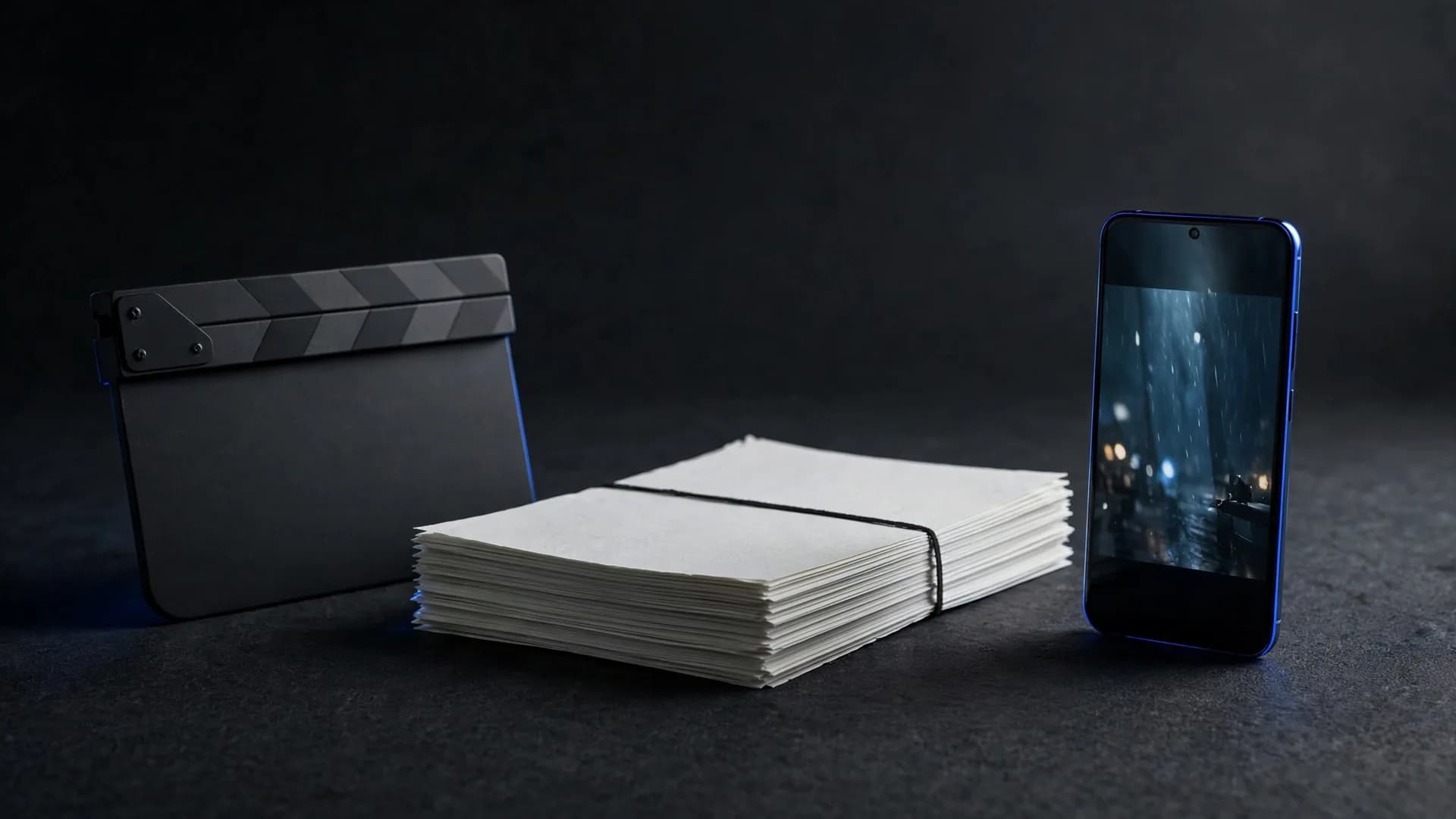
The three-step process to produce your AI video
Step 1: Write a concise script that establishes your main idea within the opening five seconds
Keep sentences brief and conversational so spoken narration pairs naturally with fast visual cuts. Having a finished outline prevents wasted time when you begin generating scene assets.
Step 2: Generate your background scenes and dynamic clips using detailed text prompts
To create faceless AI videos with OnVid's text to video, simply type your scene descriptions and select your preferred visual style. You choose your video length before generating, ensuring every scene fits your script timing.
Step 3: Assemble your voice track, sound effects, and generated scenes into one cohesive export
Ensure each cut lands on a natural spoken pause so your pacing never feels disjointed. Review the final export in HD before sharing it with your audience online.
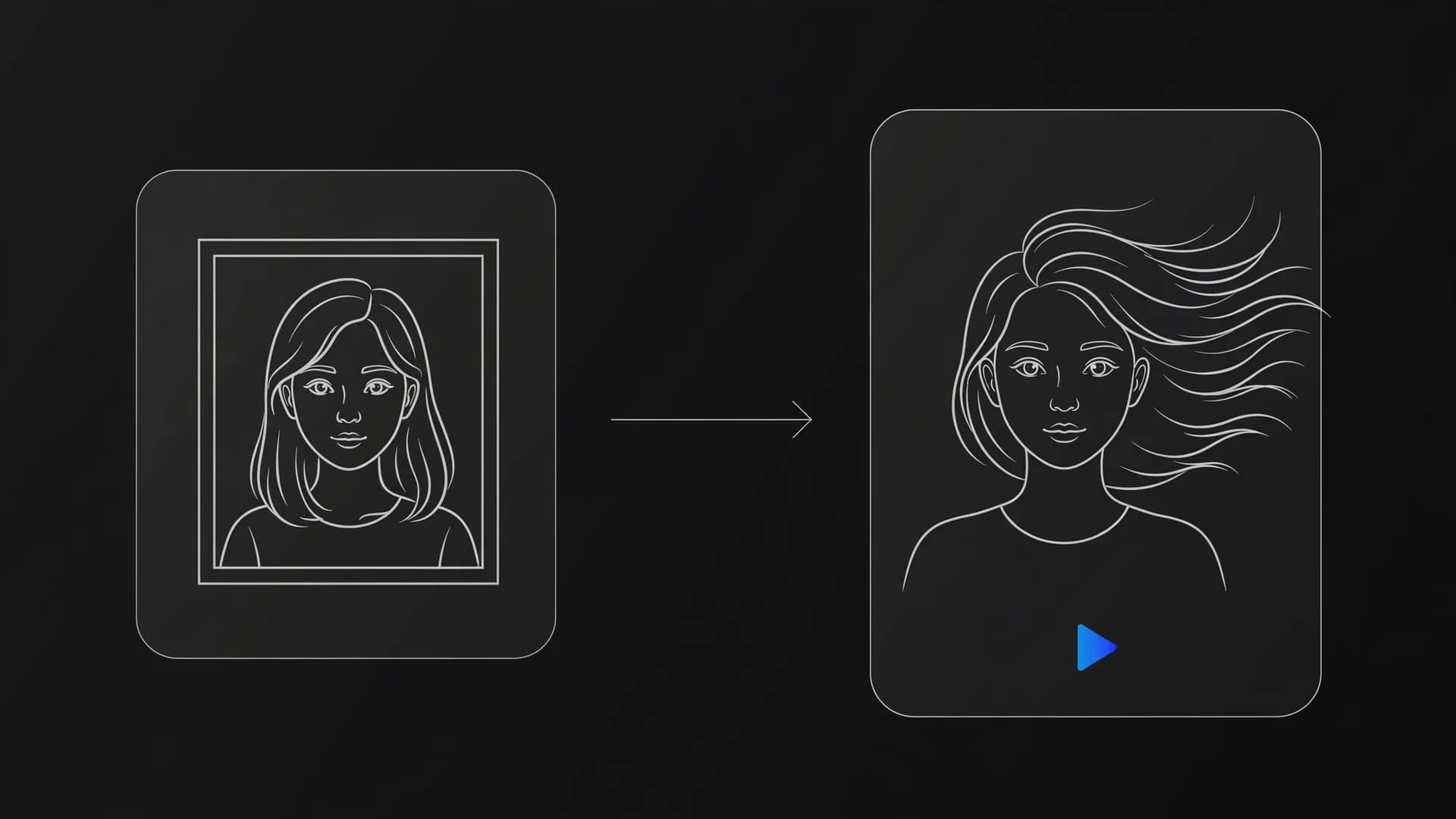
Three-step faceless video process: write the script, generate scenes, assemble and export
How to set up a text to video generator automated workflow
Building a text to video generator automated workflow starts with standardizing your prompts and scene structures. When you use consistent camera angles and visual style presets, your generated clips maintain visual continuity across the entire sequence. This structured method cuts down trial and error significantly. If you want even more automation, compare these VidRush alternatives.
Many creators generate faceless videos by connecting their script outlines directly to prompt templates. For example, you can write prompts that always specify lighting, motion direction, and color palette. Applying these shared prompt tags keeps your visual scenes cohesive from the opening frame to the finale.
You can also explore OnVid's image to video tool to animate still graphics or branded charts. Uploading a single photo lets you generate natural camera movements, adding visual variety without filming anything yourself. This hybrid method keeps production fast while providing smooth scene transitions.
What to know about faceless YouTube shorts monetization?
Qualifying for faceless YouTube shorts monetization requires original editorial commentary and meaningful human curation. Platforms actively review automated uploads to ensure they offer real educational or entertainment value rather than repetitive automated loops. Adding thoughtful narration and selective scene pacing ensures your channel meets partner guidelines.
Understanding what is AI video generation helps you craft original stories instead of relying on generic templates. Adding unique perspectives, factual research from an industry AI video report, and customized audio makes your uploads stand out in crowded feeds. Channels that prioritize authentic storytelling regularly meet partner program thresholds much faster.
Commercial use depends on the model that made the video; check the OnVid Terms of Service and the model's terms before commercial use. Verifying your rights and licensing before building a monetization plan protects your channel over the long term. This diligence lets you publish with confidence across every major video network.
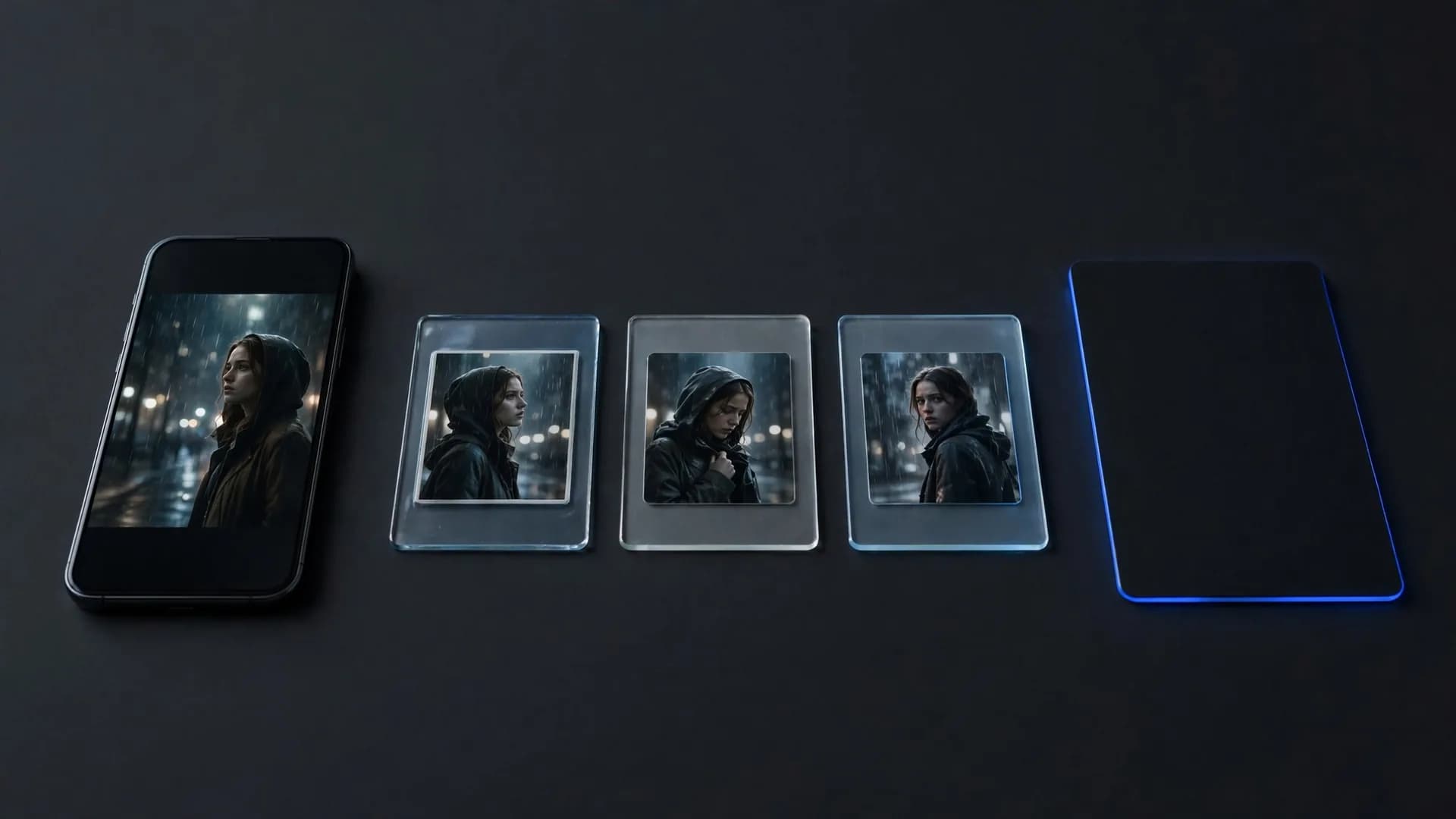
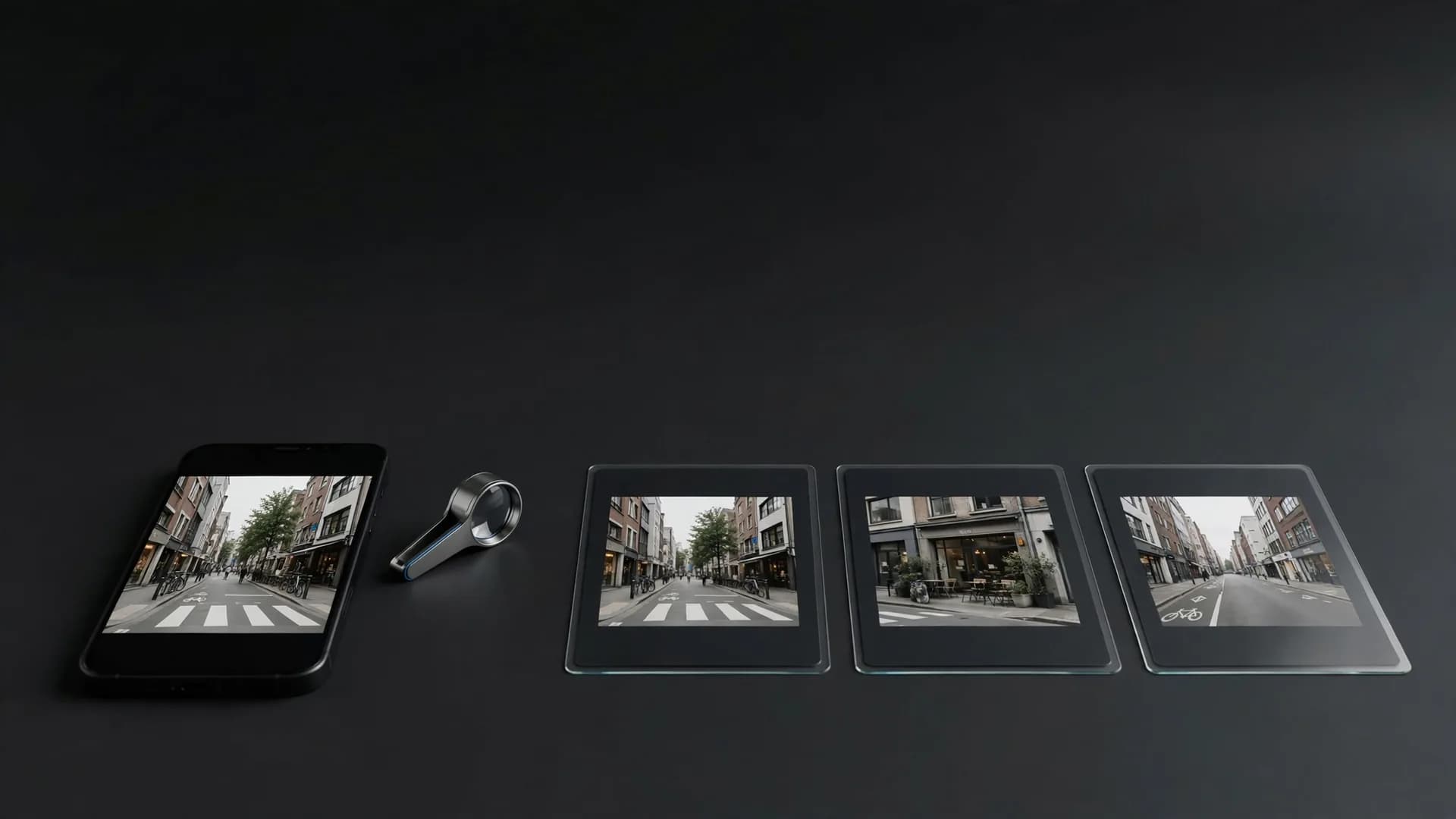
Comparison of repeated identical looping clips versus one video with narration and captions
Common mistakes when producing an AI video
A common mistake when creators make faceless videos is letting visual pacing drag behind the voiceover. If a single static shot stays on screen for more than four seconds, viewer retention drops sharply. Cutting between varied camera angles keeps the viewer engaged throughout the entire message.
Another frequent pitfall is using generic, repetitive background scenes that fail to illustrate the script. Prompts should describe concrete actions, atmospheric lighting, and deliberate motion that reflect what the speaker says. When the visuals directly reinforce your talking points, retention metrics improve naturally.
Creators also overlook sound quality by layering overly loud background music over quiet synthetic narration. Always balance audio levels so voice narration remains distinct and easy to understand on mobile speakers. Clean sound paired with crisp HD visuals elevates the overall quality of every upload.
How to make AI faceless videos with lasting audience retention?
Structuring your content around clear thematic hooks is the most reliable way to maintain long-term audience interest. When learning how to make AI faceless videos, focus on presenting an intriguing question or startling fact in the first sentence. Immediate curiosity encourages viewers to watch past the crucial first few seconds.
Pair your dynamic hooks with complementary tools like an AI UGC video generator when creating lifestyle or product review narratives. Varying your visual sources between cinematic scenes and portrait-oriented demo clips gives your channel a varied visual identity. This variety prevents visual fatigue across longer playlists.
Track your analytics across every release to identify which visual styles and topics perform best. Consistent experimentation with scene lengths, color palettes, and vocal delivery will reveal what your viewers enjoy most. Applying those real viewer insights refines your production process with every new project you share.
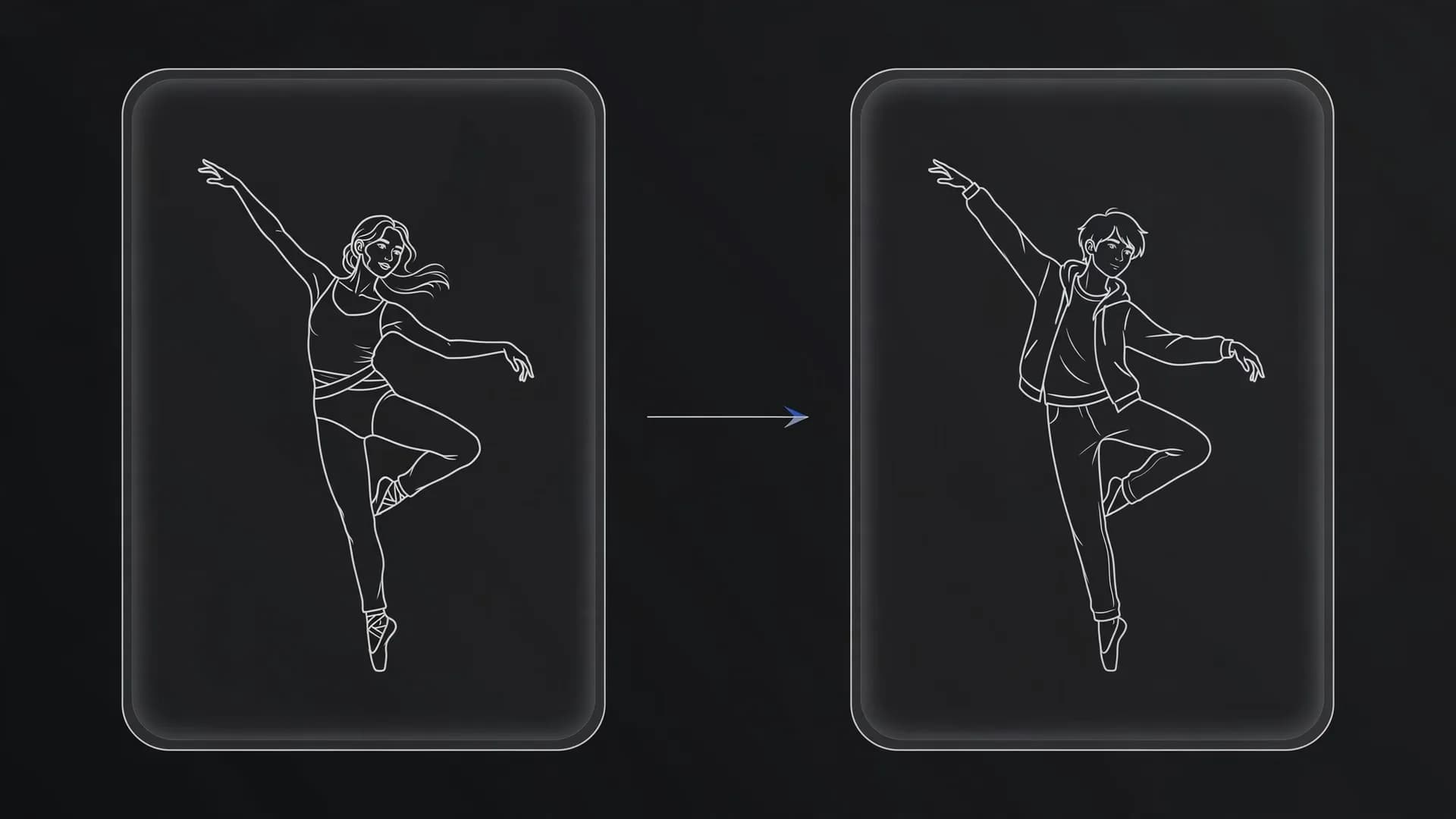
Retention storyboard: a question hook, a building dive scene and a glowing jellyfish payoff
Key takeaways for making faceless AI videos
Learning how to make AI faceless videos comes down to pairing a tight script with reliable visuals and consistent audio. By using text prompts to generate specific scenes and layering a clear voiceover on top, you can produce complete clips without ever stepping in front of a lens. Focus on strong pacing and informative concepts to keep viewers engaged across any platform.
Frequently asked questions about how to make AI faceless videos
Find straightforward answers to practical, legal, and production questions about how to make AI faceless videos across modern video platforms.
How to make AI faceless videos from scratch?
To make an AI faceless video, start with a written script and voiceover generated from your chosen topic. Next, enter descriptive text prompts into OnVid's AI video generator to render matching visual scenes for each section of narration. Finally, trim the clips, lay down background audio, and export your complete video without ever stepping in front of a lens.
What is the best workflow for how to make AI faceless videos quickly?
The fastest workflow relies on a unified text-to-video platform that automates scene generation directly from your prompt. OnVid lets you choose clip durations up to 30 seconds on Pro or 60 seconds on Max, converting your narrative ideas into finished visuals right away. You can assemble multiple scenes rapidly, skipping manual filming and complex multi-app pipelines.
Which AI is best for faceless videos?
The ideal tool depends on whether you need stylized realism, dynamic action, or synchronized narration. Leading generators like Kling 2.5 Turbo, Seedance 2.5, and Wan 2.7 excel at creating rich B-roll clips from plain text. OnVid brings these top models together under one roof, letting you pick the visual style that best fits your channel niche.
Why make faceless content instead of filming traditional videos?
Creators turn to anonymous production because it eliminates the overhead of studio lighting, expensive camera equipment, and on-screen stage fright. Producing videos without your face also makes it simple to test multiple content niches simultaneously across platforms like TikTok and YouTube. You focus entirely on storytelling, pacing, and compelling visuals rather than personal branding.
How can I produce a voiceover video without camera equipment?
You can record clean audio on your phone or use synthesized narration, then pair that recording with synthetic visuals. Upload still concept art to an image-to-video tool or type descriptive scenes into an AI video generator to supply relevant background motion. This method builds a rich documentary or tutorial aesthetic entirely out of digital assets.
Is using AI to make videos illegal?
Creating videos using generative tools is completely legal as long as your assets respect copyright laws and avoid impersonation. Using synthetic media to deepfake real people without consent or recreate protected characters can trigger severe legal liabilities. Always verify that your source imagery, audio, and scripts follow platform safety guidelines and copyright statutes.
Can you make money from faceless AI videos?
Yes, many channels monetize faceless content through platform ad programs, affiliate marketing, brand partnerships, and digital product sales. Commercial use depends on the model that made the video; check the OnVid Terms of Service and the model's terms before commercial use. To qualify for advertising revenue, focus on original scripts and thoughtful assembly rather than repetitive, low-effort clips.
What are the rules for faceless YouTube shorts monetization?
YouTube requires channels to provide meaningful originality and narrative value to qualify for the YouTube Partner Program. Purely automated channels that upload repetitive or low-effort content often face rejection under the platform's reused content policy. Pairing synthetic visuals with unique commentary, informative storytelling, and custom pacing keeps your channel eligible for monetization.
Can ChatGPT make AI video directly?
ChatGPT generates text prompts, complete video scripts, and structured visual descriptions, but it cannot produce rendered video files on its own. You take the script outlines produced by ChatGPT and paste them into an AI video generator to produce the actual footage. Combining conversational writing models with video generators creates an efficient end-to-end production pipeline.
How can I create faceless AI videos for free?
You can get started by writing your own script, generating synthetic speech, and rendering starter clips on platforms that offer trial allowances. Signing up for OnVid is free, but generating text-to-video clips needs a Pro or Max plan. After producing initial clips, you can assemble the elements in any standard mobile or desktop editing app.
Is there a 100% free AI video maker?
No reputable, high-performance video generator operates completely free with unlimited access due to high computing costs. Reliable web platforms operate on metered credits with paid plans, such as OnVid's Pro plan for $7.99 a week or $14.99 a month, and Max for $14.99 a week or $28.99 a month. Open-source local models can run without fees, but they demand expensive, specialized computer hardware.
What is the 30% rule for AI in content creation?
The 30% rule is an industry guideline suggesting that creators maintain at least 30% direct human input across scripting, editing, and creative direction. Relying on automation for 100% of your production often leads to bland, robotic pacing that platforms classify as spam. Adding personal curation, intentional editing cuts, and custom sound design ensures your project stands out.
How many YouTube views do I need to make $3,000 per month?
Earning $3,000 monthly on YouTube depends heavily on whether your views come from long-form content or Shorts. For long-form uploads with an average RPM of $3 to $6, you need roughly 500,000 to 1,000,000 monthly views. For YouTube Shorts, which typically pay $0.03 to $0.06 per thousand views, reaching $3,000 requires 50 to 100 million views.
Can I sue someone for making AI videos of me?
Yes, you generally have legal recourse under right-of-publicity laws, defamation statutes, and privacy protections if someone generates synthetic footage using your likeness without consent. Many jurisdictions enforce strict civil penalties against unauthorized commercial impersonation or misleading synthetic depictions. Creators must avoid mimicking real individuals without explicit legal permission.
How to create AI videos with your face if you change your mind?
If you decide to include a digital likeness later, you can generate virtual presenters using single portrait photographs. OnVid provides avatar tools like OmniHuman and Kling AI Avatar v2 on its talking photo generator page to animate speaking headshots with synchronized lip movements. This gives your channel a recognizable persona without requiring you to set up studio cameras.
How to make AI faceless videos on phone devices?
You can produce full faceless clips directly in your mobile browser by logging into OnVid to generate footage from text prompts. Once your HD videos render, save the files straight to your device camera roll and import them into mobile editors like CapCut. Add your voiceover recording, enable automatic captions, and publish directly to social networks.
Can an anonymous video creator AI help protect creator privacy?
Generative video tools allow storytellers to build educational and entertaining channels while keeping their personal identities entirely private. By supplying generated characters, scenic footage, and synthetic voices, the creator never appears on camera or reveals location details. This anonymity empowers producers to publish candid commentary, history essays, and tutorials without real-world exposure.