Learning how to make AI dance videos starts with pairing an expressive character photo or text prompt with a motion-matched video reference. Modern diffusion tools transfer rhythmic footwork and body movement onto your chosen subject in a few minutes.
Making AI dance videos is more popular than ever because modern tools take only moments to animate still figures into dynamic choreography. Social platforms thrive on viral movement trends, yet setting up cameras or learning complex choreography stops most creators before they record a single frame.
Modern generative models remove the need for physical sets, dance training, or costly motion-capture hardware. You can turn a digital character or a simple snapshot into a synchronized rhythmic routine without tedious frame-by-frame rigging.
Using an AI dance video generator lets you explore dynamic camera angles and vibrant performance styles effortlessly. This approach frees everyday storytellers to focus entirely on visual concepts while the software handles posture alignment and limb movement.
Digital creator reviewing choreographed motion sequences on a monitor
What you need before you generate dynamic movement
Before you generate choreographed clips with high fidelity, you need two fundamental assets: a clear subject image and a strong reference motion clip. Crisp full-body photos taken against clean backdrops prevent limb distortion and keep character silhouettes sharp throughout fast turns.
Your source choreography clip should display clear body mechanics under stable lighting so tracking engines calculate limb trajectories accurately. Fast camera shakes, occluded limbs, or extreme motion blur in your reference source can degrade the resulting choreography.
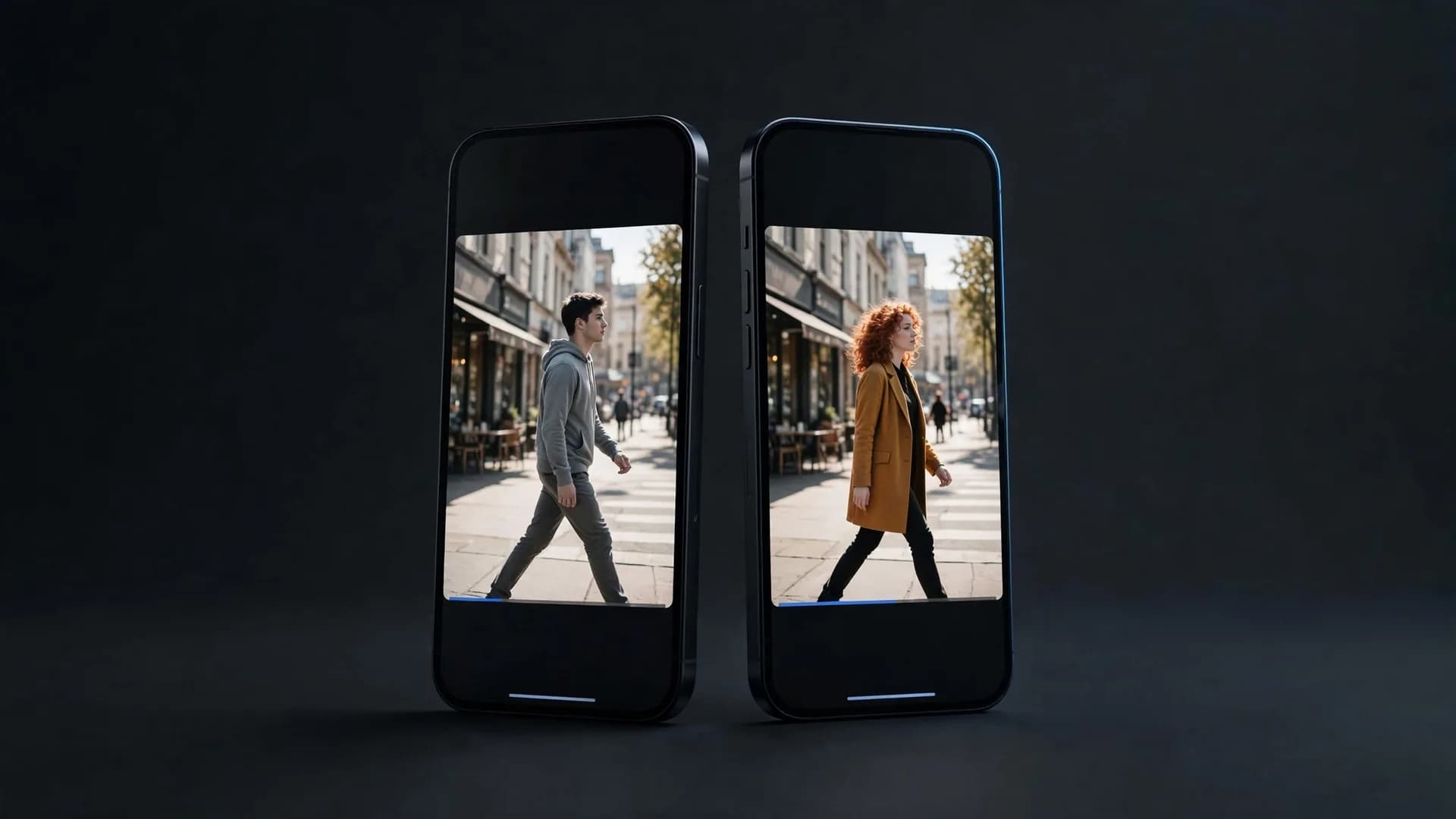
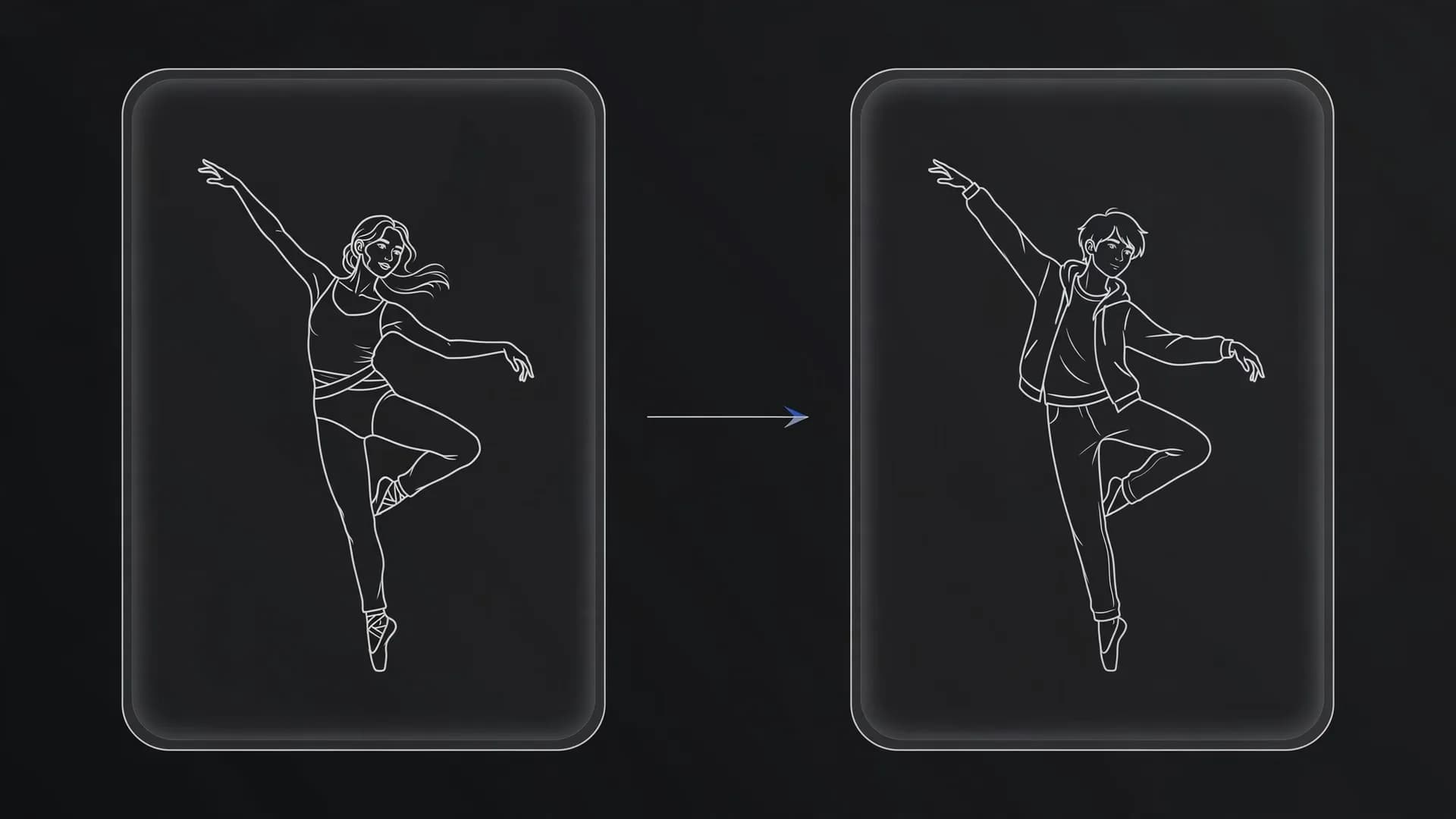
OnVid provides a dedicated video-to-video workflow where you upload a source clip under 30 seconds alongside your reference photos to map exact choreography onto your chosen character with models like Seedance 2.5.
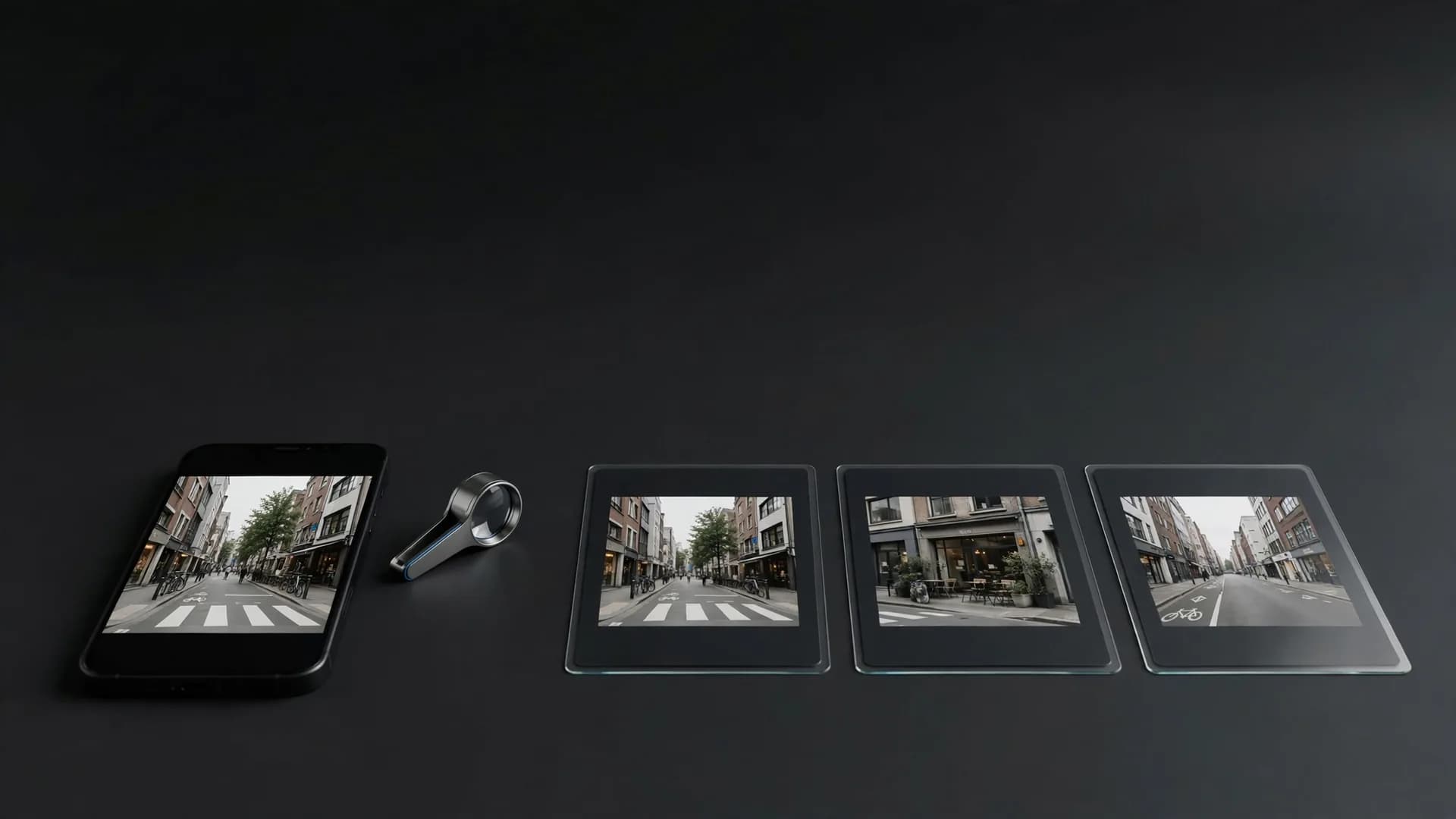
Comparison layout of a clear full-body source portrait and reference dance choreography
How to make AI dance videos step by step
It takes three steps:
Step 1: Upload a clear photo of your subject or character to start
Make sure their full body or posture is clearly visible so the motion looks natural from head to toe. You can pick any photo you like, from a casual snapshot to a styled portrait.
Step 2: Choose how your character will move
Upload a short reference dance clip under 30 seconds for video-to-video, or type a simple prompt describing the exact moves you want to see, such as energetic hip-hop footwork or smooth spins.
Step 3: Select your model, choose a clip length of 5 or 10 seconds, and create your video
In just a few moments, your still photo turns into a moving dance scene that is ready to download in crisp HD and share with friends.
Three-step workflow diagram showing photo upload, motion setup, and video generation
Can you make a picture dance AI style from a single portrait?
You can make a picture dance AI style even without a dedicated dance video reference file. Similar to learning how to animate a photo, advanced image-to-video tools interpret body contours from still portraits and simulate rhythmic movement directly from detailed motion descriptions.
Character consistency. Upload a portrait with clear separation between limbs and clothing so the generator preserves anatomical proportions. Describing exact movements like swaying shoulders or rhythmic arm gestures helps maintain identity consistency.
Environmental depth. Include room details in your prompt to prevent floating artifacts during aggressive footwork. Specifying a polished hardwood dance floor or neon club stage anchors the dancer firmly to the ground.
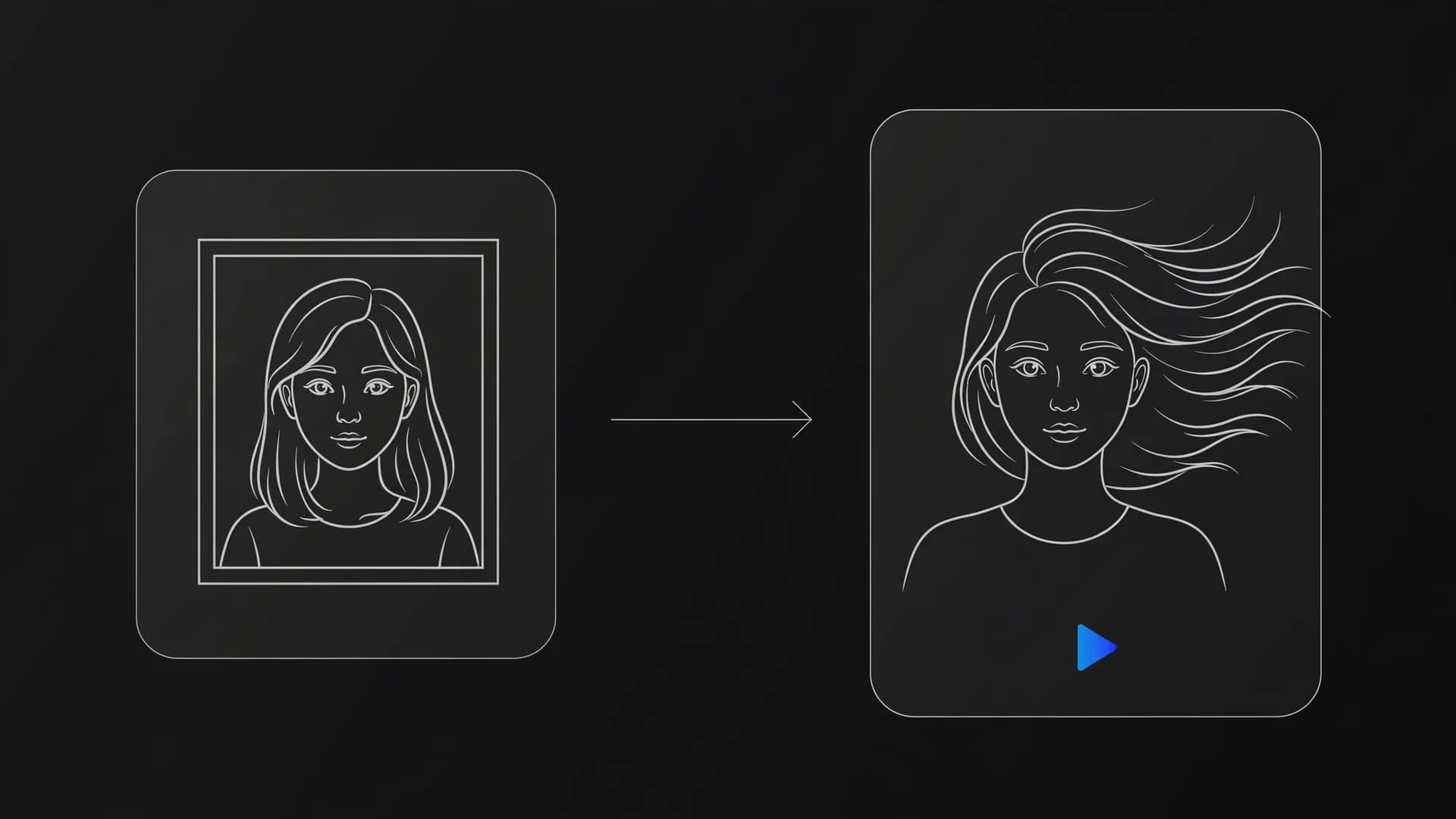
Still portrait transforming into dynamic dance choreography on a modern stage
How to create an AI dog dance and dancing pet AI video
Animating dogs or playful pets to music is one of the most entertaining uses of modern generative video. Quadruped movement requires clean source images where all four paws and facial features are distinctly visible.
Pet pose selection. Use seated or standing pet photos taken from eye level rather than overhead angles. Clear lighting around the paws and torso ensures the model interprets animal anatomy cleanly when generating dance steps.
Playful prompt phrasing. Direct the model to perform upright party dances, rhythmic head bobs, or synchronized paw taps. Keeping movement descriptions focused on upper body sways prevents unnatural leg warping during faster beats.
Stylized dog performing a choreographed dance on a vibrant dance floor
Pro tips for smoother motion and clean choreography
Refining prompt structure is the fastest way to create AI dance videos that look natural rather than jittery. Avoid overly chaotic movement prompts that demand multiple acrobatics within a single short clip.
Pacing your movement. Focus each video on one distinct routine like a salsa turn or breakdance freeze instead of rapid style switching. Pacing your motion allows diffusion models to calculate transitions without limb blending.
Audio synchronization. Generate your visuals first, then edit your final exported video along to your favorite music tracks in post-production. Matching the visual downbeat to music tempo produces professional results ready to share on social feeds.
Video editing timeline pairing dancing movement frames with audio waveforms
Key takeaways on how to make AI dance videos
Making AI dance videos comes down to picking the right input method for your creative goal. Starting with a clear, full-body reference photo gives motion models the visual anchor they need to keep limbs stable.
Whether you guide the routine with a choreographic reference clip or describe the footwork in text, simple framing and steady camera angles prevent visual distortions. With these fundamentals in place, producing rhythmic dance clips takes only a few quick adjustments.
Common questions about how to make AI dance videos
Find straightforward answers to prompt framing, motion consistency, and everything else you need for smooth dance clips.
How to make AI dance videos with a single still picture?
Start by uploading a clear, full-body portrait into OnVid's AI-video-generator. You then enter a prompt describing the dance style and moves to set the subject in motion. The underlying image-to-video model interprets limb articulation and camera movement to produce a finished dance clip ready to share.
How can you improve the footwork consistency in an AI generated dance video?
An AI generated dance video often encounters foot sliding if the subject stands against a busy backdrop. You can fix this by starting with a clean reference image that clearly shows both feet planted on flat ground. Specifying solid footing and camera framing in your prompt helps the video generator keep steps grounded naturally.
Can you use photo to dance AI workflows on group pictures?
Using photo to dance AI works best with a single subject rather than a group. When an image contains multiple figures, motion algorithms often struggle to separate limb trajectories and body boundaries. For reliable choreography, crop your image down to one dancer before submitting the prompt.
Is photo dance AI free for everyday users on OnVid?
OnVid is free to start after you sign up, but it is not a free way to make dance videos. Making videos runs on credits from a Pro or Max plan. If a video ever fails processing, your spent credits are refunded automatically.
What prompt elements help produce an AI viral dance video for social media?
Creating an AI viral dance video requires pairing recognizable motion cues with sharp, contrasting character design. Describe specific kinetic routines like hip-hop popping, ballroom spins, or shuffle footwork alongside dynamic lighting in your prompt. Adding trending background beats in post-production completes the clip for sharing on short-form platforms.
Does OnVid support tool for dance videos?
OnVid does not offer Kling's proprietary Motion Control feature, which operates exclusively inside Kling's native platform. To replicate dance motion on OnVid, use the video-to-video tool to transfer movement from a reference dance clip onto your custom persona.
Can AI sync dance moves to a song's beat?
Most text-to-video engines generate visuals without real-time musical timing. However, models like Seedance-2.5 on OnVid generate native audio alongside 5 or 10 second clips. For precise musical timing, creators typically export the silent choreography clip and align the beat drops inside their preferred video editor.
What is the maximum clip duration for an AI dance video on OnVid?
Clip duration depends on your active plan tier on OnVid. Pro subscribers can generate clips up to 30 seconds, while Max plan members can create sequences up to 60 seconds. Try a short take first, then make the longer version once the moves look right.
Can you animate pets or cartoon characters to dance using AI?
You can animate pets, illustrated avatars, and stylized figures using standard image-to-video models. When submitting a pet photo, prompt the system with specific standing dance postures or bouncy movements. Models like Seedance-2.0 and MiniMax H3 interpret stylized limbs and create playful, animated dance sequences.
Can creators monetize AI dance videos produced on the platform?
Commercial use depends on the model that made the video; check the OnVid Terms-of-Service and the model's terms before commercial use.
Why do some AI dance clips generate blurry limbs or extra hands?
Rapid limb movements can confuse motion prediction models, leading to visual artifacts or warping. You can reduce distortion by describing deliberate, mid-tempo choreography rather than hyper-speed acrobatics. Selecting newer video generation models like Kling 2.5 Turbo or Seedance-2.5 also yields cleaner anatomical consistency during spins.
Should you choose text-to-video or video-to-video when making AI dance content?
Video-to-video is superior when you need exact choreography, as it tracks timing and limb position directly from an existing dancer. Text-to-video provides total creative freedom for surreal choreography, but it relies on algorithmic imagination rather than strict choreography guidelines. Using reference videos delivers more predictable dance routines every time.
Does OnVid offer one-click character swap tools like Viggle or Lockstep?
OnVid does not offer eachlabs Lockstep, Wan Animate Replace, or Viggle character-swap tools. Instead, OnVid provides a flexible video-to-video workspace where you supply a reference dance clip under 30 seconds plus character photos. For modifying only the facial identity of a dancer, you can use the dedicated AI-video-face-swap tool.
Can you export high-definition AI dance clips without watermarks?
Users on OnVid Pro and Max plans receive high-definition downloads with no watermark. Output clips can reach up to 1080p resolution depending on the selected model engine, such as Seedance-2.5.
How should you structure a text prompt for an energetic dance routine?
A reliable prompt specifies the dancer's outfit, the dance genre, camera framing, and tempo. For example, specify a full-body shot of a dancer performing street popping on an empty stage with steady, cinematic camera tracking. Defining the full-body framing prevents the system from cropping out essential leg and foot movements.