
September 29, 2026
9 min read
Review

Grok Imagine Review: Fast, Cheap AI Video Put to the Test

This Grok Imagine review breaks down how xAI's visual tool handles short prompts, everyday clip rendering, and pricing realities. While it delivers quick drafts directly inside social feeds, creators needing controlled motion and multi-scene sequences will find dedicated video platforms far more dependable.

By Reviewed by Jonah WellerHow we review

What to know about Grok Imagine capabilities before making an AI video

In this Grok Imagine review, exploring Grok Imagine capabilities reveals a tool tailored for instant social media content and quick creative prompts. The system integrates directly into existing chat feeds, allowing users to transform rough text descriptions into still pictures and short animated clips in moments.

Most users immediately notice how prompt processing emphasizes convenience over intricate technical settings. You type a prompt, wait a few seconds, and receive an automated render without configuring complex camera angles or frame interpolation controls.

This streamlined entry point makes casual experimentation straightforward for everyday creators. However, creators seeking granular control over camera pathing and timeline pacing will quickly find that simplicity comes with structural trade-offs.

Grok Imagine review: testing visual speed and motion fidelity

In this Grok Imagine review, generation speed stands out as the most prominent technical advantage during daily testing. Running a standardized Grok Imagine test across landscape and portrait prompts delivered five-second video previews in well under a minute.

The visual style leans toward saturated, punchy aesthetics that look sharp on mobile screens. Faces and foreground objects hold together reasonably well during simple tracking shots, capturing the essential mood of casual prompts without requiring fine-tuned seed adjustments.

Artifacts still appear when complex movements enter the frame, such as rapid hand gestures or background shifts. The model occasionally warps background architecture during lateral pans, reminding creators that speed and visual consistency remain in constant balance.
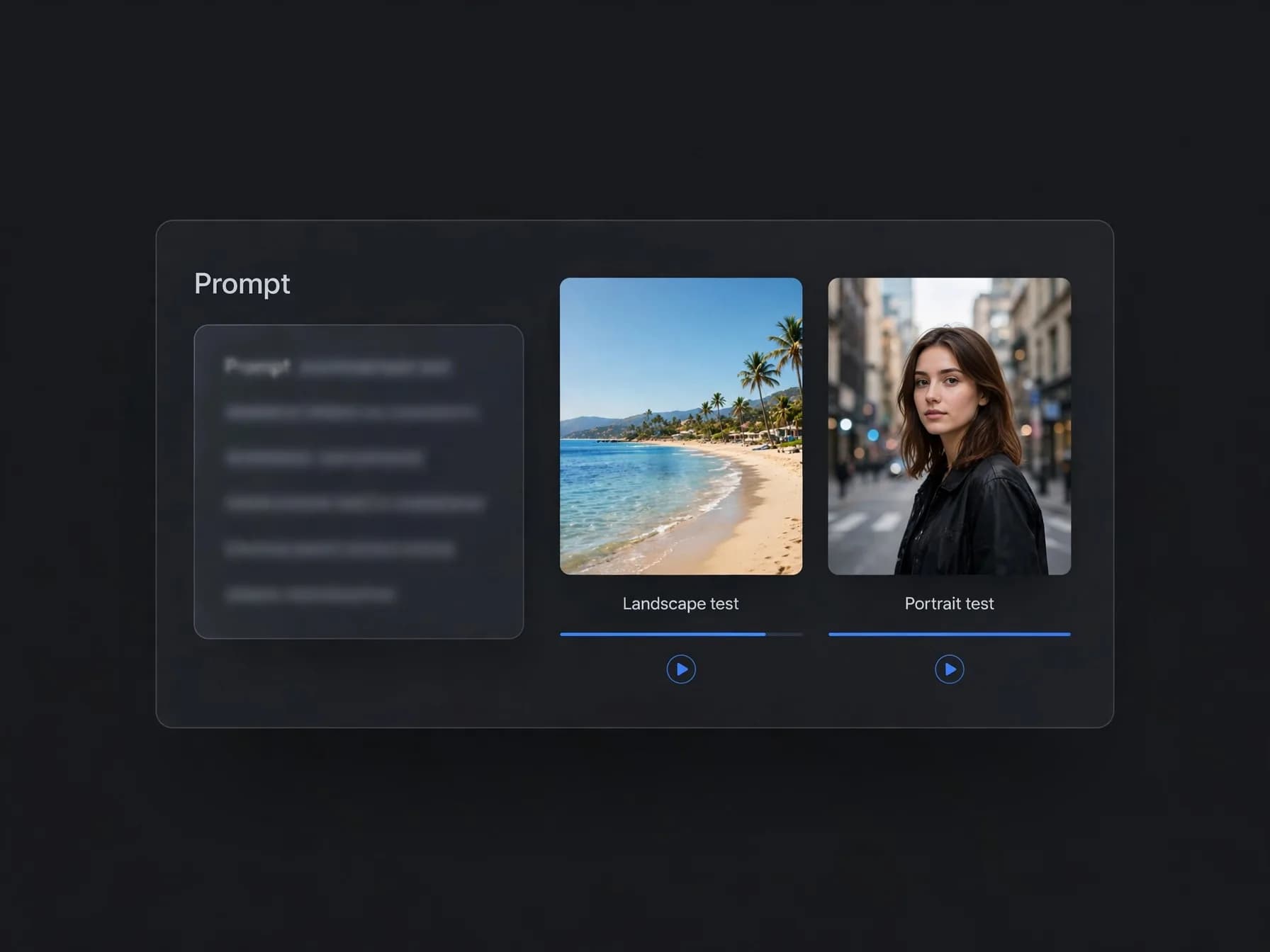
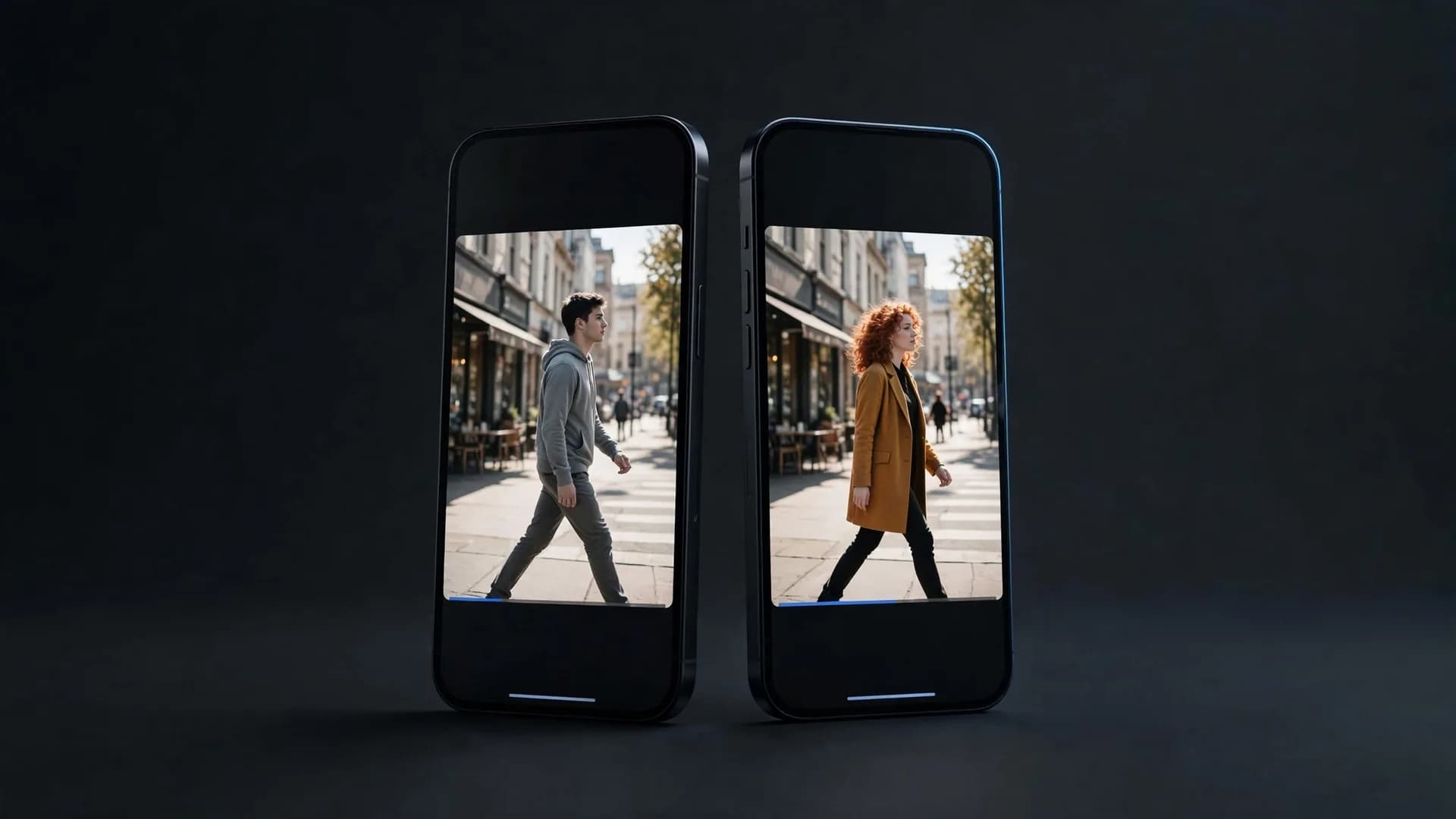
Generic app window with a prompt box and two finished vertical video previews for a speed test

How Grok Imagine video generation handles social AI videos

Evaluating Grok Imagine video generation shows that the platform prioritizes rapid idea validation for online communities. Short clip durations allow users to test visual concepts quickly, turning spontaneous jokes or surreal thoughts into moving media ready to post.

Because the tool connects directly to social feeds, publishing or downloading small animations takes only a couple of taps. This frictionless sharing loop appeals to casual users who value immediacy over multi-track editing or exact color matching.

For longer storytelling or professional marketing assets, the standard five-second ceiling can feel restrictive. Stitching multiple scenes together requires external editing software, which interrupts the spontaneous creative flow that the platform originally provides.

Where does Grok Imagine struggle with AI video consistency?

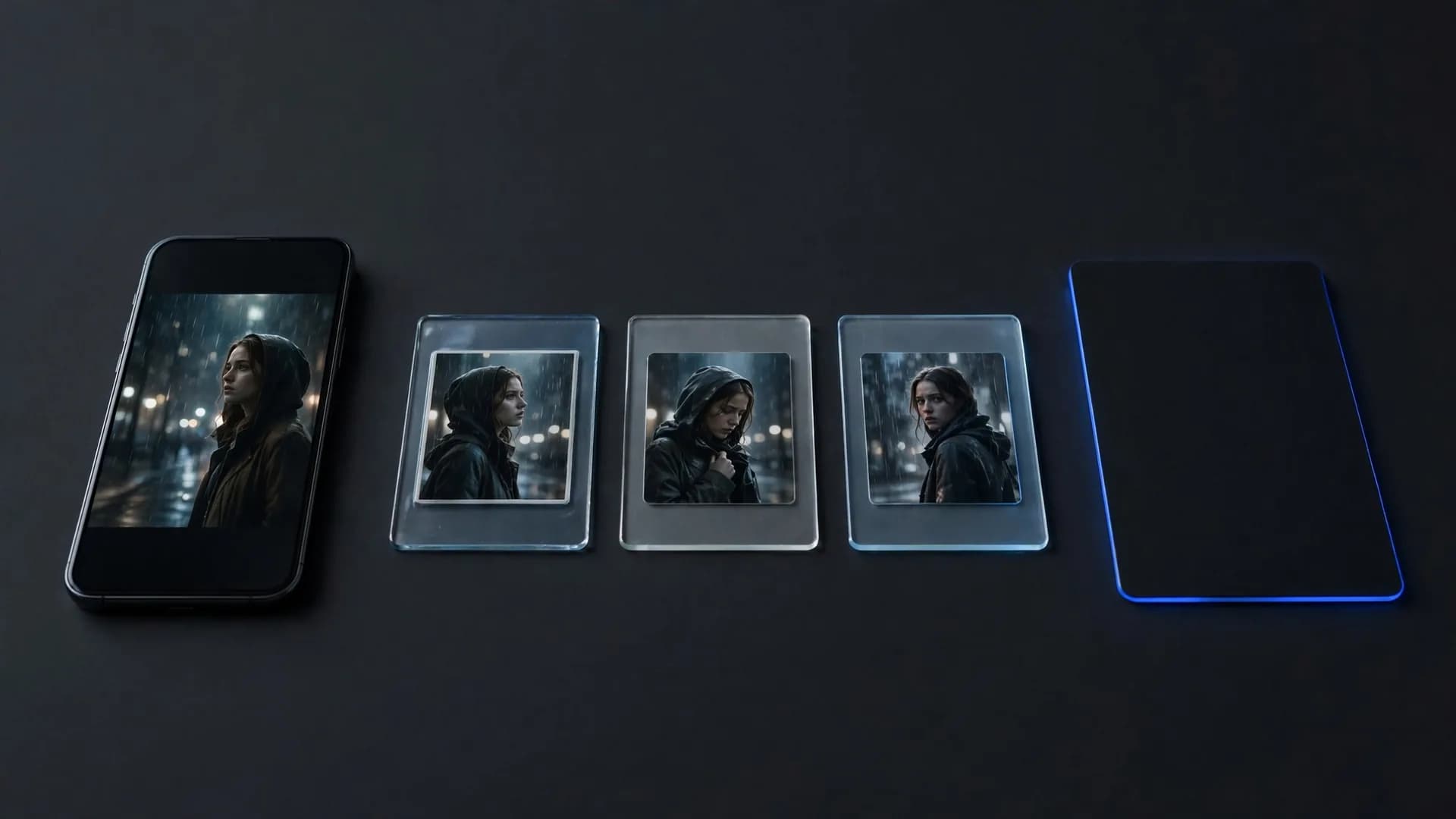
Prompt consistency remains the primary obstacle when attempting multi-clip sequences with the built-in generator. Characters frequently morph across generations, changing facial features, clothing patterns, and ambient lighting even when you supply identical seed prompts.

Camera movement options are similarly restricted, offering few explicit controls for zooms, tilts, or steady pans. Creators must rely heavily on descriptive text alone, which sometimes leads the engine to animate unwanted elements while leaving the primary subject motionless.

Audio integration is another key limitation to keep in mind before launching large video projects. Without native synchronized sound effects or clean dialogue tracks, creators must manually source audio elsewhere to make their final video compelling.
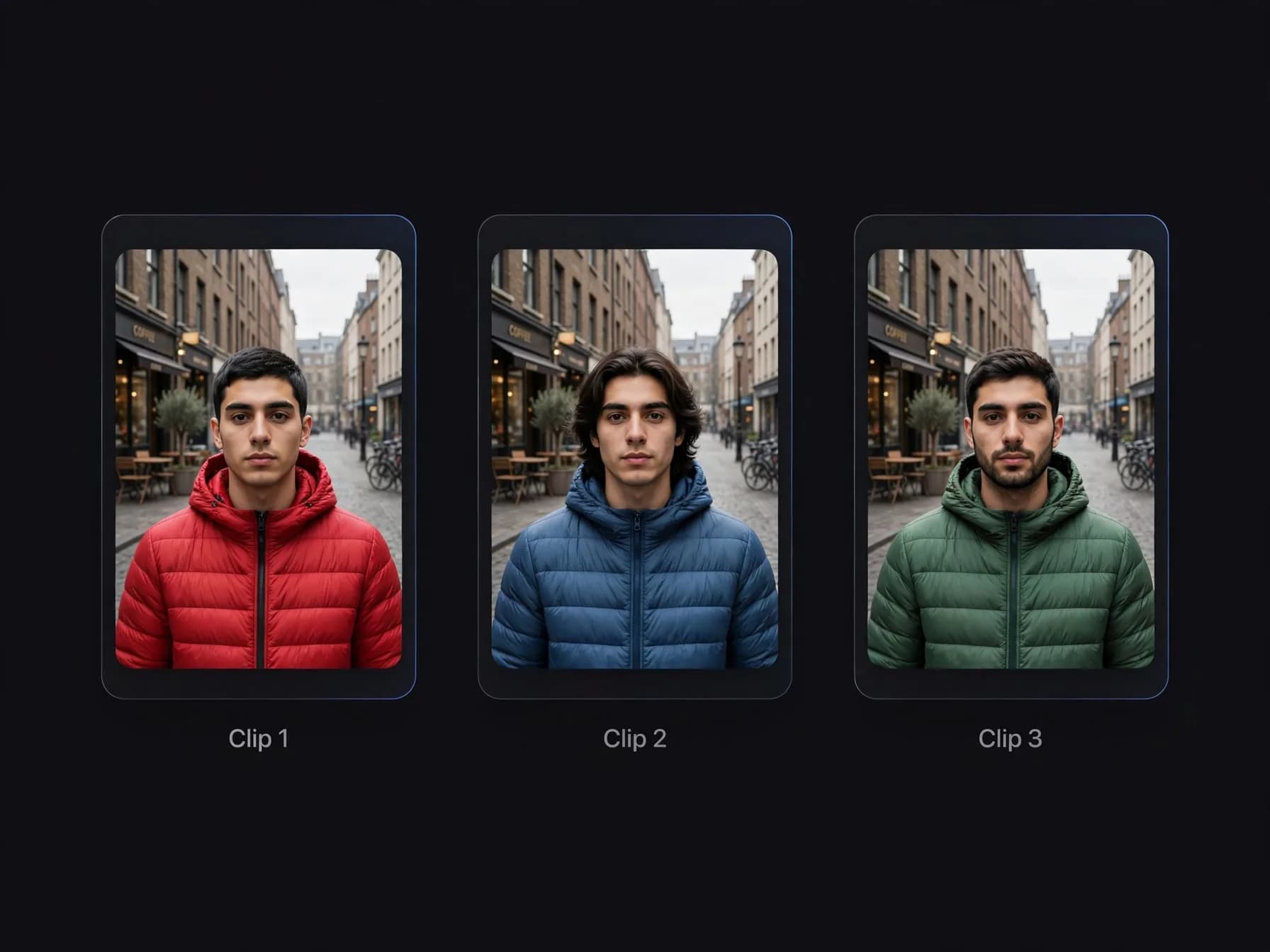
Three clips of the same scene where the character's hair, beard and jacket change between generations

Our Grok Imagine review verdict: when to use dedicated AI video tools

Our full Grok Imagine review concludes that the tool excels at rapid brainstorming while falling short for cinematic production. Everyday users will appreciate how swiftly it produces fun animations from plain sentences, but dedicated creators will need deeper creative toolsets. If you are weighing the two leading alternatives, our Veo 3 vs Sora 2 comparison shows where each one wins.

Reading through independent Grok Imagine reviews echoes this split verdict across the community. Users praise the accessible text interface and rapid previews, yet frequently complain about strict duration caps and unpredictable physics during dynamic action shots.

If your goal is casual sharing on social timelines, the built-in generator delivers dependable entertainment. When you require precise camera motion, multi-image character references, or extended clip runtimes, exploring specialized video platforms becomes necessary.

Better workflows for multi-scene AI video projects

Stepping beyond single-prompt generators unlocks higher fidelity and expanded clip lengths for ambitious video ideas. Creators exploring AI faceless YouTube ideas or working on narrative shorts rely on versatile tools that support multi-image references and custom aspect ratios.

Platforms like OnVid provide access to leading generation engines under one simple workspace, allowing users to pick models tailored for specific visual styles. Accessible after you sign up, OnVid lets you choose clip durations up to 30 seconds on Pro or 60 seconds on Max.

Whether you animate a still photo or generate dynamic scenes from pure text, matching the right tool to your project saves substantial time. Knowing the limits of fast social tools helps you pick the right workflow whenever your visual vision demands more depth.
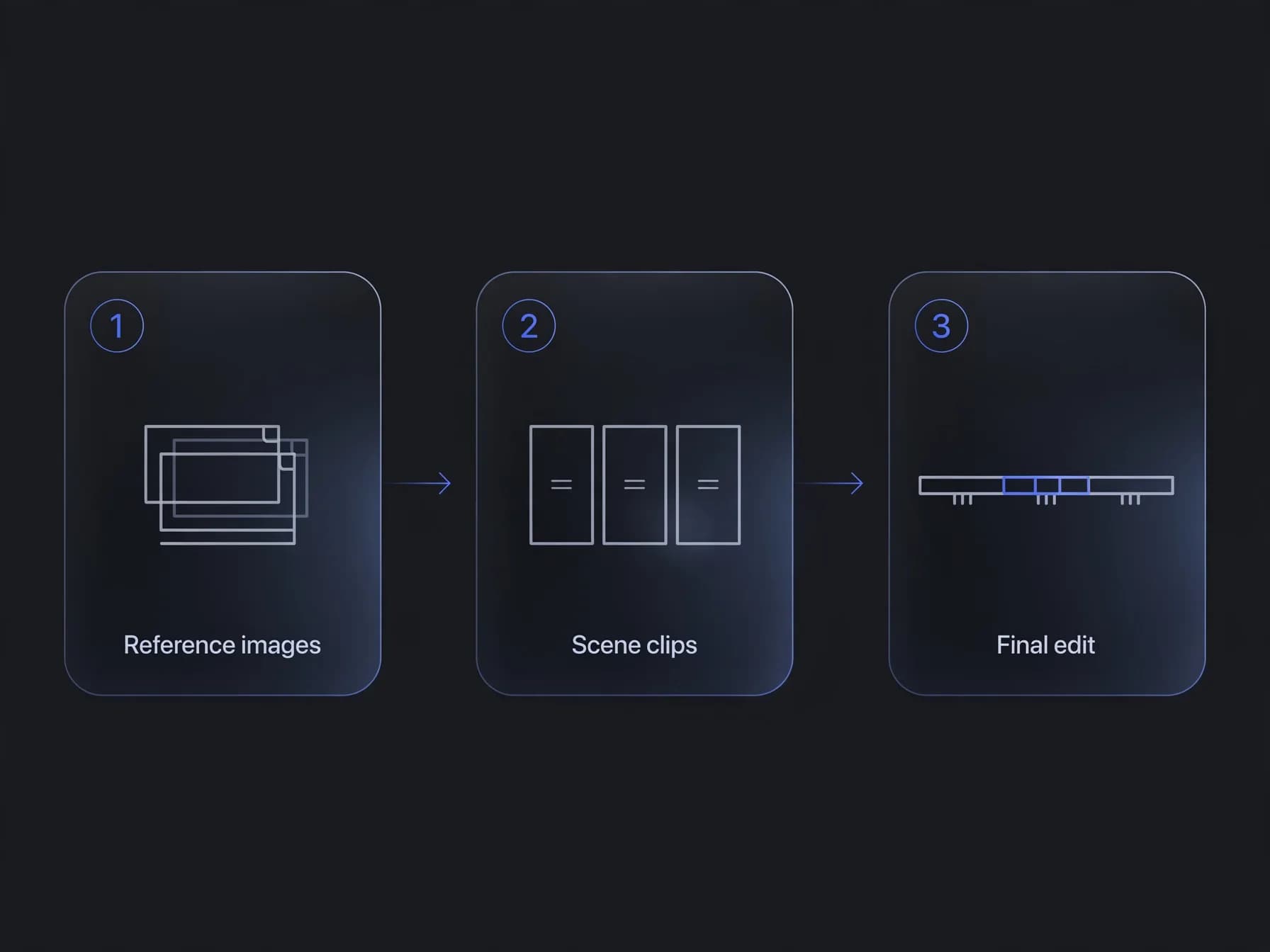
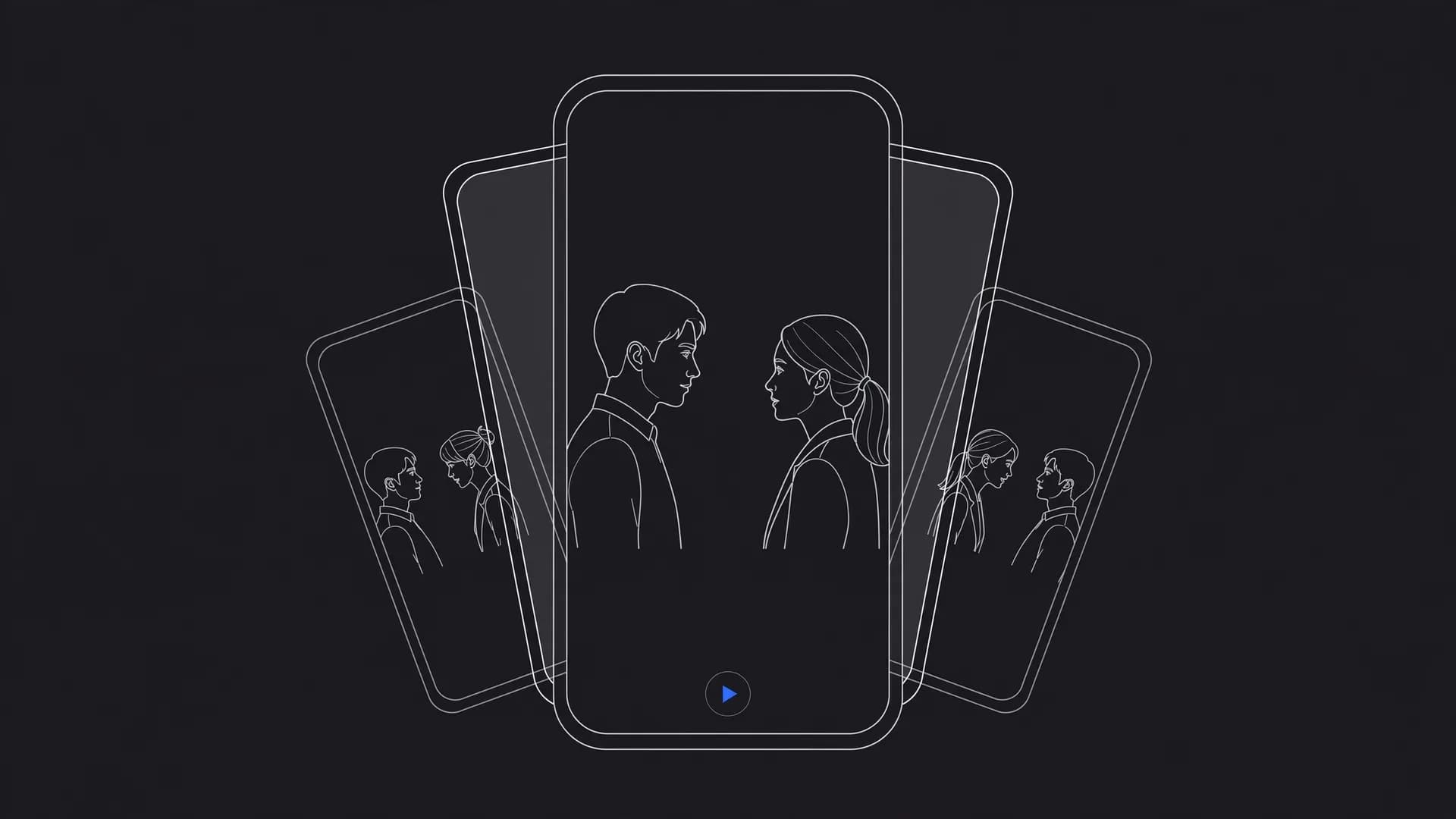
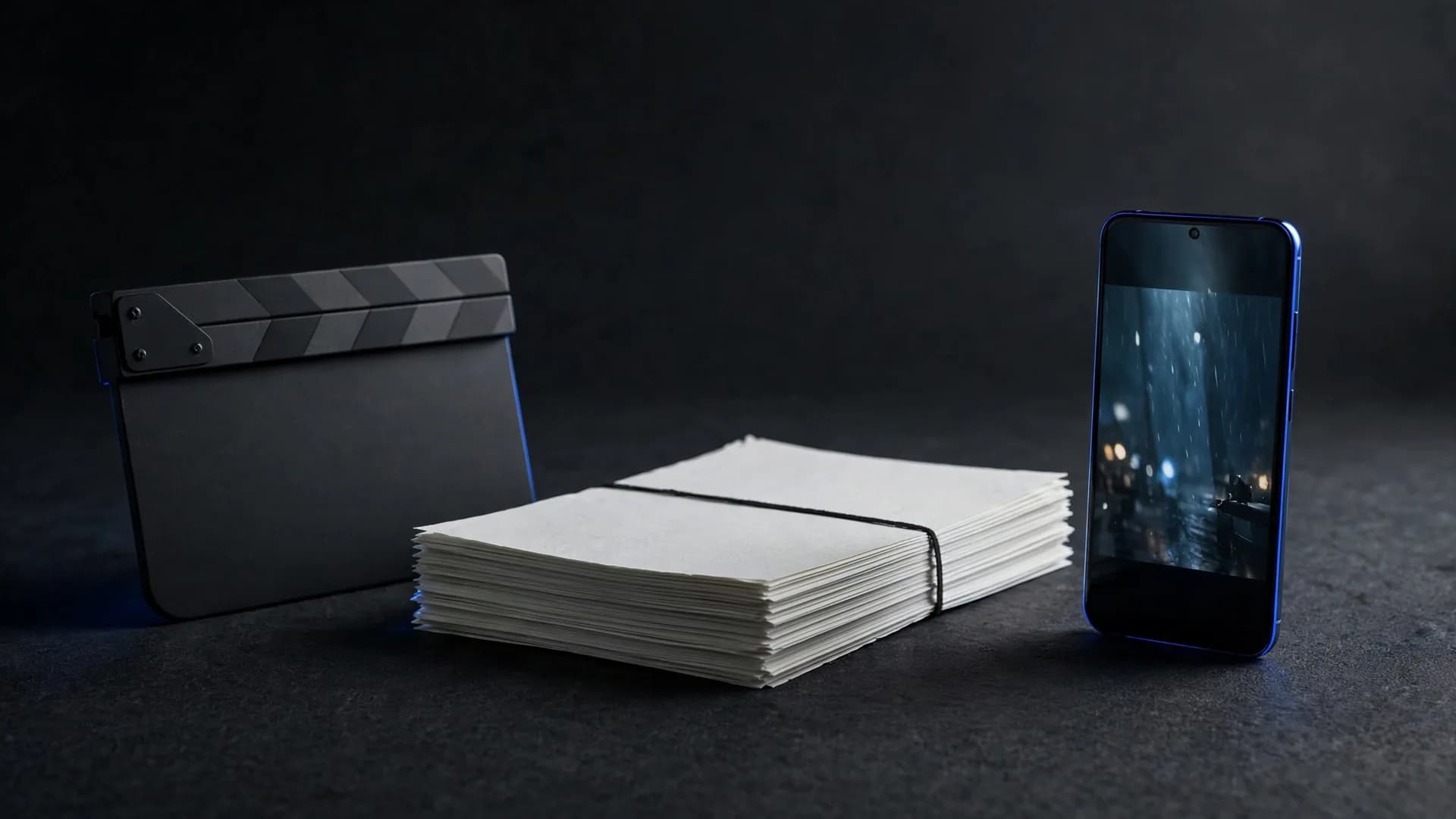
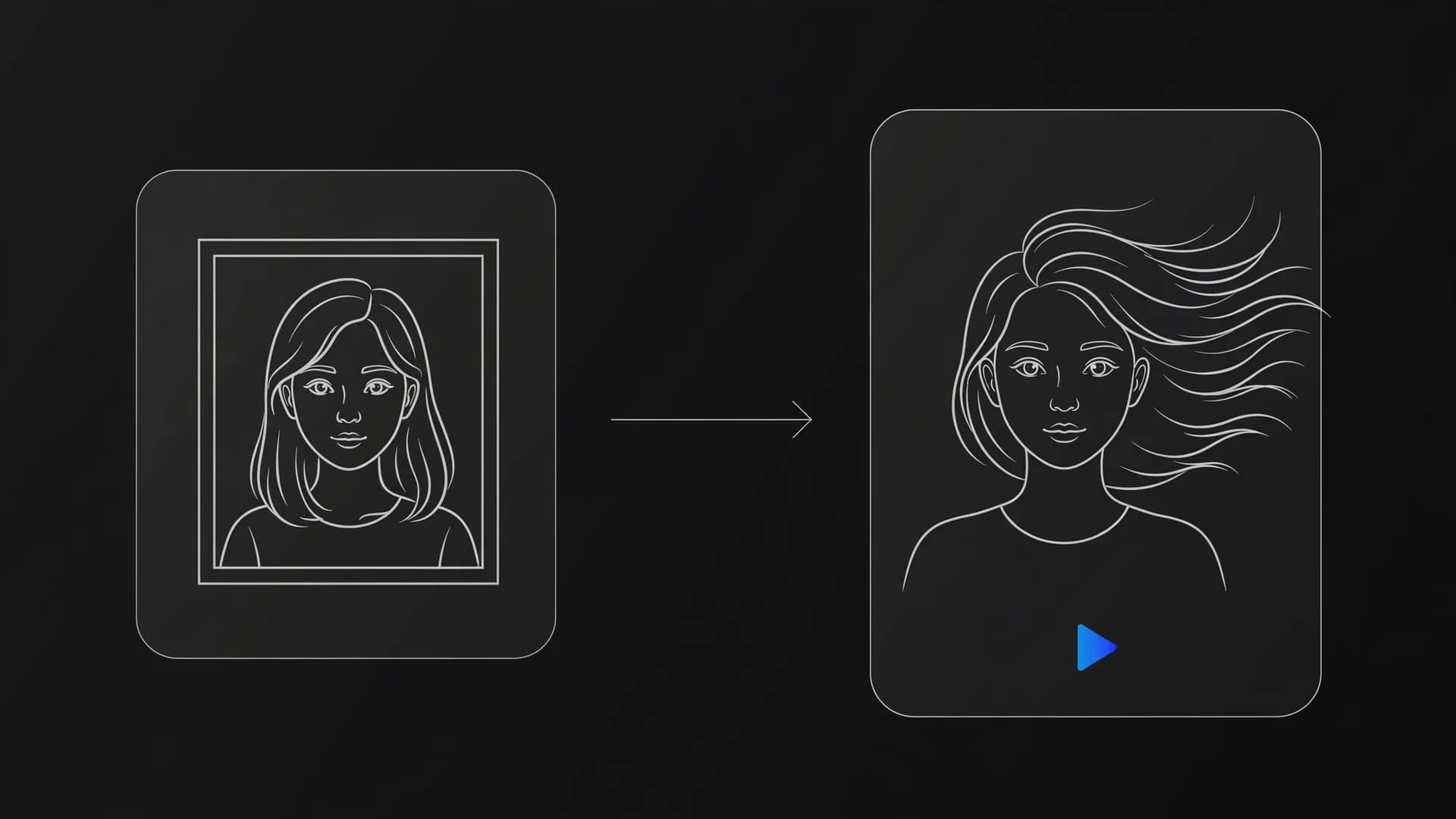
Three-step multi-scene workflow: reference images, separate scene clips and a final edit

Final thoughts on Grok Imagine

This Grok Imagine review shows that the tool is built for speed and quick concept drafting rather than precise cinematic storytelling.

While its rapid output works well for casual social clips, projects needing fine camera control, multi-image consistency, or longer clip durations benefit from dedicated workflows. Choosing the right tool comes down to whether your project calls for raw generation speed or granular control over your final AI video.

Frequently asked questions about our Grok Imagine review

Find straightforward answers to common safety, pricing, and quality questions raised throughout this Grok Imagine review so you know what to expect before generating.

What is the verdict in this Grok Imagine review?

Our honest Grok Imagine review shows that the tool is fast and playful for social clips, but limited for complex storytelling. It turns short text prompts into brief AI videos rapidly through the X platform, yet lacks precise camera controls or long clip generation. Creators needing fine-tuned shots or longer runtimes often look to dedicated platforms like OnVid's AI video generator.

Is Grok Imagine safe to use for personal projects?

Grok Imagine is generally safe for everyday experimentation, but you must keep data visibility and copyright guidelines in mind. Inputs and generated media on the platform are tied to your social profile and subject to the platform's public data policies. For professional privacy and commercial projects, review the specific terms before publishing.

Can anyone see what I make on Grok Imagine?

Depending on your account privacy and sharing choices, media created on Grok can be linked to your public feed or profile interactions. Public interactions and posts on X allow other users to view and share your generated clips. Dedicated creation suites keep your project drafts private in your personal workspace until you choose to download or publish them.

Does Grok Imagine track you or store generation data?

Grok Imagine collects prompt history, interaction metrics, and account activity under the standard privacy policy of xAI and X. This data is routinely used to train future foundation models unless you explicitly opt out through system settings. Users concerned about model retraining should check privacy toggles before uploading sensitive reference photos.

Can I use Grok Imagine without paying?

Access to Grok Imagine typically requires an active X Premium or Premium+ subscription tier. Occasional promotional credits or limited preview rollouts happen, but consistent video generation is locked behind paid monthly access. OnVid offers credit-based Pro and Max plans to test multiple leading video models after sign-up.

Is Grok Imagine actually good for video generation?

Grok Imagine excels at quick social memes, stylized portrait animations, and rapid conceptual clips. However, it struggles with complex physical dynamics, precise multi-character tracking, and sustained motion across long scenes. When a project demands cinematic fidelity or custom frame rates, specialized diffusion engines usually produce cleaner results.

How does Grok Imagine audio sync handle speech and sound effects?

Testing Grok Imagine audio sync shows that native audio alignment is largely experimental, often creating ambient background noise rather than matched dialog. Precise lip sync is not reliable on standard prompt generations. For speaking portraits, dedicated avatar workflows like OmniHuman on OnVid deliver synchronized mouth movements directly from audio tracks.

How to use Grok Imagine for the best visual output?

To get optimal results with Grok Imagine, keep your prompts focused on a single clear subject and specify lighting style directly. Avoid stacking too many competing actions into one sentence, as short diffusion passes can distort multiple simultaneous movements. Adding clear camera terms like close-up or panning shot helps stabilize the resulting AI video.

What are the core Grok Imagine capabilities for creators?

The primary Grok Imagine capabilities include fast text-to-image creation and turning still frames into brief moving clips. It integrates directly into social messaging workflows, making it convenient for sharing quick reaction clips. It lacks multi-track editing, extended scene stitching, and advanced video-to-video style transfer.

What does a Grok Imagine review reddit thread usually highlight?

On Reddit, a typical Grok Imagine review highlights appreciation for loose safety guardrails and rendering speed alongside complaints about short clip limits. Community discussions frequently point out warping artifacts during intense action scenes and inconsistent visual styles between consecutive attempts. Users often suggest using dedicated tools when visual consistency matters across an entire scene.

Is there anything better than Grok Imagine for cinematic AI videos?

Several modern generative platforms outperform Grok Imagine in realism, motion coherence, and camera direction. Leading models such as Seedance 2.5, Kling v3, and Veo 3.1 provide higher fidelity and cinematic stability. You can compare and generate with these high-tier engines directly through OnVid's AI video generator.

Can Grok Imagine generate long videos over 30 seconds?

Grok Imagine caps single outputs at short burst clips lasting just a few seconds each. It cannot natively produce continuous 30-second or 60-second video sequences from a single prompt. For longer formats, OnVid supports renders up to 30 seconds on Pro plans and up to 60 seconds on Max plans.

Can I use Grok Imagine video generation for commercial client work?

Commercial use depends on the model that made the video; check the OnVid Terms of Service and the model's terms before commercial use. Grok's commercial rights are governed by xAI terms, which evolve frequently regarding AI-generated media ownership. Always verify model licensing agreements before using any AI video in monetized advertising campaigns.

How does Grok Imagine compare to standalone models like Luma Ray?

Grok Imagine is designed as a conversational assistant feature, whereas standalone video engines focus purely on physics simulation and camera paths. In our Luma ray 3 review, we observed smoother camera tracking and fewer edge artifacts compared to Grok's rapid generations. Dedicated rendering models generally handle lighting and perspective shifts with higher visual stability.

What should I do if Grok Imagine distorts faces or hands?

Face and hand warping happens when motion prompts are too aggressive for Grok's underlying diffusion weights. You can reduce artifacts by simplifying your motion description to slow, subtle movements. Alternatively, uploading a clear reference photo into a multi-image reference model helps maintain facial structure throughout the AI video.

How fast is Grok Imagine compared to other AI video tools?

Grok Imagine is among the quickest tools available, frequently returning 5-second video previews in under a minute. The tradeoff for this high rendering speed is lower resolution and occasional visual noise during complex motion. Heavier production models take slightly longer but deliver clean 1080p clips with realistic physics.

See similar blogs

More from the blog