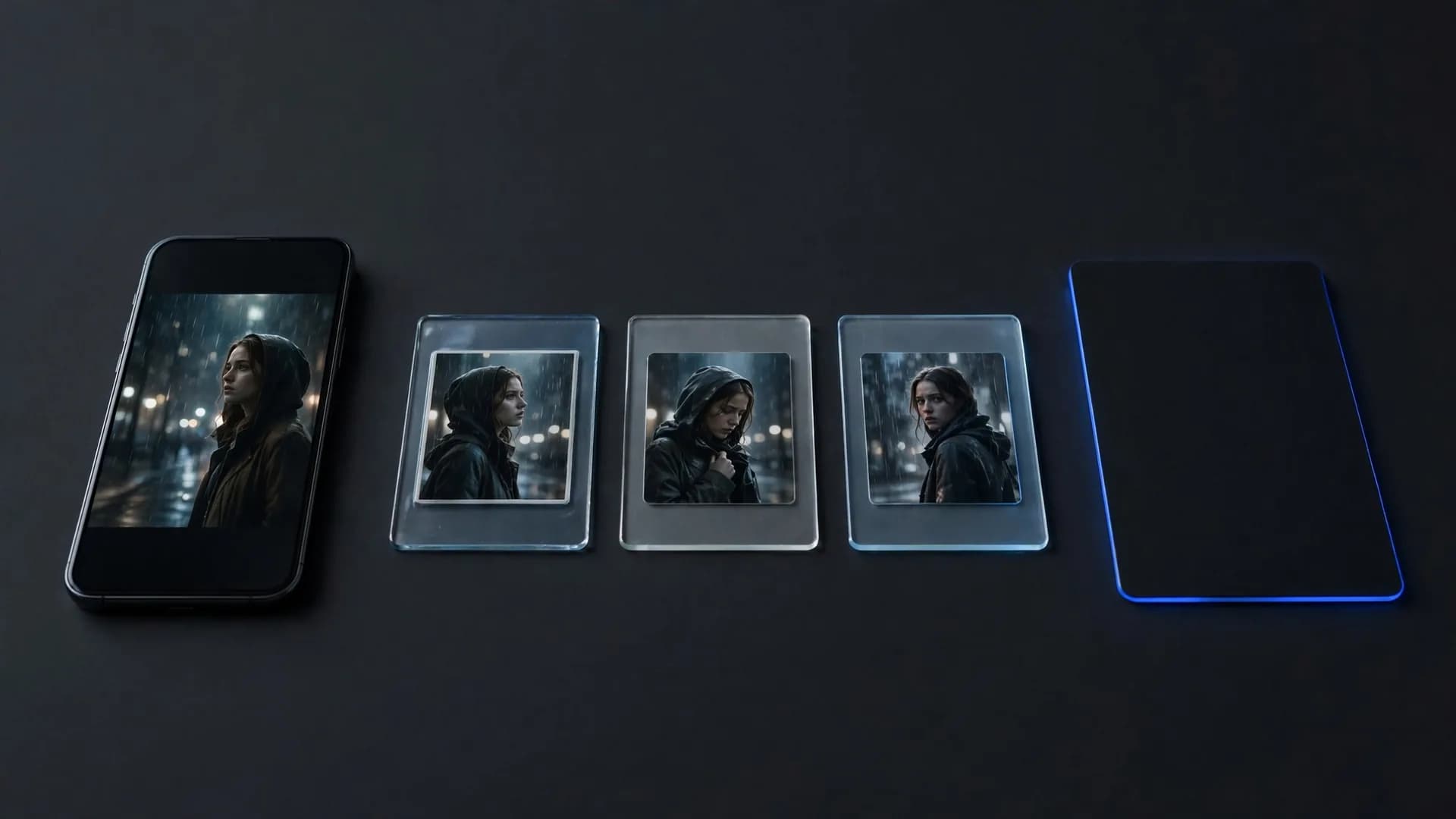

Can ChatGPT make videos directly without extra software?
No, ChatGPT cannot produce finished MP4 files or animate scenes directly within its standard conversational interface. While many users ask if can ChatGPT make videos natively, the system functions primarily as a large language model designed to output text, code, and structured data rather than rendered video pixels.
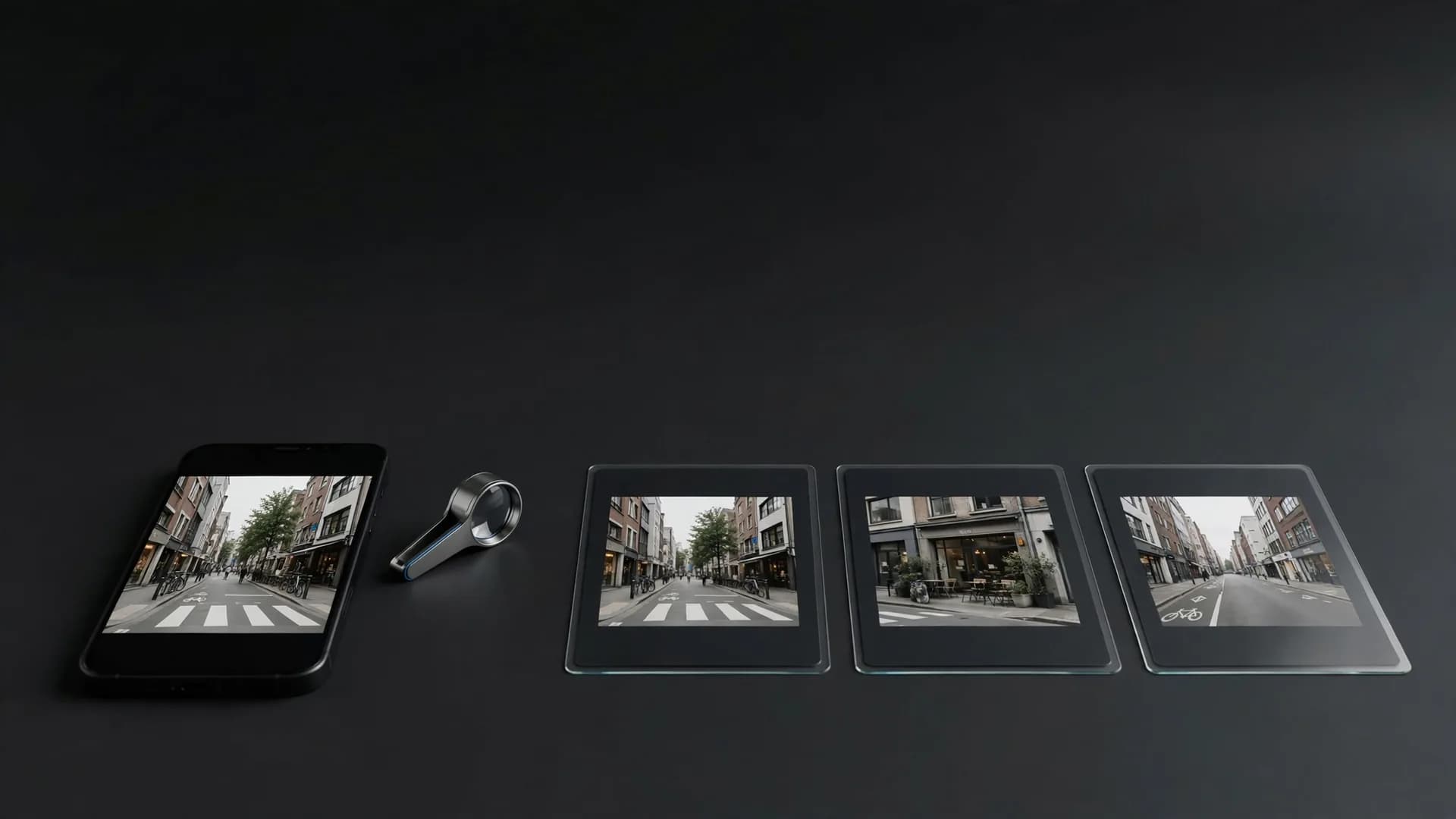
When you type a video prompt into ChatGPT, it responds with descriptive scripts, shot lists, or storyboard outlines. It understands cinematic terminology, scene pacing, and visual composition, but it does not house a rendering engine to turn those concepts into moving frames.
To see your concepts come alive as moving visual scenes, you must take the descriptive text generated by ChatGPT and input it into a dedicated video model. Understanding this separation helps you build a practical production process without wasting time searching for hidden render buttons inside the chat window.
How creators produce an AI video using ChatGPT scripts
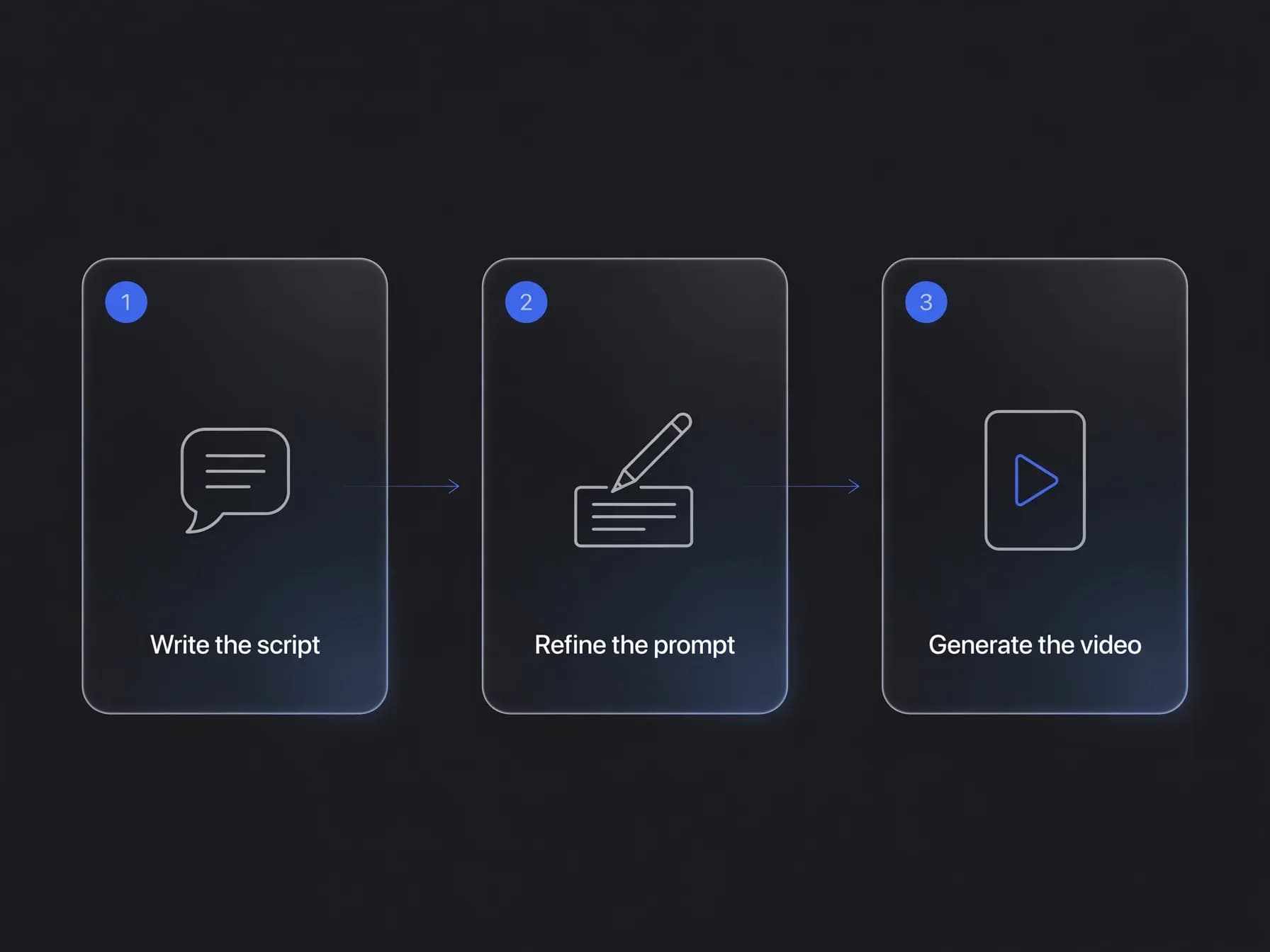
The standard approach combines conversational planning with dedicated generation tools to produce a finished clip. You can ask ChatGPT to draft dialogue, scene breakdowns, and lighting notes, specifying the exact mood and subject details you want to capture. Our guide on how to write AI video prompts covers that refinement step in detail.
Once the written concept is complete, you refine the visual descriptions into tight camera prompts. Creators often check our guide on how to write video script with AI to master scene duration, camera motion cues, and pacing before sending text into production models.
After finalizing your prompts, you paste each scene description into OnVid's AI video generator to render the visual footage. This two-part workflow pairs conversational drafting with specialized video processing so you get clean visual clips matching your original story.
Can ChatGPT generate videos from plain text prompts alone?
Under its default interface, the simple answer remains no because language models process tokens rather than temporal image grids. Many people wonder whether can ChatGPT generate videos when given detailed descriptive sentences, but the core engine only outputs language predictions.
Generating visual motion requires diffusion architectures or autoregressive video networks that track consistency, camera paths, and light across frames. Models such as Seedance 2.0, Kling 2.5 Turbo, and Veo 3.1 are built specifically to solve visual motion challenges that standard text engines cannot touch.
Instead of attempting to force text models to handle visual rendering, experienced creators let conversational assistants refine prompts and then transfer that data to a specialized video engine. This division ensures every frame maintains visual clarity, smooth movement, and prompt accuracy.
Top ChatGPT video generation alternatives for creators
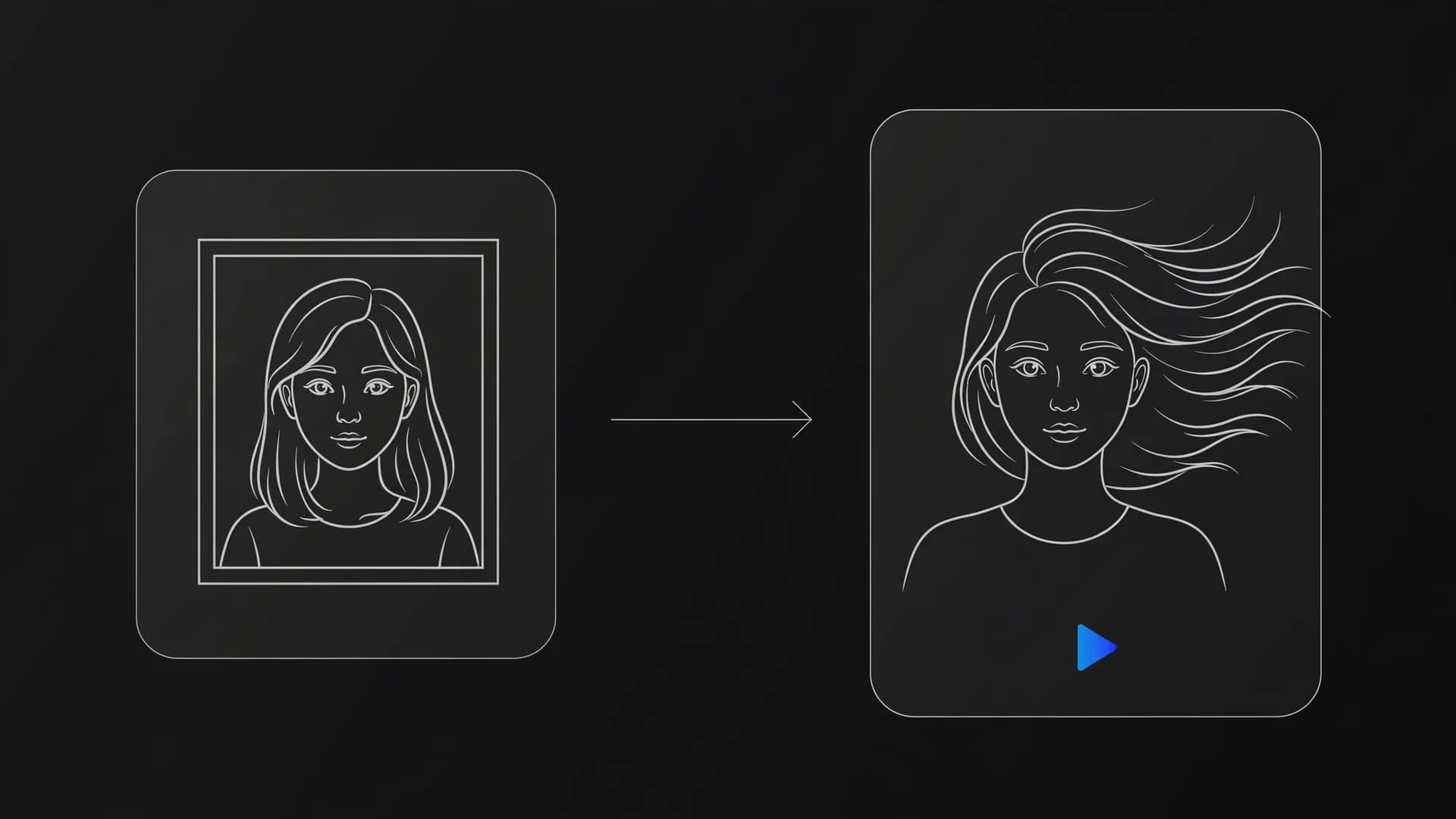
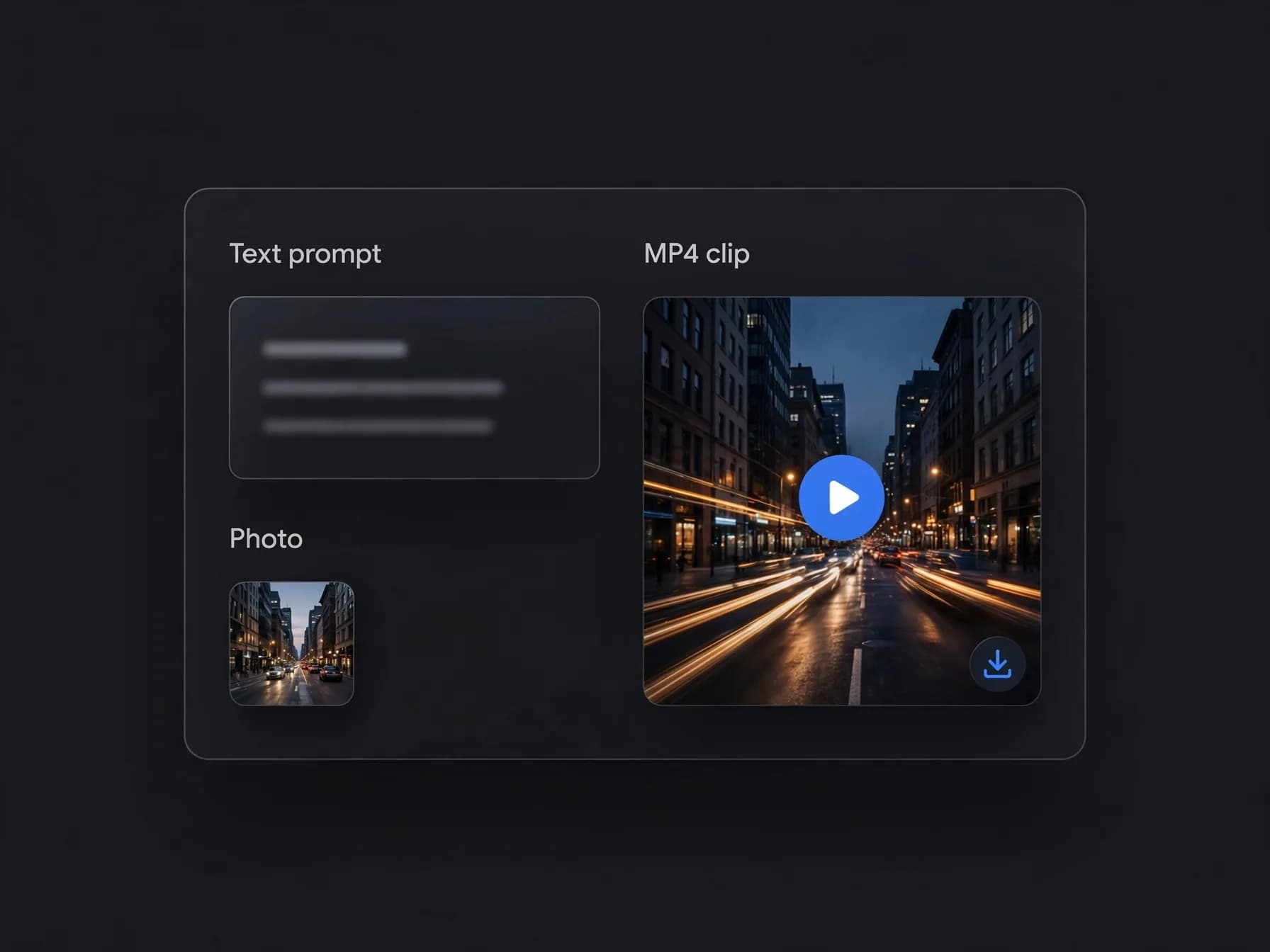
If your goal is to turn concepts into downloadable clips quickly, several dedicated platforms serve as practical ChatGPT video generation alternatives. Specialized platforms take written ideas or uploaded photos and output high-definition MP4 clips without requiring multi-app manual workarounds.
OnVid brings together top models including Seedance 2.5, Kling 2.5 Turbo, and Wan 2.7 in one dashboard, making text to video accessible from a single prompt. Free to start after you sign up, OnVid lets you choose clip lengths up to 30 seconds on Pro or 60 seconds on Max, charging credits per second based on the selected engine.
When choosing an alternative, focus on whether the tool supports your target duration, audio integration, and photo animation. Selecting a focused generation tool saves hours compared to stitching together third-party chat integrations that often cap clips at low frame rates.
How can ChatGPT generate videos through partner apps and extensions?
Third-party developers have bridged the gap by building GPT plugins and specialized integrations inside the GPT Store. When users attempt to generate video with ChatGPT inside these custom GPTs, the assistant sends instructions via an API to an external rendering platform.
These integrations typically assemble stock footage clips, overlay synthetic voice tracks, and add automated subtitles rather than rendering new video frames from scratch. While useful for rapid social summaries, they lack the custom visual styles, camera controls, and motion depth of native diffusion video tools.
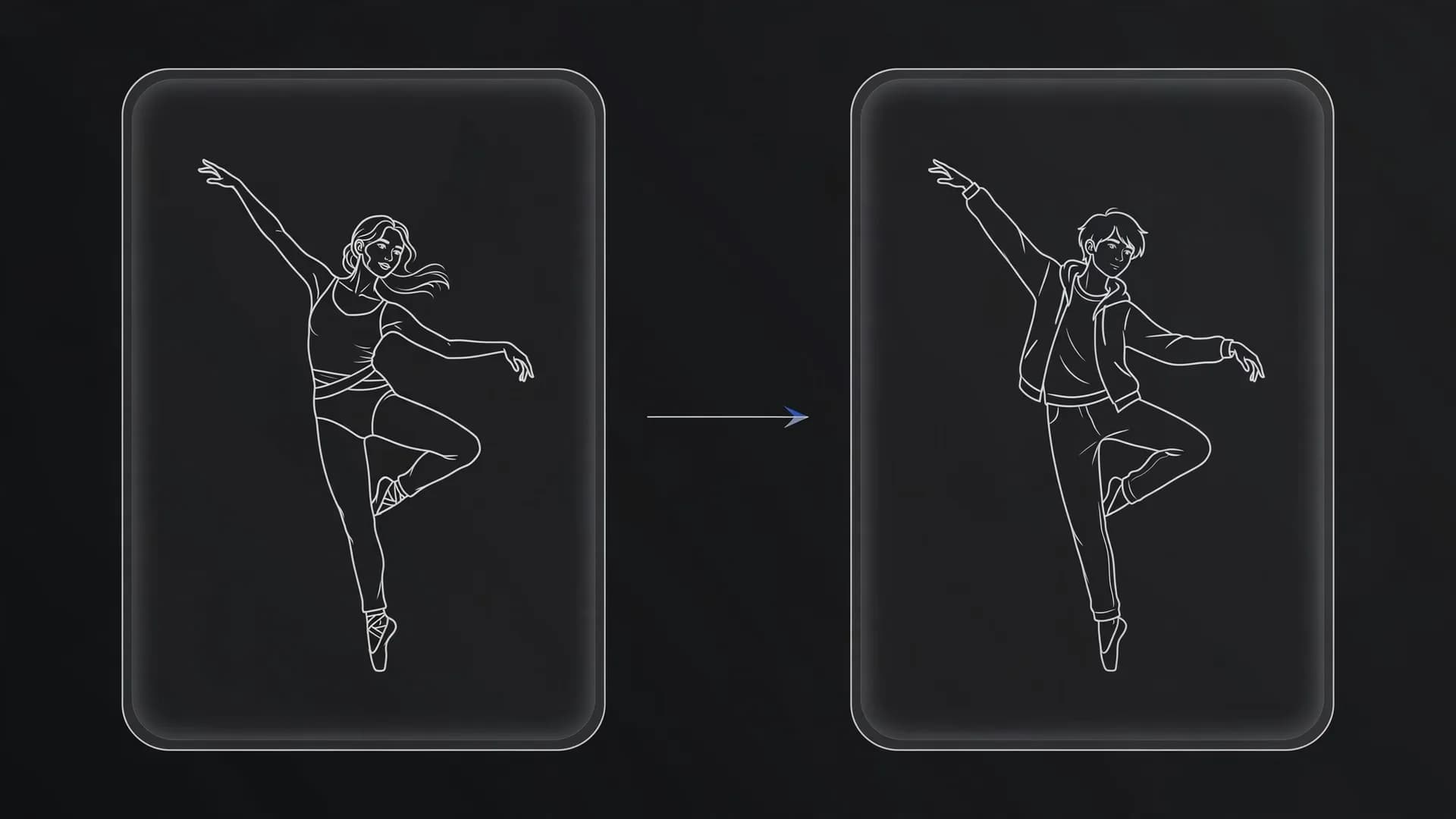
If you want original cinematic scenes, realistic lighting, or anime aesthetics, sending your prompt directly to OnVid provides far greater visual control. You bypass restrictive plugin templates and get authentic scene motion rendered to your exact specifications.