
September 29, 2026
10 min read
Guide

Sora 2 Prompt Guide: 30+ Cinematic Prompts That Work

Generating realistic footage requires balancing physical motion, lighting cues, and explicit camera choreography in your text description. This practical Sora 2 prompt guide details proven syntax structures and tested clip formulas so you can generate clean AI video on OnVid with predictable results.

By Reviewed by Jonah WellerHow we review

How does the core Sora 2 prompting structure create AI videos?

A proven Sora 2 prompting structure balances subject detail, lighting conditions, and continuous motion cues in a single cohesive description. Writers structuring episodic scenes or exploring what is an AI short drama can use these narrative prompts to plan cinematic pacing across key moments. For the general rules behind these examples, see how to write AI video prompts.
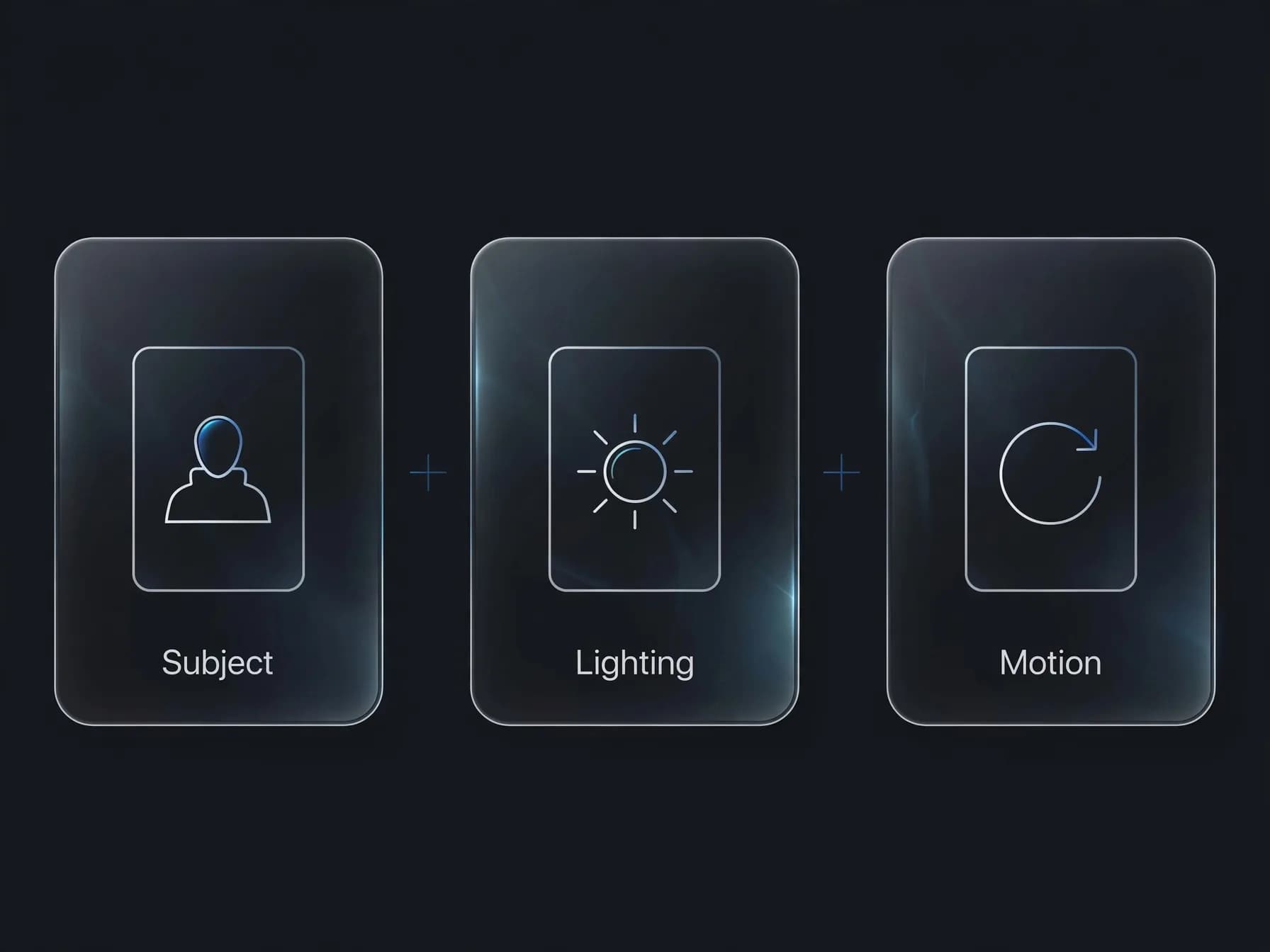
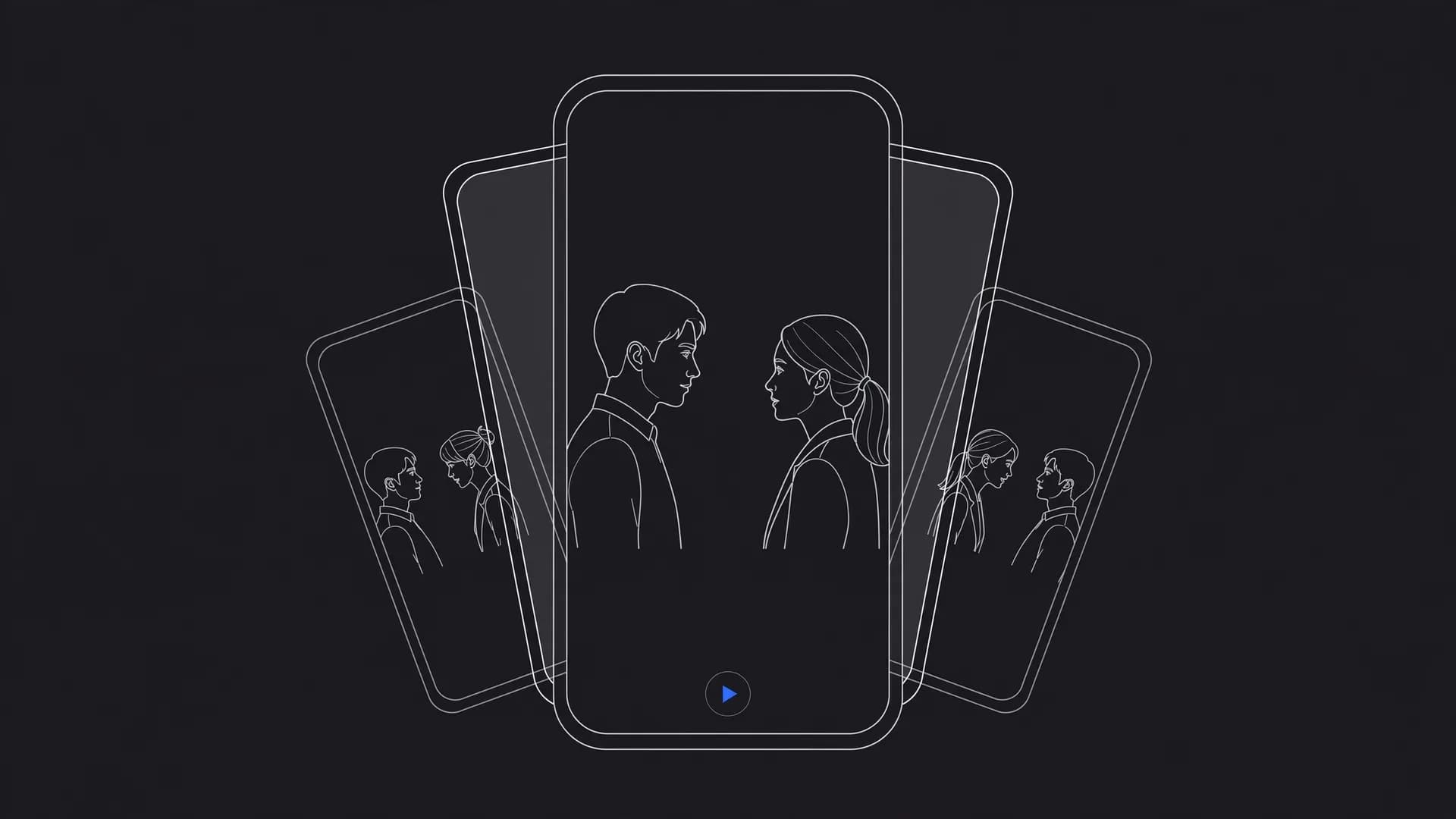
Prompt structure diagram: subject plus lighting plus motion

1. Rainy neon alleyway

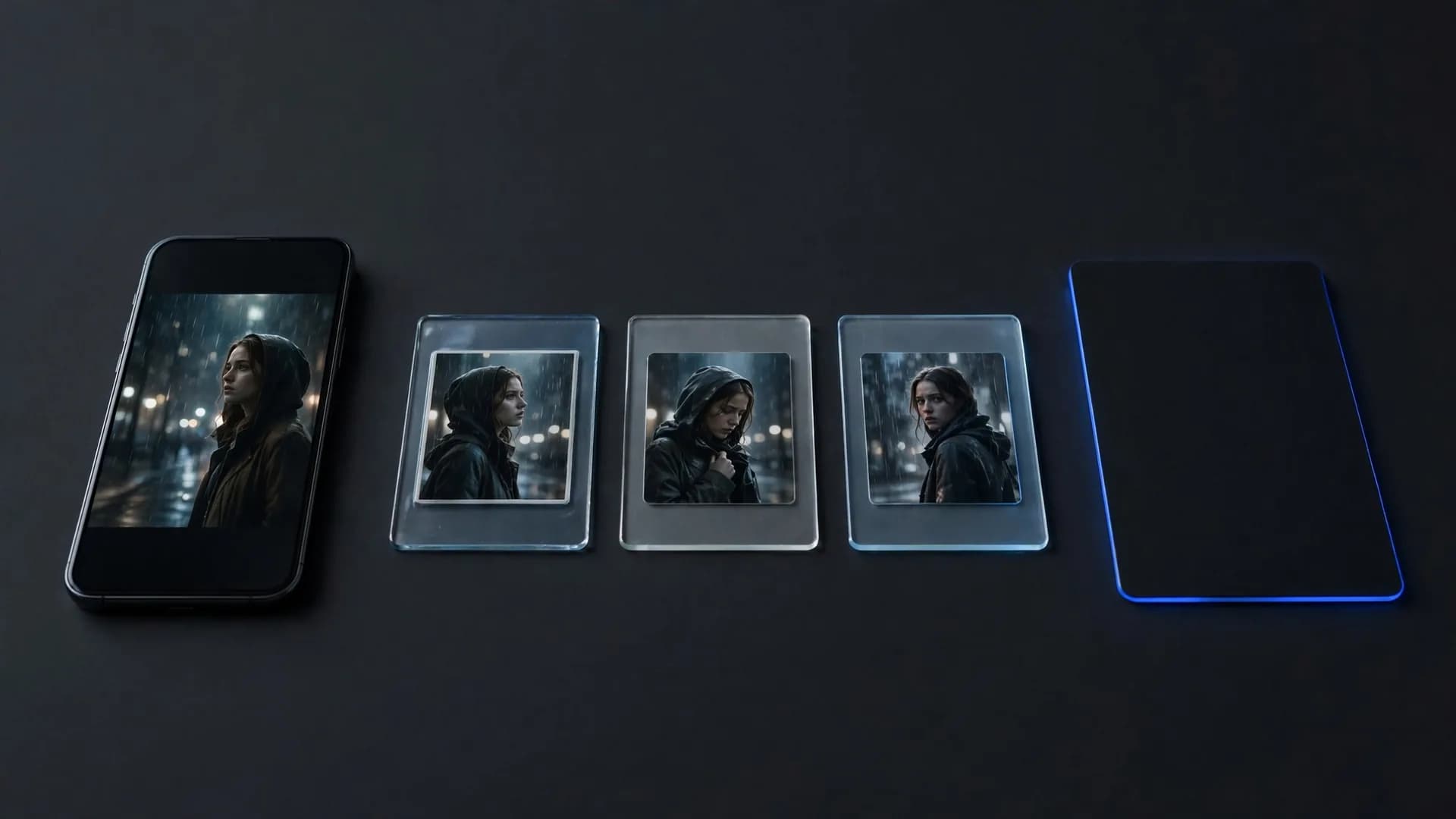
A drenched detective in a tan trench coat steps under a flickering magenta sign while water droplets bounce off the camera lens.

2. Quiet ceramic studio

A potter's wet hands shape a spinning clay vase as morning sunlight cuts through dusty studio windows in a slow push-in shot.

3. High-speed desert pursuit

A vintage muscle car drifts around a red rock canyon curve, sending a thick dust trail billowing toward a low tracking camera.

4. Midnight kitchen preparation

An experienced chef slices fresh herbs on a wooden cutting board with precise, rapid knife motions under warm pendant lamps.

5. Foggy coastal lighthouse

Ocean waves crash against dark jagged rocks while a rotating beacon cuts through heavy sea mist during twilight.

Sora 2 cinematography tips for dynamic camera movement in AI videos

These Sora 2 cinematography tips focus on explicit focal length, camera elevation, and smooth tracking speeds to prevent warped frames. To see how camera moves compare across models, read Veo 3 vs Sora 2.
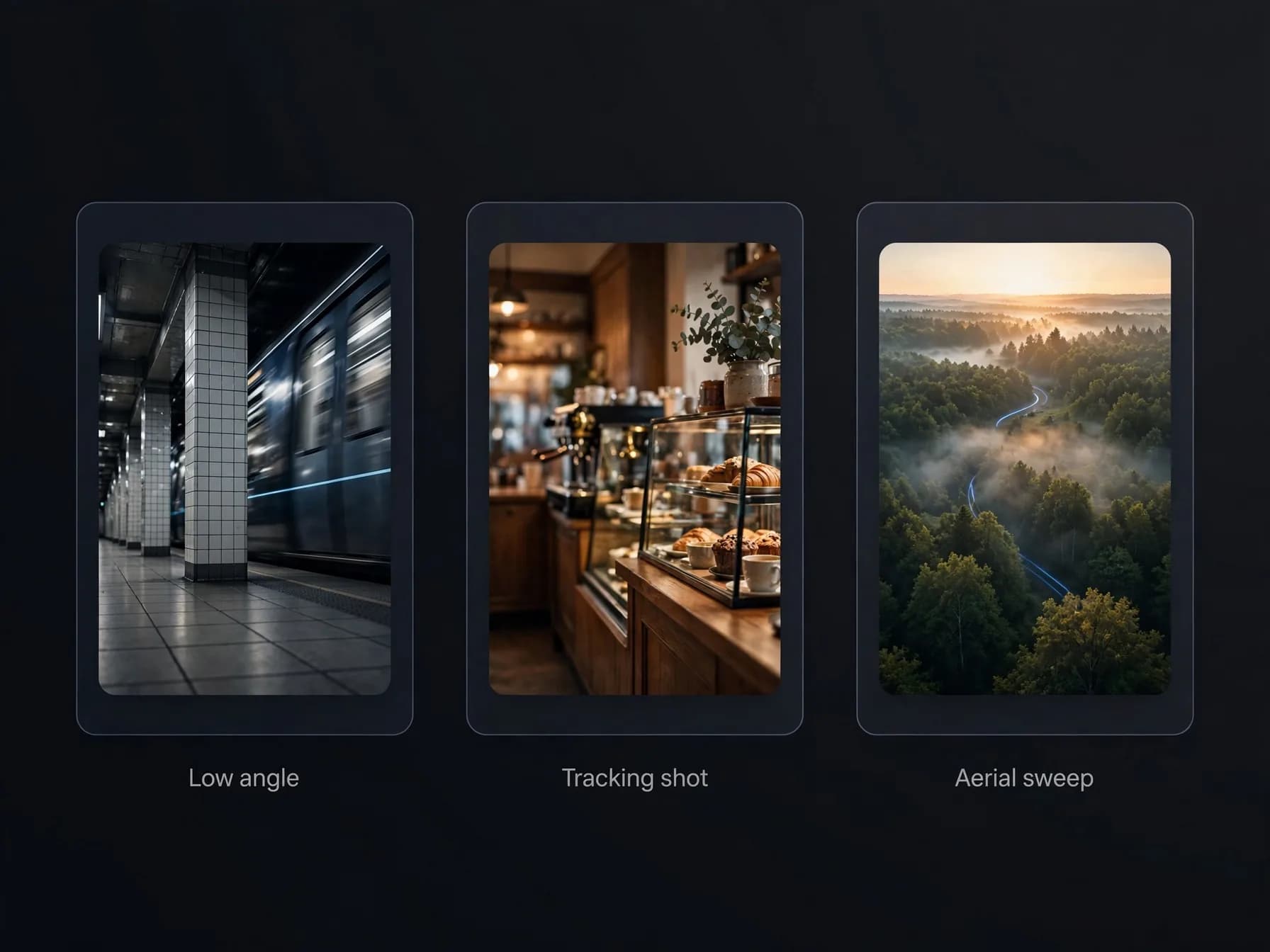
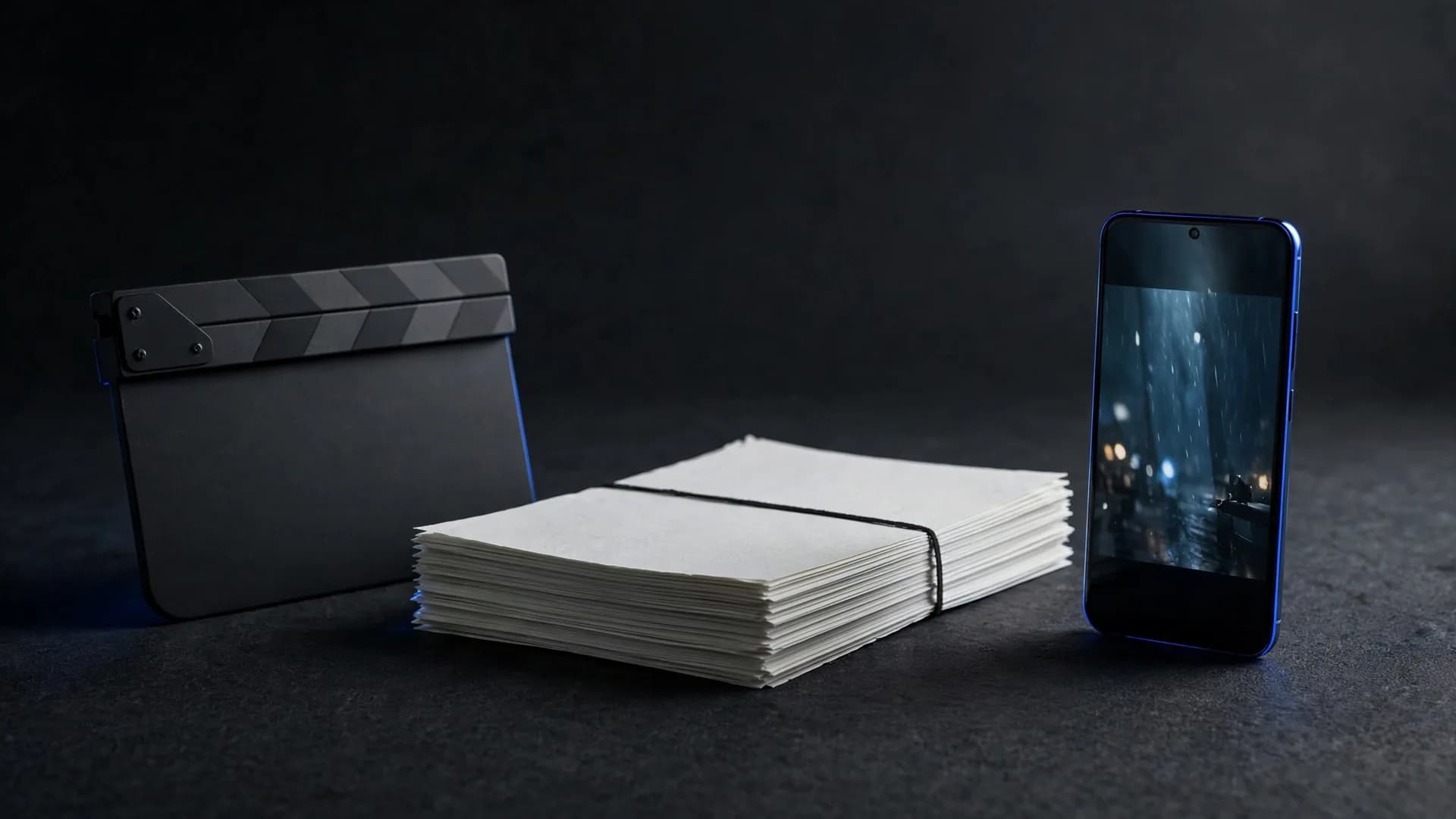
Camera move examples: a low-angle subway shot, a coffee shop tracking shot and an aerial forest sweep

6. Low-angle subway platform

An empty commuter train rushes past tiled pillars while the floor-level camera tilts upward as wind whips discarded paper.

7. 35mm coffee shop tracking shot

The camera glides past patrons chatting in booths to settle on a steaming porcelain cup near rain-streaked glass.

8. Aerial forest sweep

A drone perspective descends rapidly through pine treetops to reveal a winding mountain stream running over smooth granite stones.

9. Handheld skateboard follow

The camera tracks inches above the pavement behind a skater rolling down a concrete drainage ditch in afternoon sun.

10. Dutch angle warehouse reveal

A slow tilting crane shot rises above shipping containers to frame an industrial shipyard under overcast grey skies.

How to prompt Sora 2 for atmospheric sci-fi AI videos

Learning how to prompt Sora 2 for futuristic sequences requires clear architectural textures and controlled lighting to preserve sharp visual fidelity.
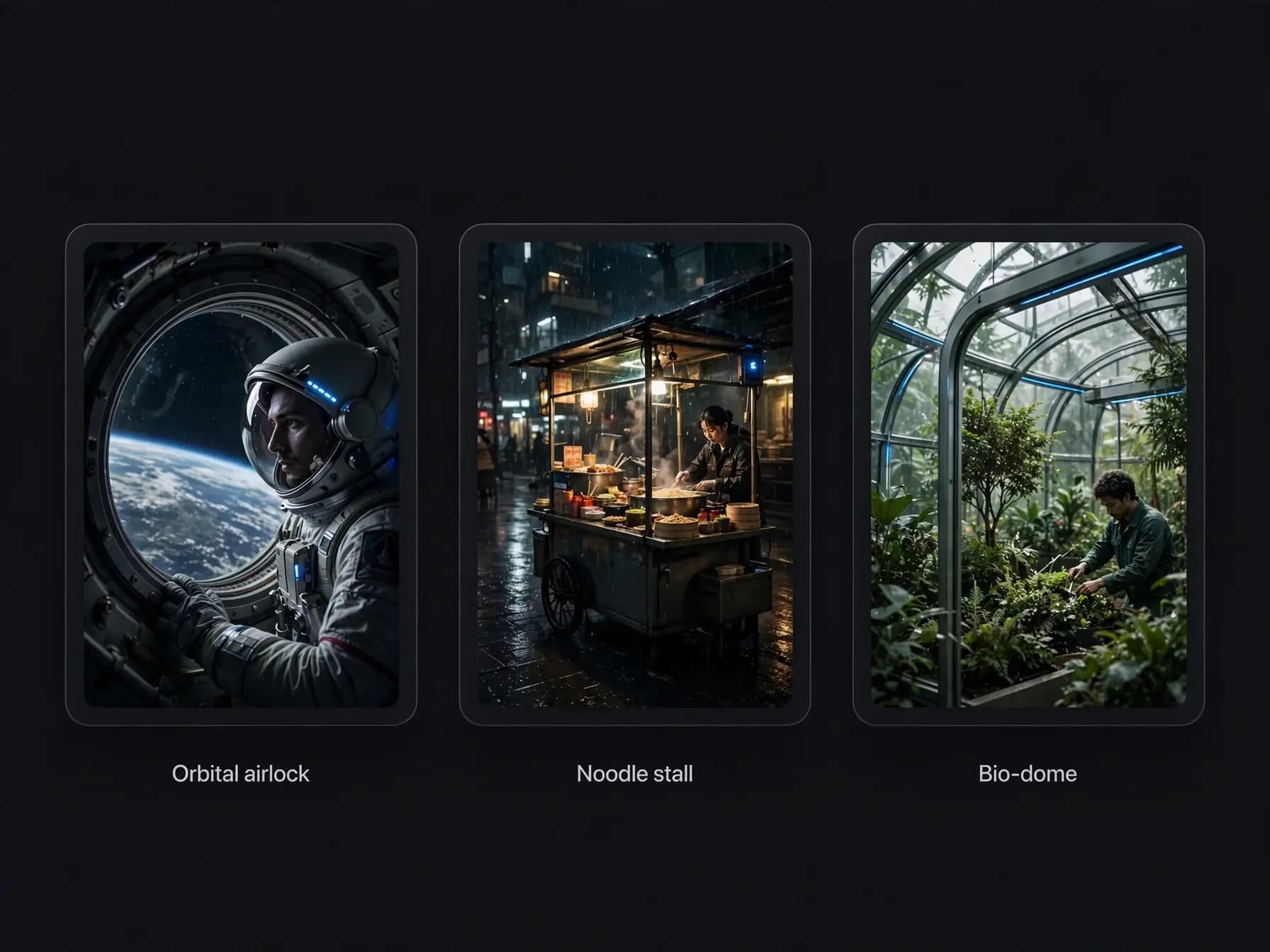
Sci-fi prompt examples: an orbital airlock, a cyberpunk noodle stall and a bio-dome greenhouse

11. Orbital station airlock

An astronaut in a pressurized suit watches Earth rotate through a thick observation window as warning lights blink rhythmically.

12. Cyberpunk street noodle stall

Steam rises from boiling broth while holographic advertisements reflect across wet stainless steel counters and rain slickers.

13. Bio-dome botanical survey

A research drone hovers beside giant bioluminescent ferns that pulse with soft cyan illumination in a subterranean cavern.

14. Deep-space salvage deck

Sparks shower across a rusted cargo bay floor as an engineer cuts through an airlock hatch with a handheld plasma torch.

15. Ancient crystal temple

A wanderer steps into a cavernous hall where towering emerald pillars refract beam light into floating geometric patterns.

Sora 2 prompt guide for commercial and creator AI videos

This Sora 2 prompt guide highlights realistic framing, crisp subject isolation, and believable physical interactions for promotional concepts. You can run any of these prompts in an AI video generator that offers Sora 2.
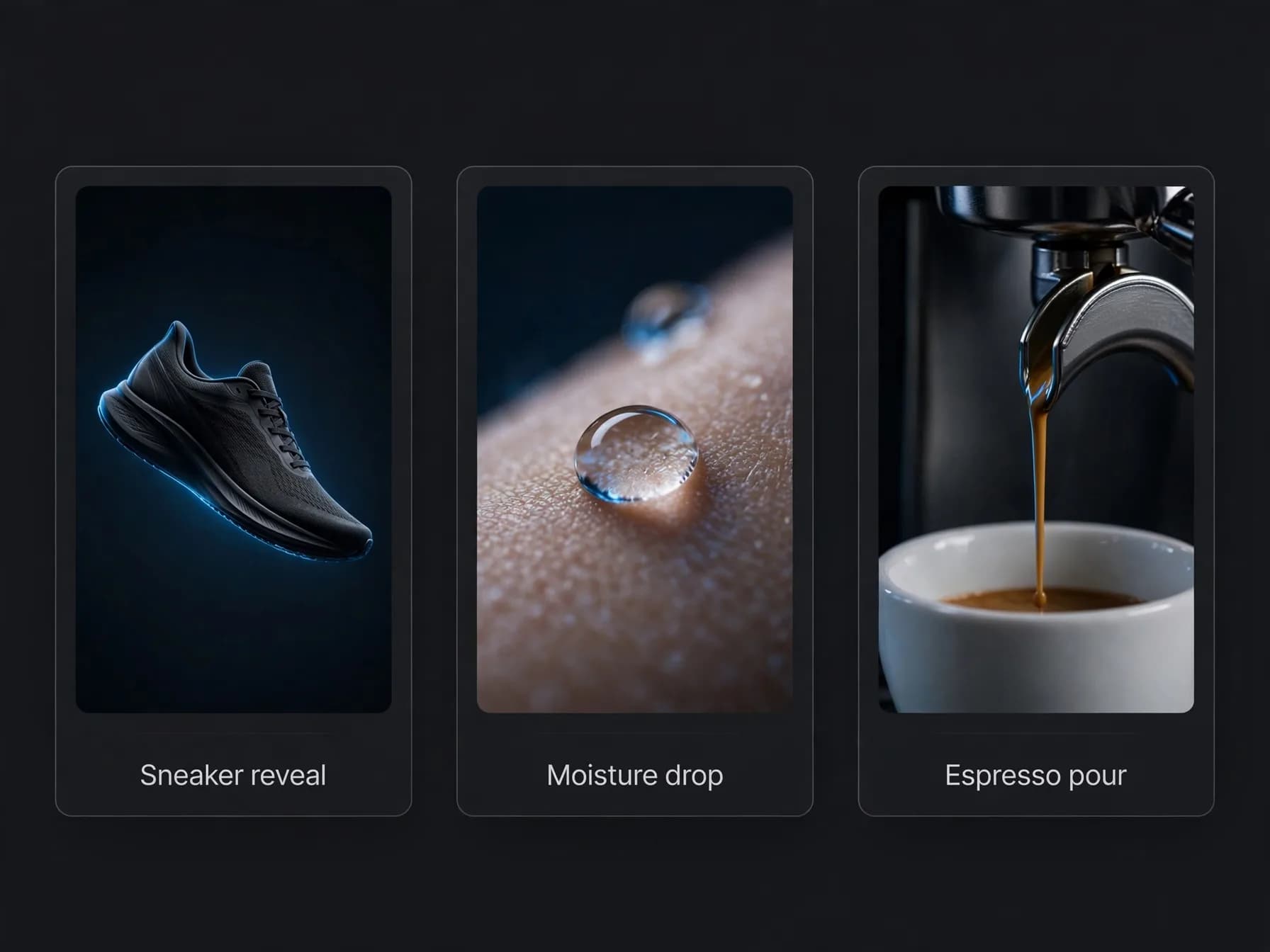
Product prompt examples: a floating sneaker, a macro moisture drop and an espresso pour

16. Ergonomic sneaker reveal

A running shoe rotates smoothly in mid-air while dynamic rim lighting traces the woven fabric and cushioned sole.

17. Skincare moisture drop

Macro focus on a glass dropper releasing a single serum bead onto textured clean skin in bright bathroom lighting.

18. Artisanal espresso pour

Rich dark espresso drizzles into a transparent glass cup, blending with cold milk in swirling amber layers.

19. Headphone studio portrait

A music producer nods along to playback in a sound booth as subtle studio meters bounce in the blurred background.

20. Watchmaker bench detail

Fine tweezers place a golden gear into an exposed mechanical movement under a focused magnifying lamp.

Stylized animation prompts for artistic AI videos

Applying these prompting principles to illustrative aesthetics requires specifying flat shading, line weight, and color palettes rather than photorealism. New to the workflow? Start with how to turn text into video.
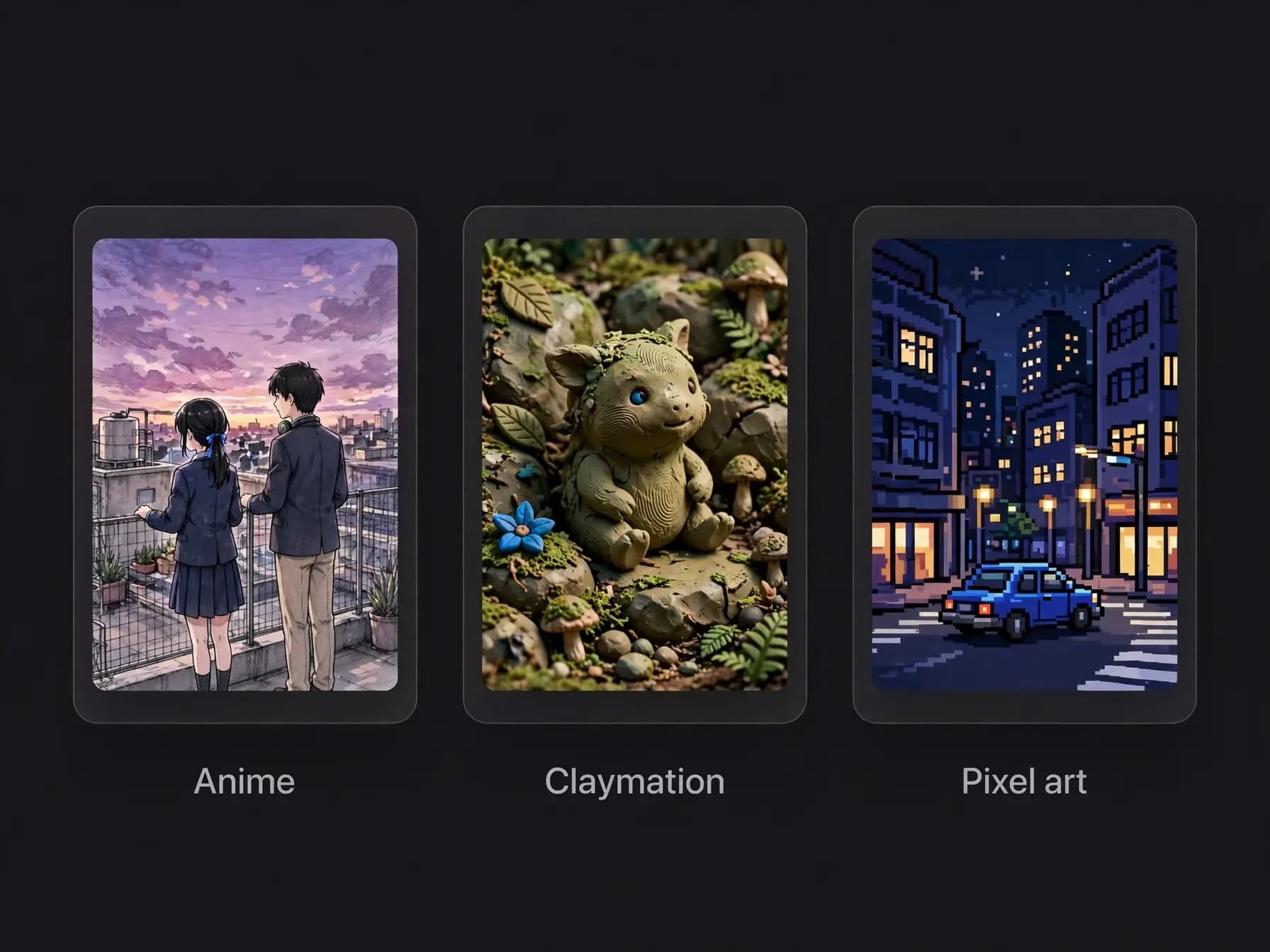
Stylized prompt examples in three styles: an anime rooftop, a claymation forest creature and a pixel-art city

21. Hand-drawn anime rooftop

Two students lean against a wire fence watching purple sunset clouds drift past telephone poles in a breeze.

22. Claymation forest creature

A round mossy creature walks on stubby legs across a miniature dirt path, kicking up tiny clay pebbles.

23. Vintage paper cutout adventure

Flat paper waves rise and fall in stop-motion rhythms as a miniature cardboard ship rocks through a storm.

24. Retro pixel city drive

An eight-bit sports car cruises along an endless coastal highway as a gradient sunset shifts behind palm tree silhouettes.

25. Watercolor botanic garden

Soft pastel pigments bleed across wet paper to reveal blossoming cherry trees swaying beside a koi pond.

Documentary and nature prompts for realistic AI videos

Testing Sora 2 prompt examples with natural history settings demonstrates how natural light and animal motion produce grounded documentary clips.
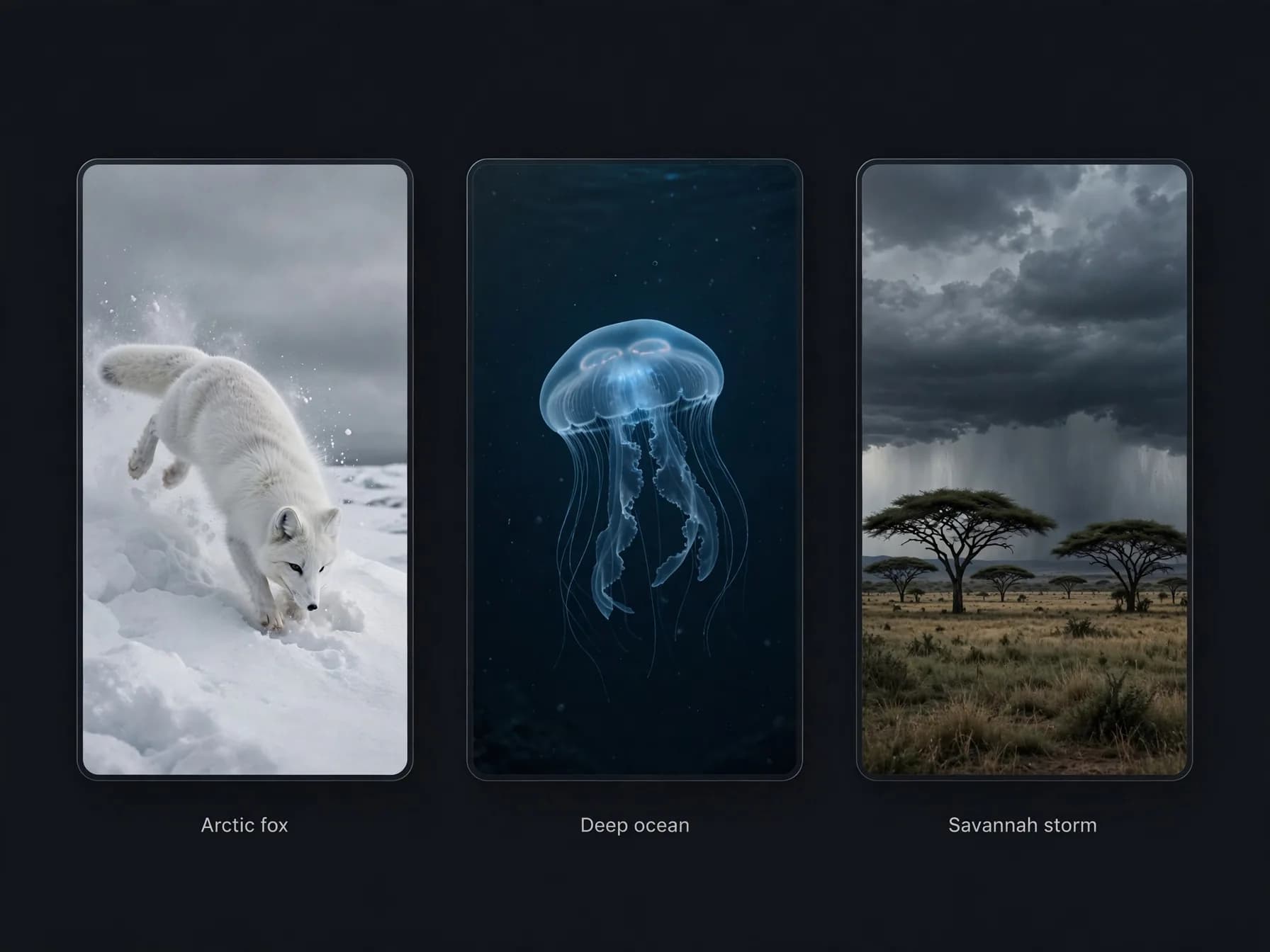
Nature prompt examples: an arctic fox leaping into snow, a deep-ocean jellyfish and a savannah storm

26. Arctic fox tundra hunt

A white fox pounces headfirst into deep powdery snow beneath muted grey skies before emerging with a prize.

27. Deep ocean bioluminescence

A translucent comb jelly pulses with rainbow interference patterns as it drifts through pitch-black abyssal waters.

28. Savannah thunderstorm approach

Dust devils swirl across dry grass while a herd of zebras turns toward dark storm clouds rolling over the plain.

29. Volcanic fissure eruption

Glowing orange magma bubbles and splashes against dark basalt shelves as steam vents hiss into night air.

30. Rainforest canopy dawn

Golden sunbeams pierce heavy morning fog as howler monkeys move through dense vine-covered branches.

31. Desert dune wind pattern

Fine sand cascades down the curved ridge of a massive orange dune under intense midday desert sun.

32. Glacial river meltwater

Turquoise glacial water rushes violently through a narrow limestone canyon, spraying mist across mossy riverbanks.

Key takeaways from this Sora 2 prompt guide

Creating cinematic AI video comes down to structuring your instructions around clear camera angles, lighting details, and deliberate physical actions.

Testing proven prompt patterns saves credits and cuts down on unexpected motion glitches across every clip you generate. With the core principles in this Sora 2 prompt guide, you can direct complex visual scenes with dependable consistency.

Frequently asked questions about our Sora 2 prompt guide

Find straightforward answers to common questions about generating cinematic AI video clips, camera directions, and applying this Sora 2 prompt guide to get consistent results.

What is the core formula outlined in a modern Sora 2 prompt guide?

A reliable Sora 2 prompt guide structures prompts into four distinct elements: subject description, explicit action, camera framing, and lighting environment. Stating these details in plain declarative sentences keeps the model focused on natural motion. OnVid's AI video generator supports Sora 2 Pro on the Max plan, letting you paste structured prompts directly to create clips up to 60 seconds.

Where can creators find an up-to-date Sora 2 prompt guide for realistic lighting?

Most creators consult community forums or curated tutorials like this Sora 2 prompt guide to identify specific illumination terms such as golden hour backlight or volumetric warehouse neon. Following clear lighting cues prevents washed-out frames and keeps textures sharp across moving shots. You can test these cinematic lighting recipes across advanced models inside OnVid to compare visual consistency.

What are the most reliable Sora 2 camera movement examples for cinematic shots?

The most dependable Sora 2 camera movement examples include slow push-ins, low-angle tracking dollies, and orbital pan shots around a central subject. Describing the camera as physical equipment with a specific lens millimeter gives the model concrete spatial constraints. Adding smooth gimbal tracking to your description helps eliminate sudden perspective warping during complex motion.

What elements define the best Sora 2 video prompts for storytelling?

The best Sora 2 video prompts avoid vague adjectives like hyperrealistic and instead specify exact character actions, background activity, and pacing. Mentioning small physical interactions, such as steam rising from a porcelain mug while rain hits a window, anchors the physical simulation. You can explore how to write video script with AI to structure multi-shot sequences before generating.

How does prompting Sora 2 differ from prompting older video systems?

Older systems required keyword stuffing with terms like octane render, whereas modern models prioritize natural syntax and spatial logic. When following a comprehensive Sora 2 prompt guide, you write continuous prose that explains what happens chronologically across the scene. This narrative method produces fluid physics and realistic momentum in an AI video generator.

Can Sora 2 prompts generate synchronized dialogue and ambient sound effects?

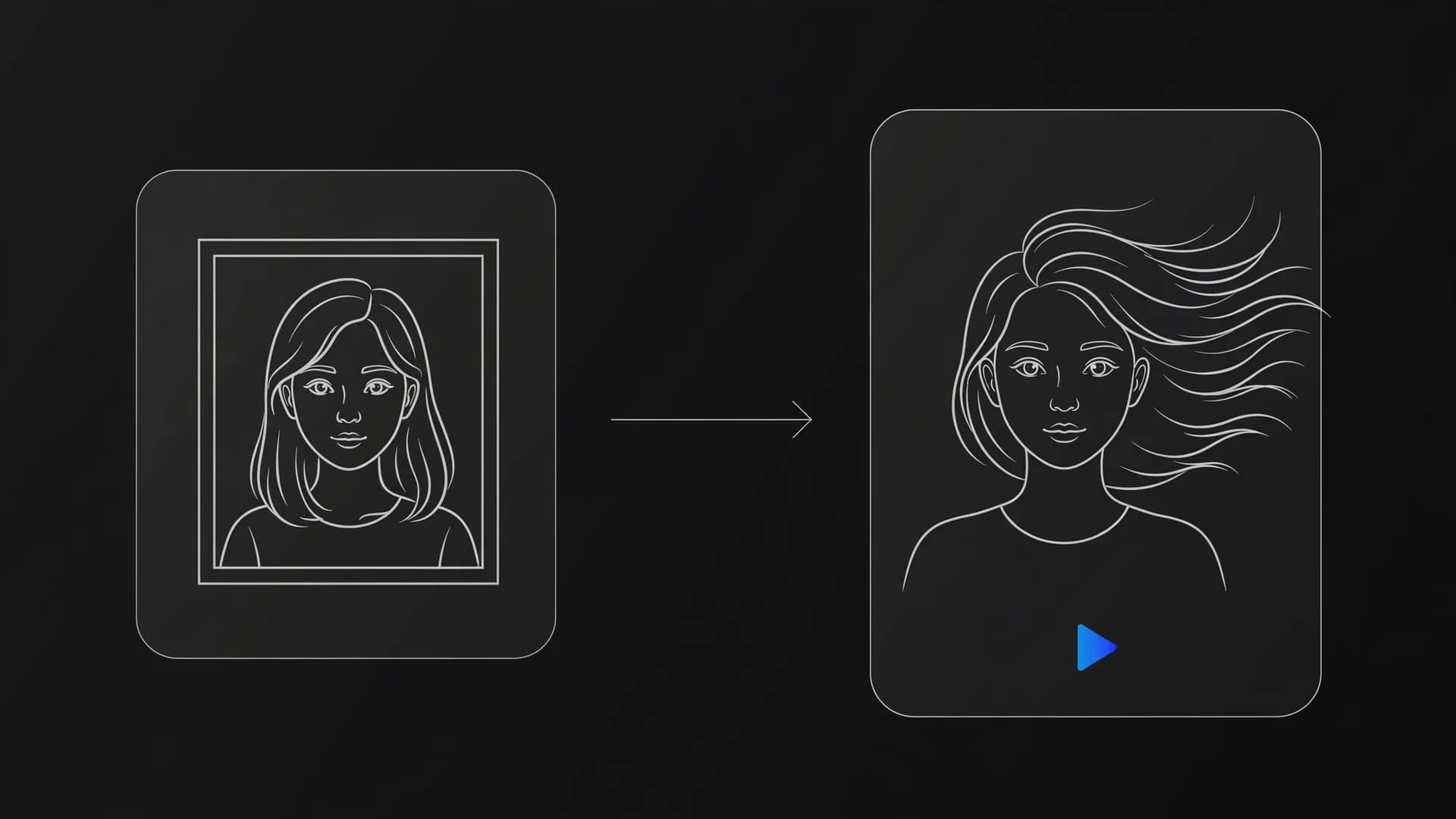
Sora 2 interprets descriptive auditory cues such as crunching gravel, muffled city sirens, or quiet conversational tones alongside visual directions. Specifying both sound and visual pacing in your prompt produces tighter audiovisual cohesion. If you need dedicated voice tracks, OnVid also features talking photo tools with automated lip sync for character portraits.

How long can video clips generated with Sora 2 run on OnVid?

Videos generated on OnVid are metered by credits per second and run up to 30 seconds on the Pro plan or up to 60 seconds on the Max plan. Sora 2 Pro is available exclusively on the Max plan for extended high-definition clips. Plan credits automatically refund if a video fails.

Can you use starting images alongside prompts in Sora 2?

Sora 2 supports image-to-video workflows where an uploaded still frame establishes characters, art direction, and set geometry. Your written prompt then instructs the model on how camera movement and scene elements should develop from that initial frame. OnVid provides a versatile AI video generator interface across multiple flagship models, including Sora 2 Pro on the Max plan.

Can I use Sora 2 video generations for commercial projects?

Commercial use depends on the model that made the video; check the OnVid Terms of Service and the model's terms before commercial use.

Do I need a prompt enhancer when creating prompts for Sora 2?

Prompt enhancers can expand brief ideas into rich environmental descriptions, but over-embellished prompts sometimes dilute your original vision. Starting with your own direct subject and action description usually yields more controllable results. When you learn how to turn text into video effectively, simple and precise directions outperform paragraphs of flowery text.

How do you prevent distorted hands or warped physics in Sora 2 prompts?

Preventing physics anomalies requires specifying grounded interactions and moderate speeds rather than rapid, chaotic acrobatics. Directing subjects to hold solid objects or walk at an even pace helps the neural network maintain anatomical boundaries. Keeping camera movements smooth rather than erratic also preserves structural detail across frames.

How do you specify non-photorealistic styles like anime or claymation in Sora 2?

You should state the visual medium explicitly in the opening clause, such as hand-drawn 2D cel animation or stop-motion plasticine miniature. Mentioning tactile properties like visible thumbprints on clay or inked line weight guides the visual style effectively. Combining medium descriptions with consistent lighting cues ensures the stylized aesthetic holds across the entire clip.

What is the top advice shared in Reddit communities regarding Sora 2 prompts?

Community discussions consistently emphasize pacing your scene chronologically and establishing camera perspective before introducing moving elements. Members also recommend testing concepts in short test clips before committing plan credits to full 60-second videos. Checking peer discussions often reveals niche lens descriptions and lighting keywords that yield cinematic contrast.

How do you prompt multiple people interacting without blending their features?

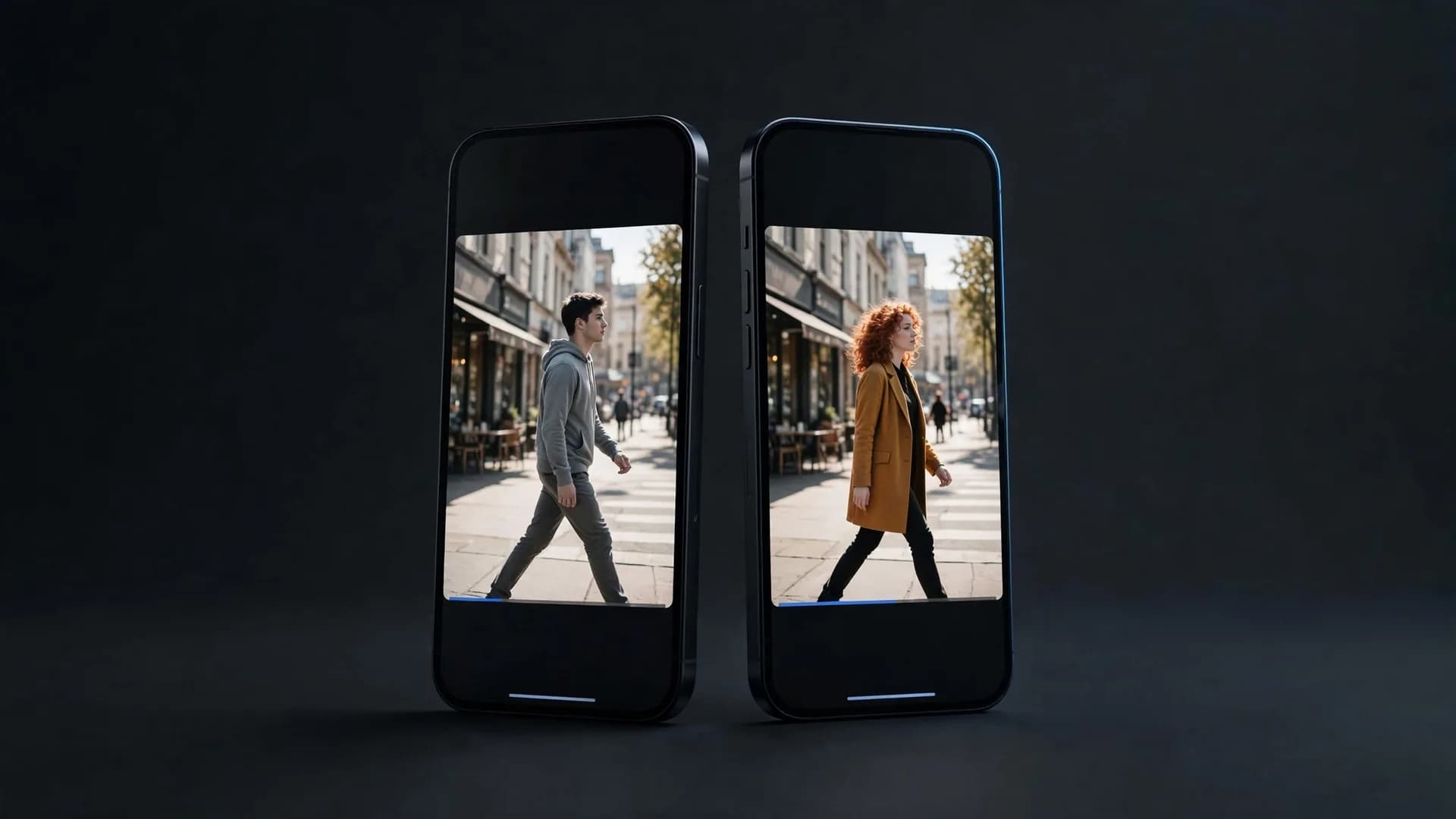
To keep multiple characters distinct, describe each person with unique clothing colors, physical heights, and separate screen positions. Phrases like a tall woman in a yellow coat standing screen left talking to a shorter man in gray on the right prevent cross-contamination of features. Setting clear spatial boundaries keeps identities stable throughout the sequence.

How do you write a prompt for authentic user-generated content or phone video?

To achieve a casual social media aesthetic, specify mobile phone camera recording, handheld vertical orientation, natural ambient bedroom lighting, and slight camera shake. Direct the subject to look straight into the camera lens with informal conversational posture. Avoiding cinematic terminology like 35mm film or anamorphic flares keeps the footage grounded in an unpolished mobile look.

Can I use Sora 2 on OnVid without a paid subscription?

Creating an account lets you explore the OnVid platform and test features. Generating with advanced models like Sora 2 Pro requires credits from the Max plan at $14.99 a week or $28.99 a month. All plan credits are metered per second, and credits automatically refund if a video encounters an error.

See similar blogs

More from the blog